





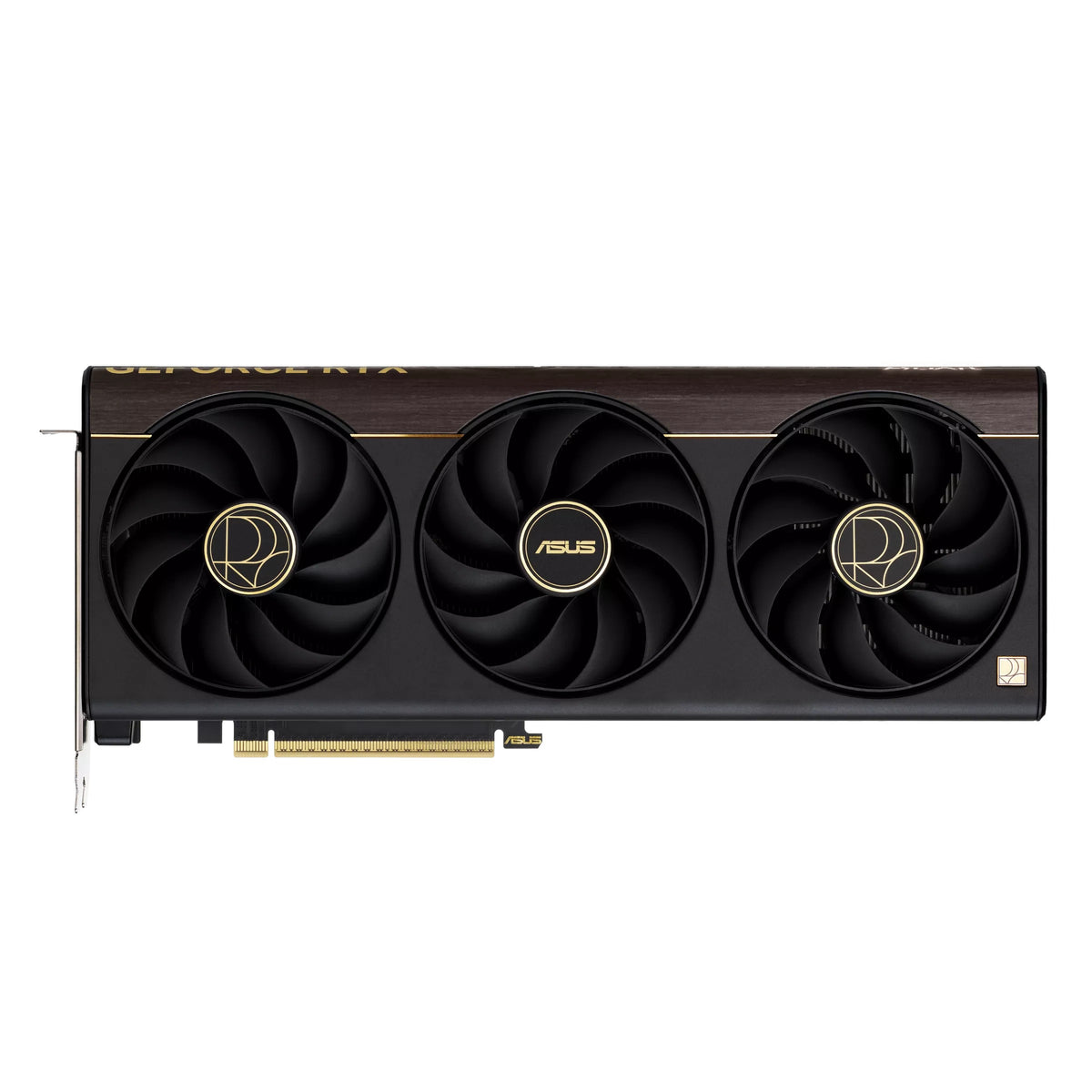


Description


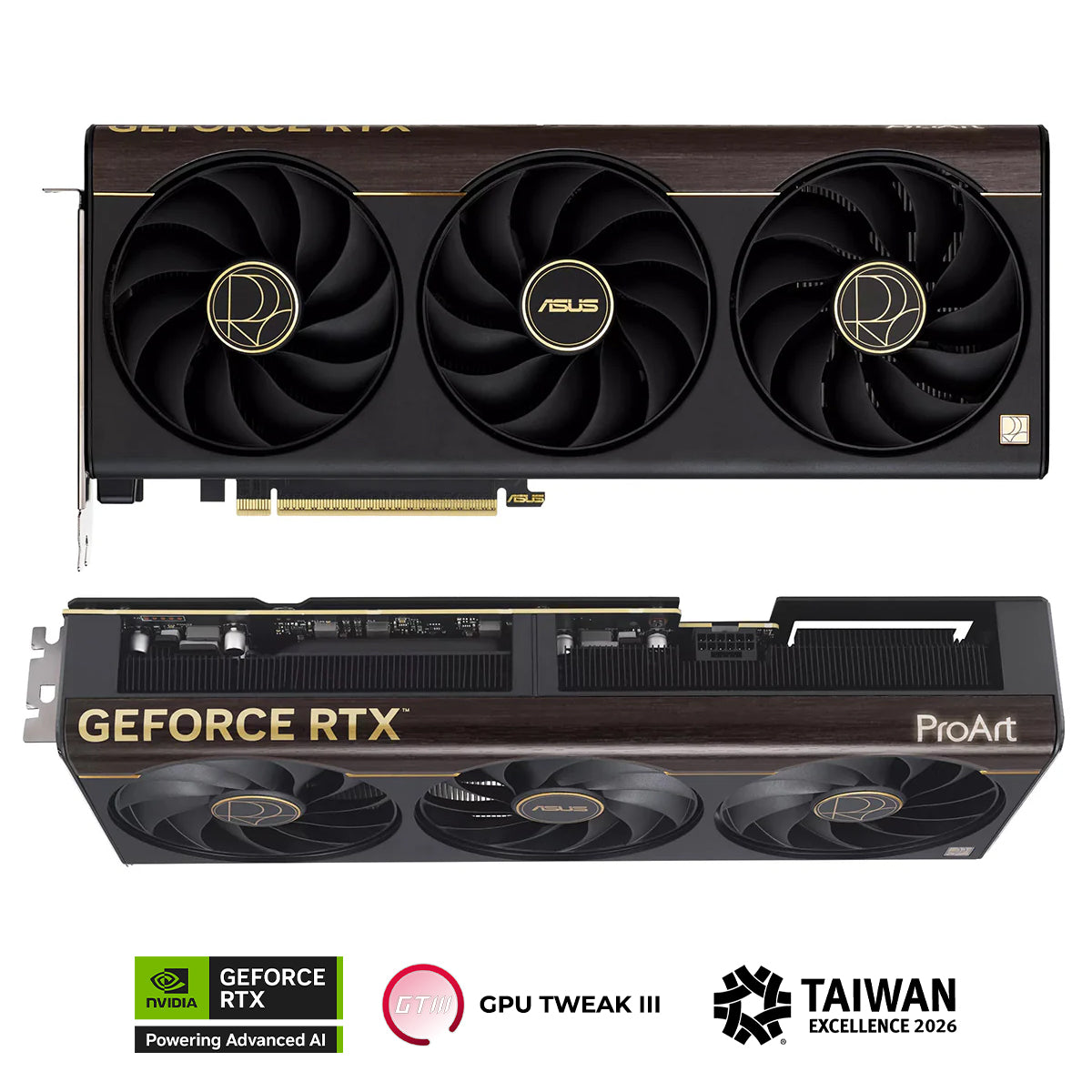
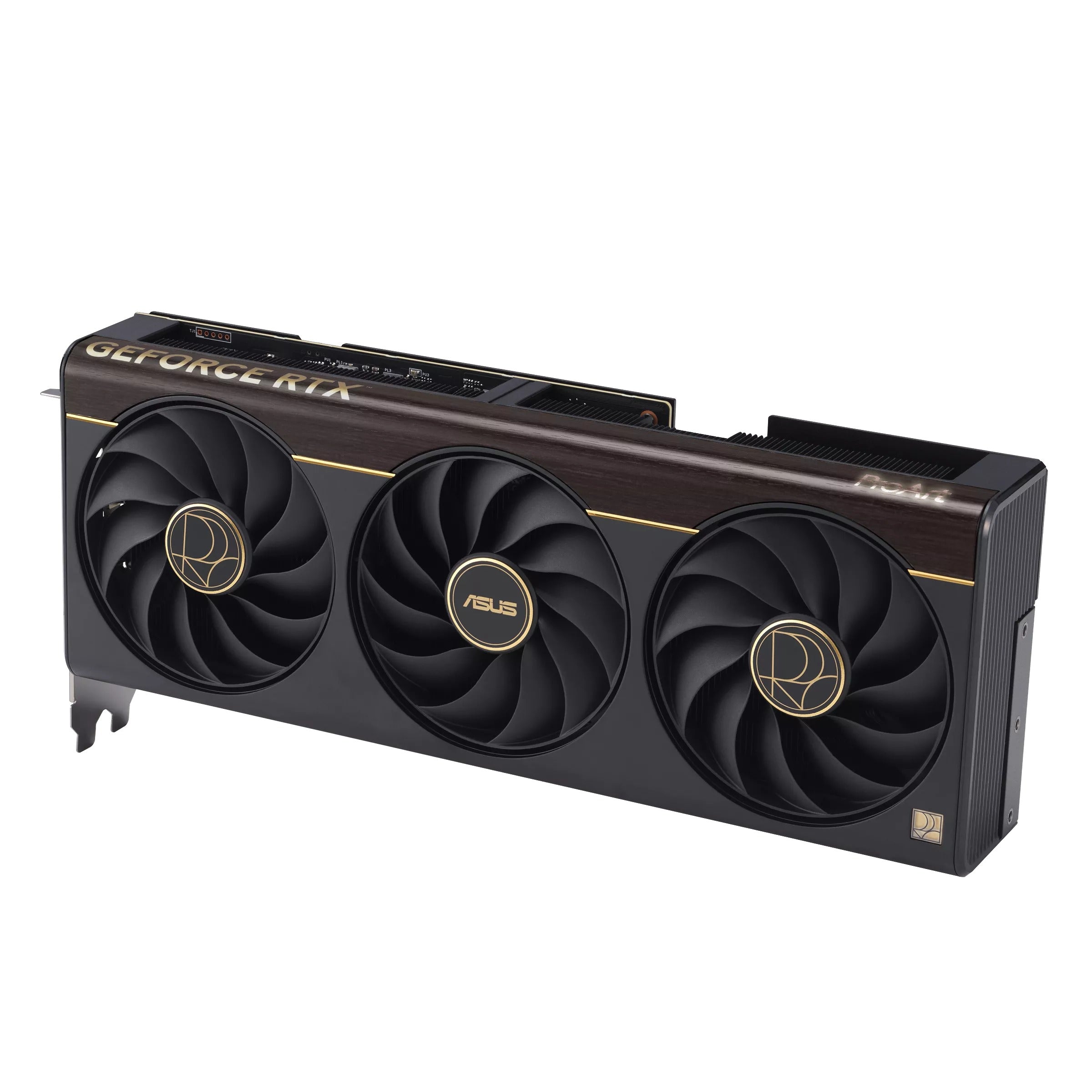
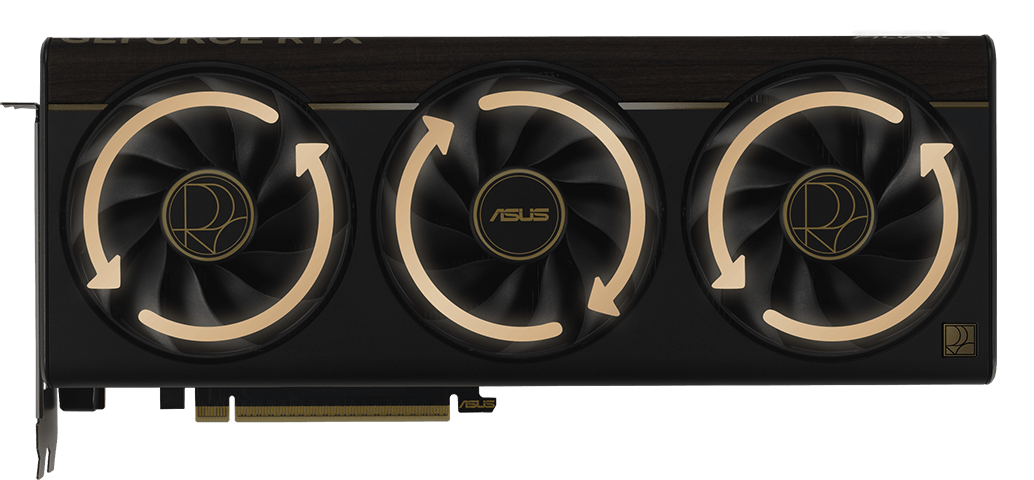
Reverse Rotation and 0dB TechnologyThe two outer fans spin counterclockwise to minimize turbulence and to maximize air dispersion through the heatsink. All three fans come to a standstill when GPU temperatures are below 50°C, enabling you to perform light creative tasks in relative silence. Fans start up again when temps are over 55°C, referencing a speed curve that balances performance and acoustics for work or play. |
|
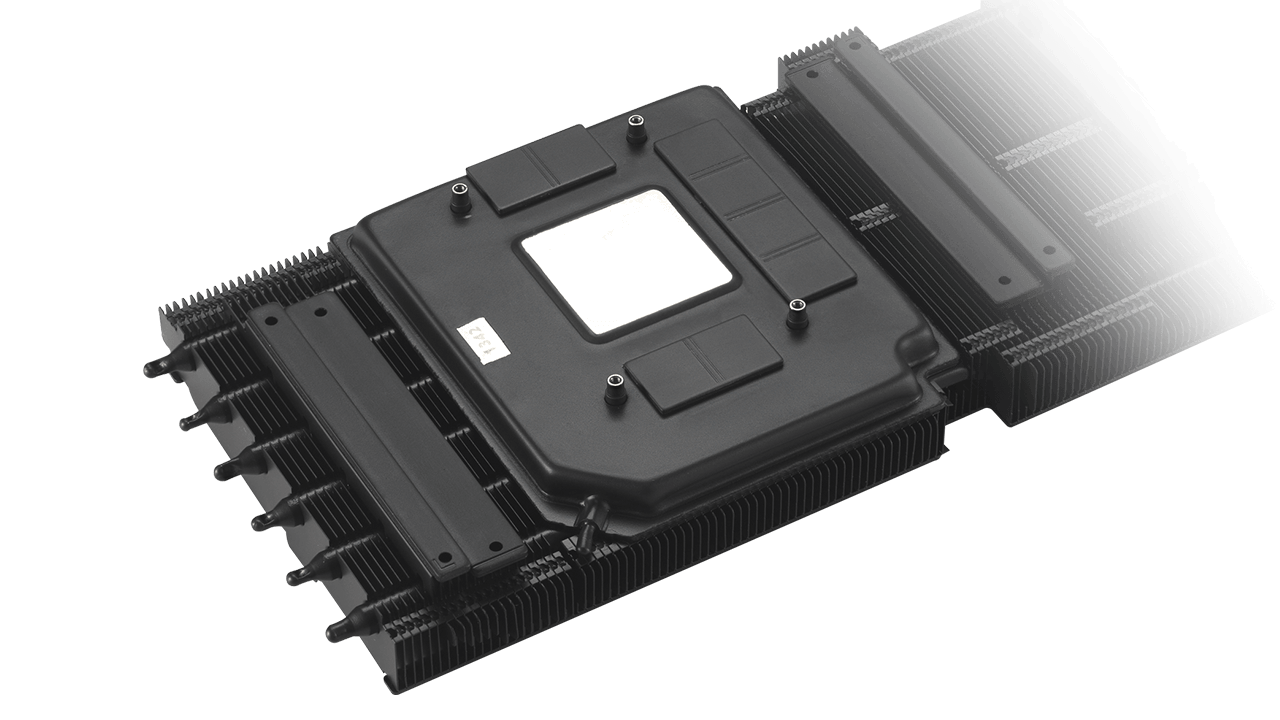 |
Vapor ChamberA vapor chamber, heatpipes and heatsink efficiently soak up heat from the GeForce RTX 5070 Ti GPU, helping to ensure premium performance in a variety of scenarios. |
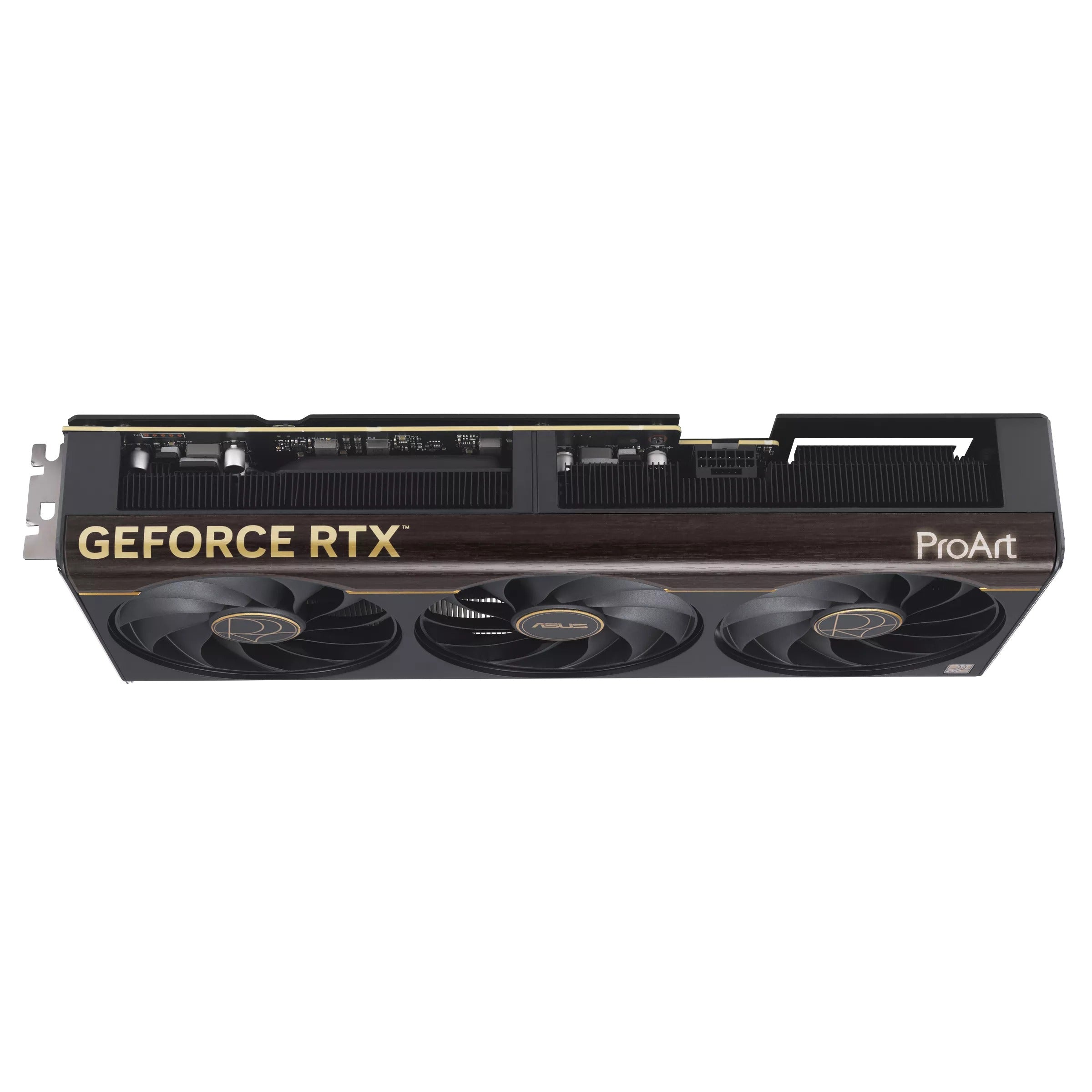
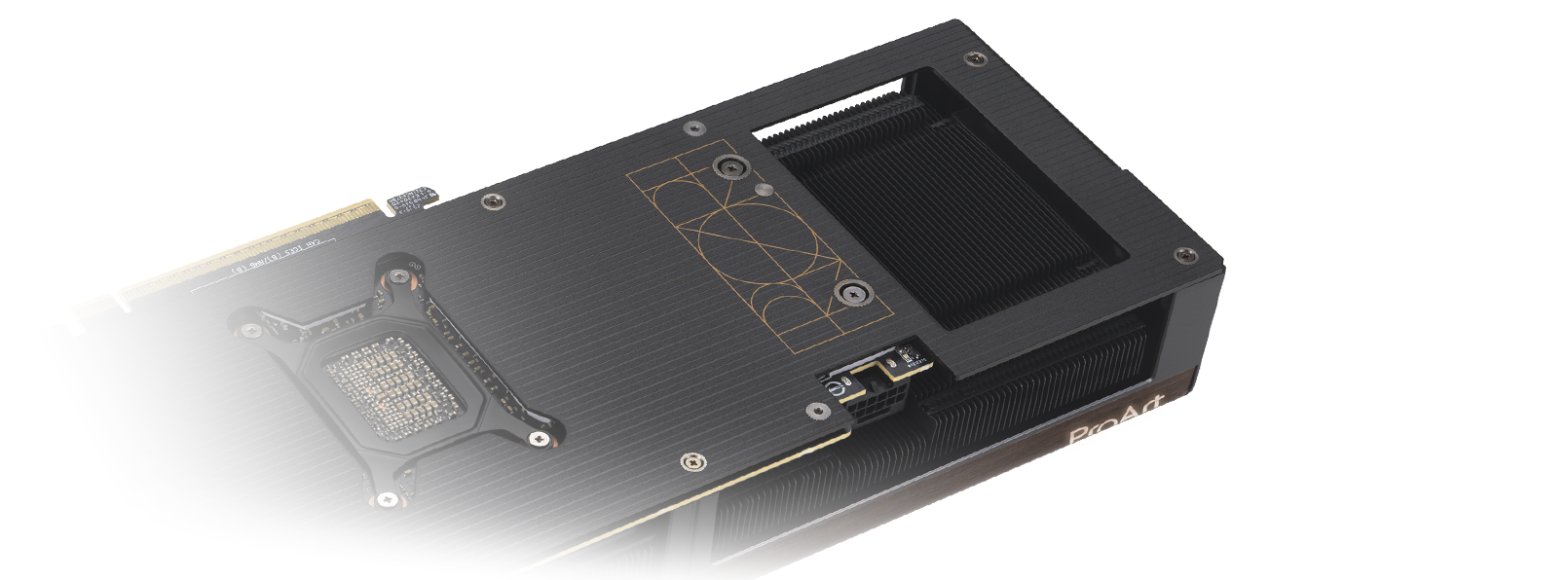
Vented BackplateLarge backplate vents significantly enhance heat dissipation, helping to keep temperatures nominal during intense tasks. This additional airflow helps ensure optimal temperatures, performance, longevity and stability. |
 |
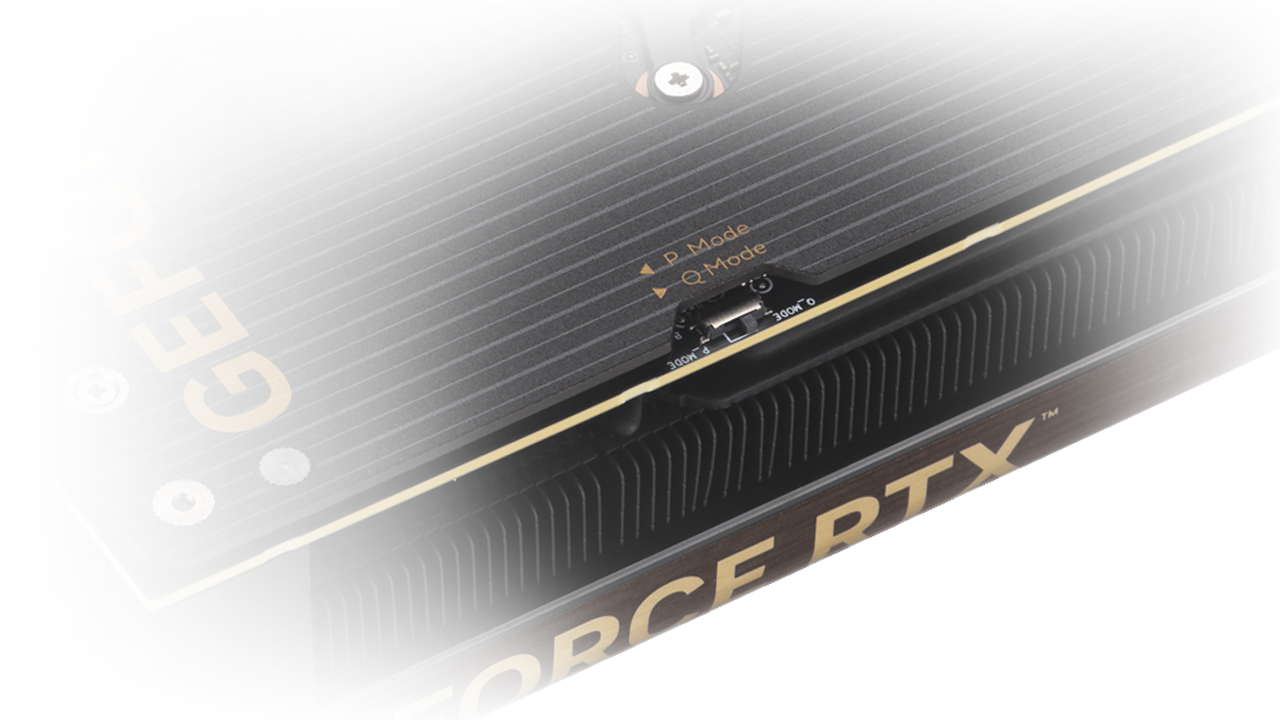 |
Dual BIOSPerformance mode lets the fans spin up to emphasize cooling, and Quiet mode keeps the same power target and top-end settings while offering a less aggressive fan curve for quieter operation at moderate temperatures. |
MaxContact DesignMaxContact is an ASUS-exclusive manufacturing technique that effectively increases the surface area of the GPU heat spreader by 5% for improved thermal efficiency. |
Phase-Change GPU Thermal PadBy melting to effectively fill the gaps between the GPU and the thermal module, a premium phase-change GPU thermal pad provides superior thermal conductivity and enhanced heat dissipation, ensuring optimal performance and longevity for graphics cards under heavy loads. |
Unmatched Reliability
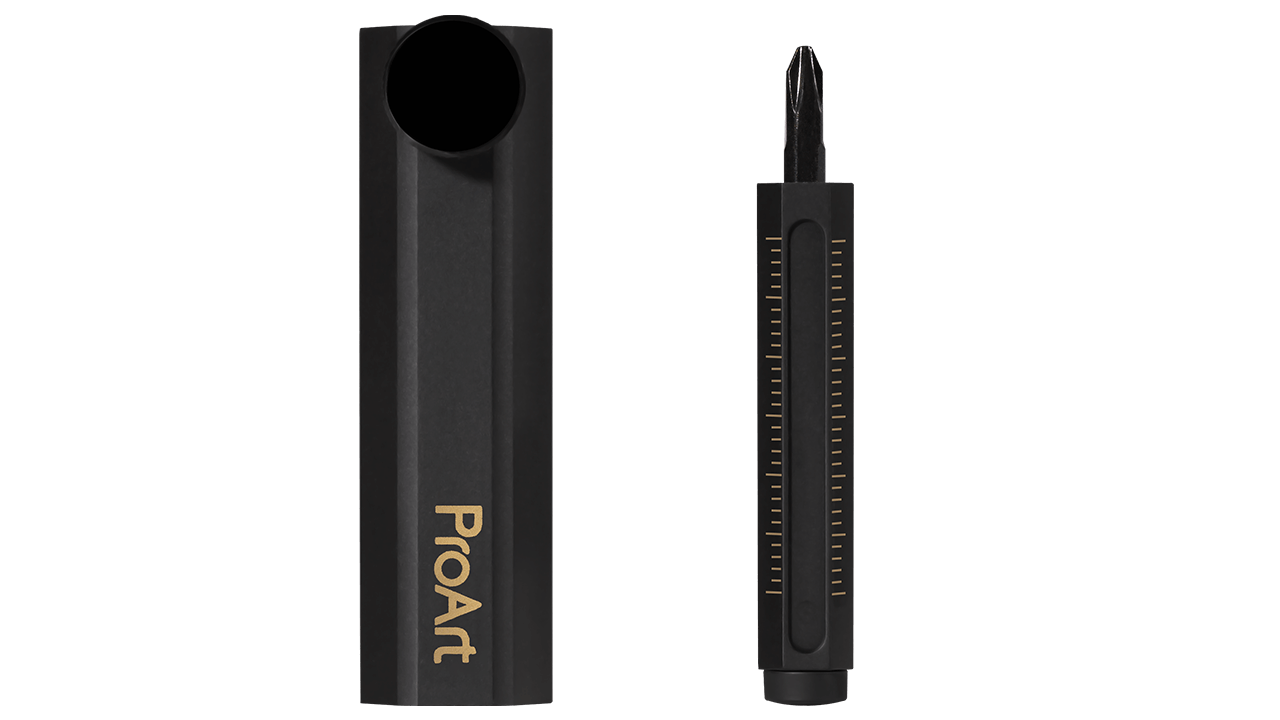
ASUS GPU Guard & BracketASUS GPU Guard applies adhesive to secure all four corners to reduce the risk of cracks, while a GPU bracket helps ensure uniform mounting pressure and extra stability. |
Protective PCB CoatingA protective conformal coating envelops the circuit board to help protect against short-circuits caused by moisture, dust or debris. |
Auto−Extreme TechnologyThis ASUS-exclusive automated manufacturing process sets a standard in the industry by allowing all soldering to be completed in a single pass, reducing thermal strain on components and avoiding the use of harsh cleaning chemicals. This unique process leads to reduced environmental impact, lower manufacturing power consumption and a more reliable product overall. |
|
 Pillar of Support
Specification:
| Model | PROART-RTX5070TI-O16G |
|---|---|
| Graphic Engine | NVIDIA® GeForce RTX™ 5070 Ti |
| Bus Standard | PCI Express 5.0 |
| OpenGL | OpenGL®4.6 |
| Video Memory | 16GB GDDR7 |
| Engine Clock | OC mode: 2610MHz Default mode: 2588MHz (Boost Clock) |
| CUDA Core | 8960 |
| Memory Speed | 28 Gbps |
| Memory Interface | 256-bit |
| Resolution | Digital Max Resolution 7680 x 4320 |
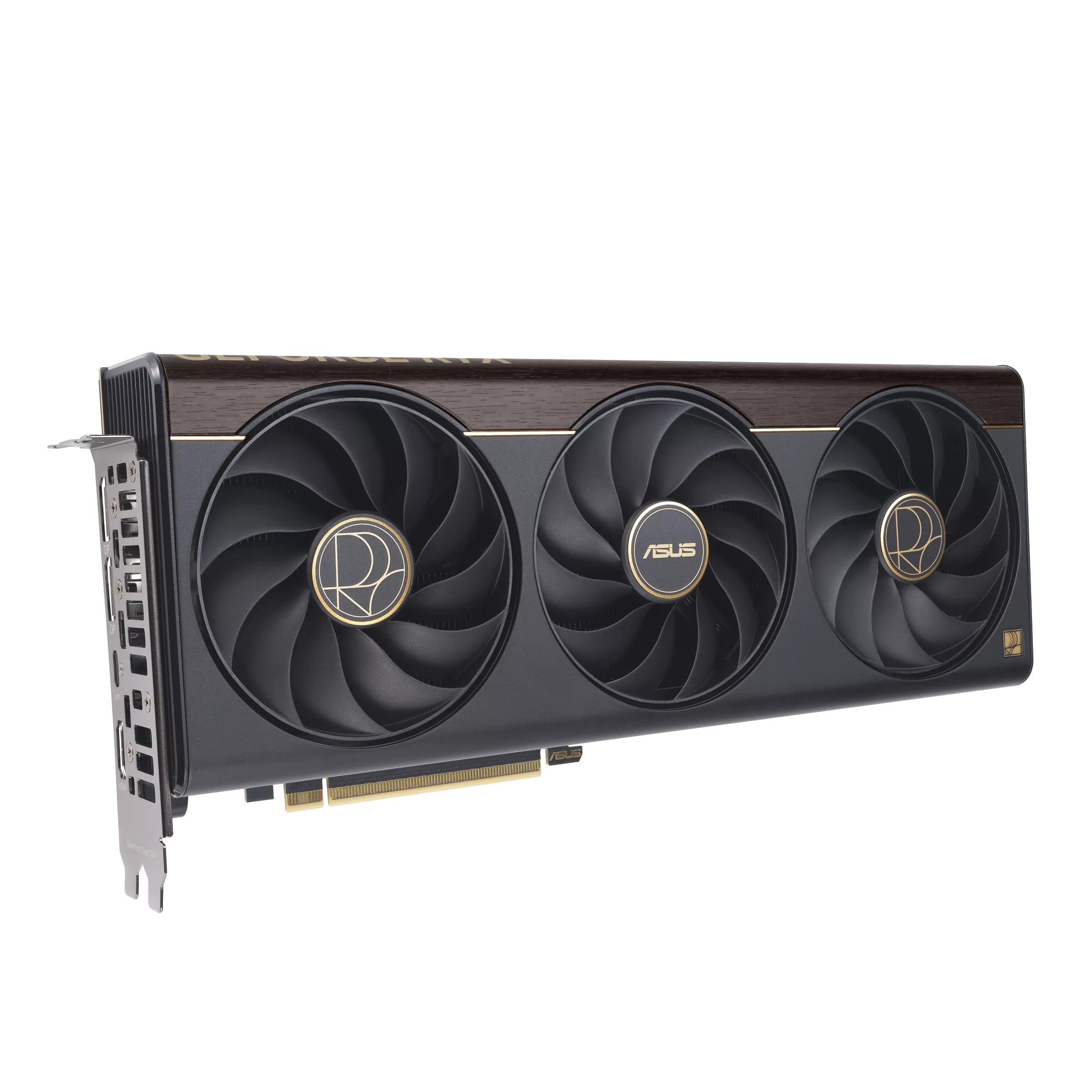
| Interface | Yes x 1 (Native HDMI 2.1b) Yes x 2 (Native DisplayPort 2.1b) Yes x 1 (USB Type-C) HDCP Support Yes (2.3) |
| Maximum Display Support | 4 |
| NVlink/ Crossfire Support | No |
| Accessories | 1 x Speedsetup Manual 1 x PROART Graphics Card Holder 1 x ASUS Velcro Hook & Loop 1 x Thank You Card 1 x Adapter Cable (1 to 3) |
| Software | ASUS GPU Tweak III & MuseTree & GeForce Game Ready Driver & Studio Driver: please download all software from the support site. |
| Dimensions | 304 x 126 x 50 mm 12 x 5 x 2 inch |
| Recommended PSU | 850W |
| Power Connectors | 1 x 16-pin |
| Slot | 2.5 Slot |
| AURA SYNC | ARGBW |
| SFF Ready | Compatible |
| Note | * Our wattage recommendation is based on a fully overclocked GPU and CPU system configuration. For a more tailored suggestion, please use the “Choose By Wattage” feature on our PSU product page. * All specifications are subject to change without notice. Please check with your supplier for exact offers. Products may not be available in all markets. If you do not use the latest and current specifications of ASUS products, you shall be liable for all loss and damage claimed by third party to ASUS based on false advertising or any other issues caused from using false specifications of ASUS products. * Maximum Display Support is specifically applied to simultaneous display situation. |
Customer Reviews
