


Description
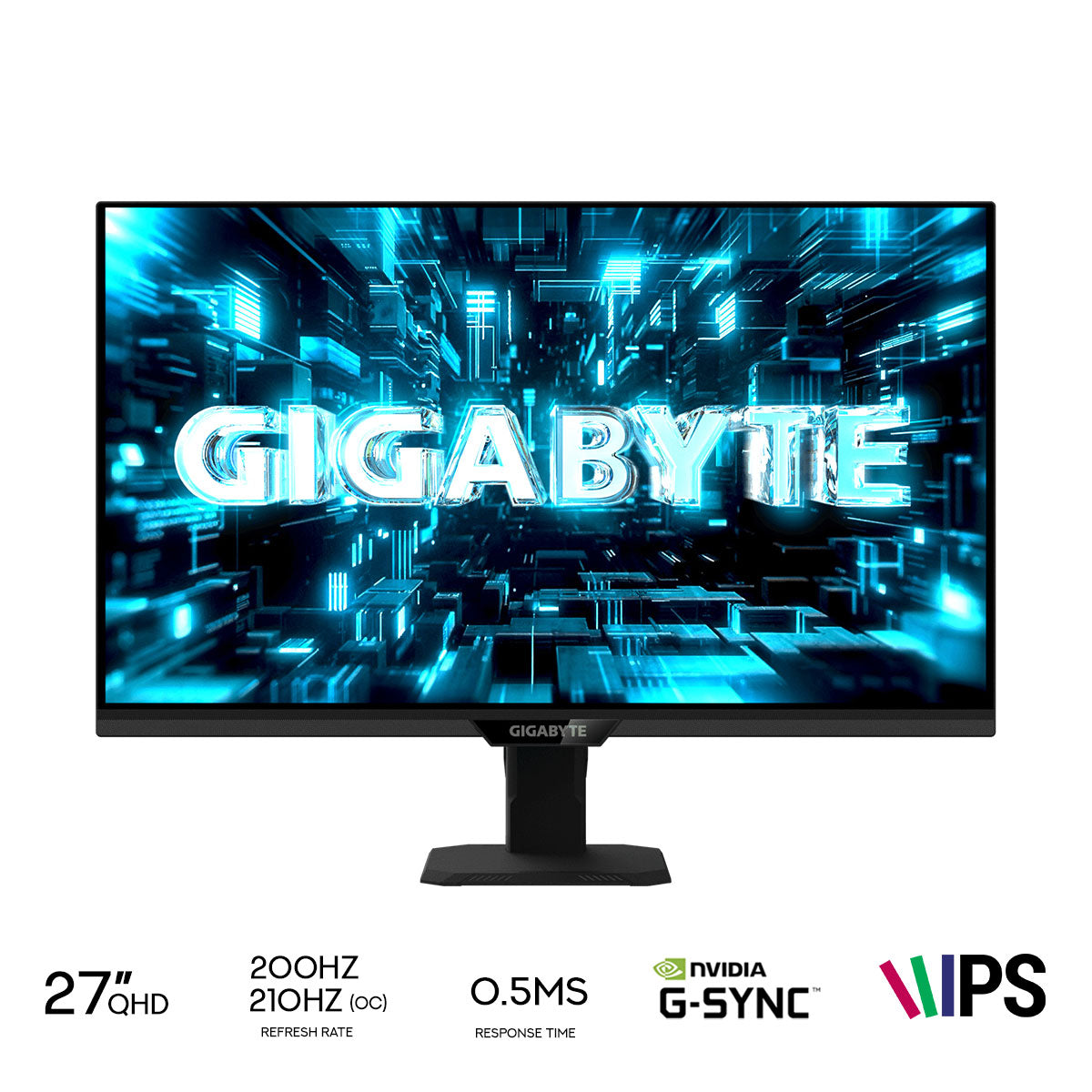
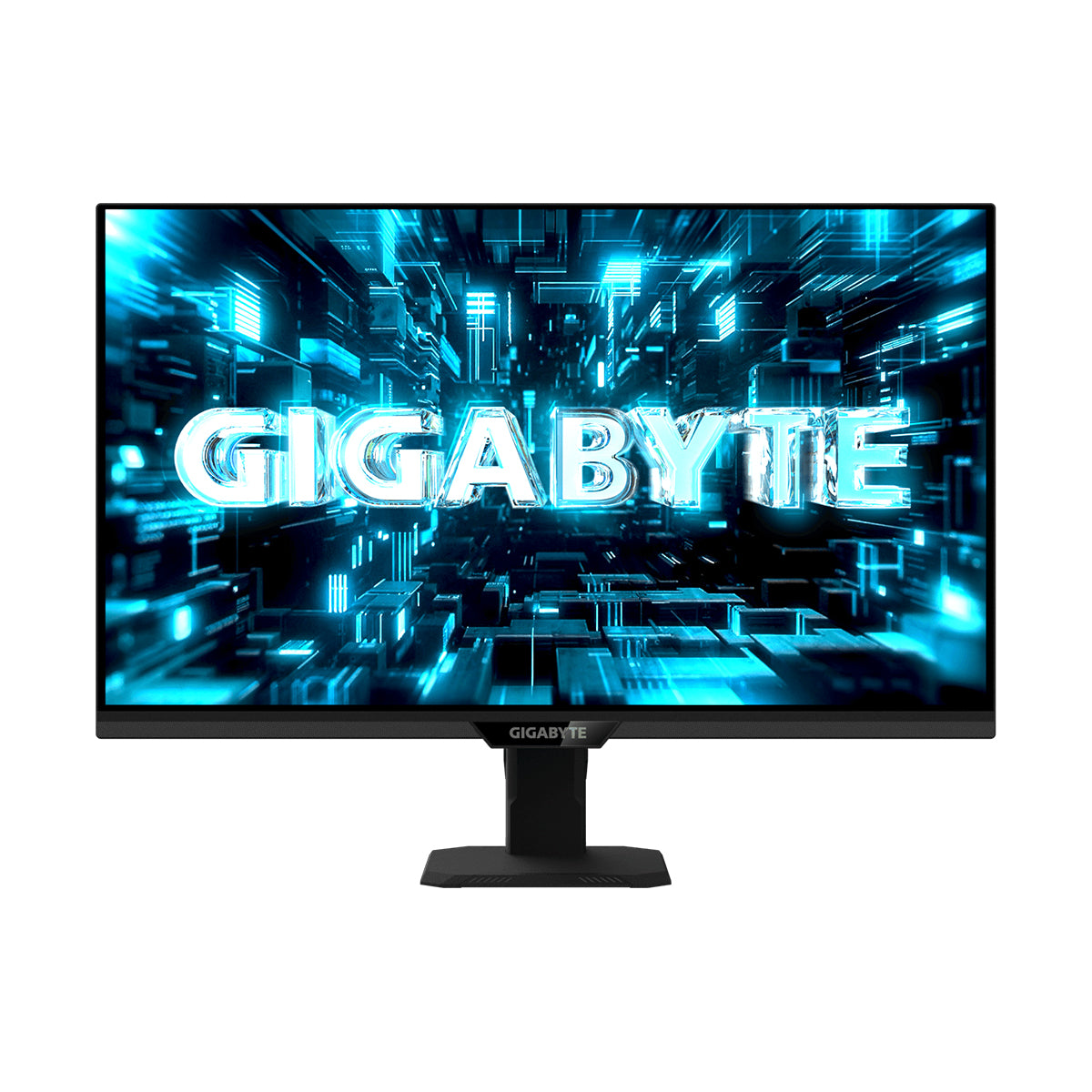
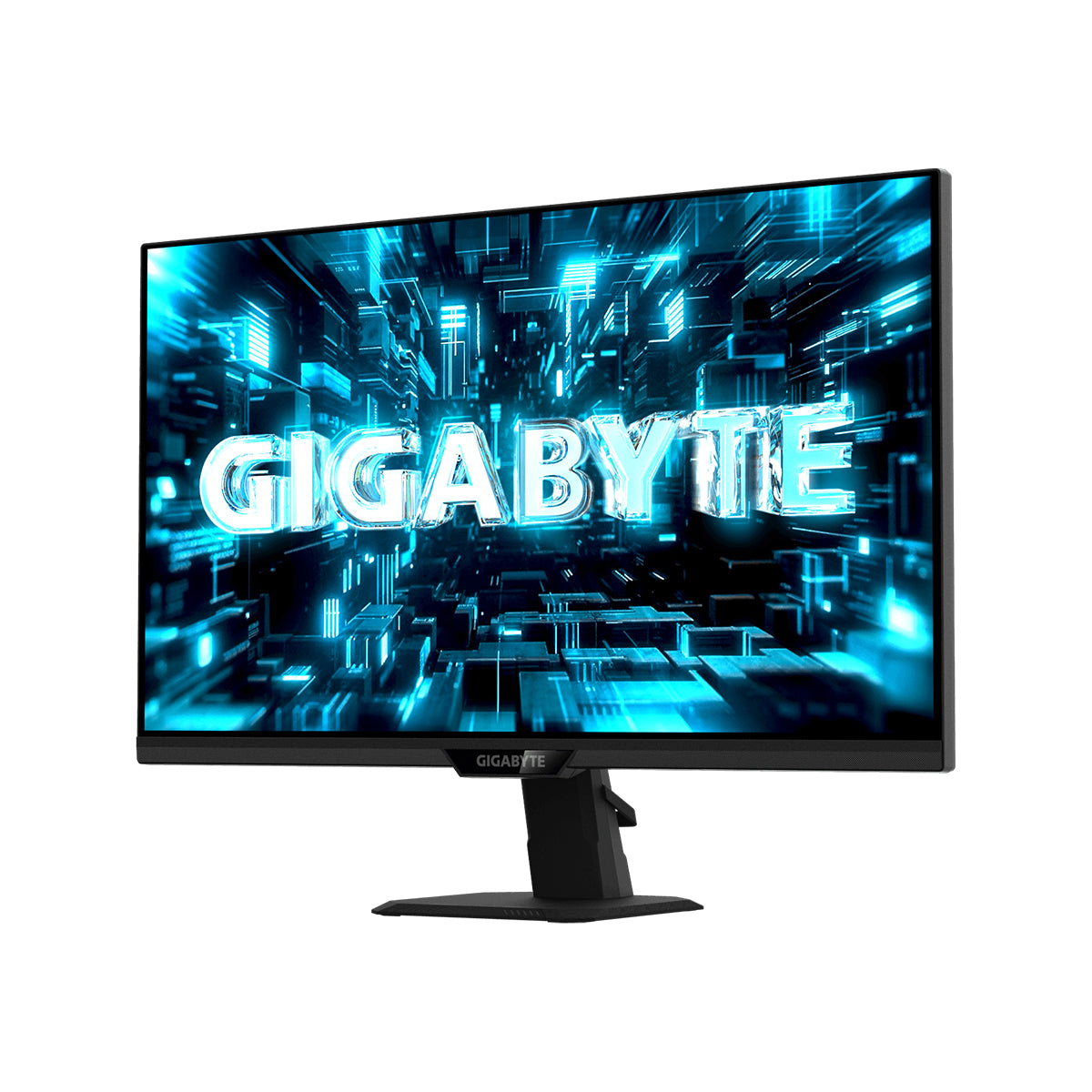
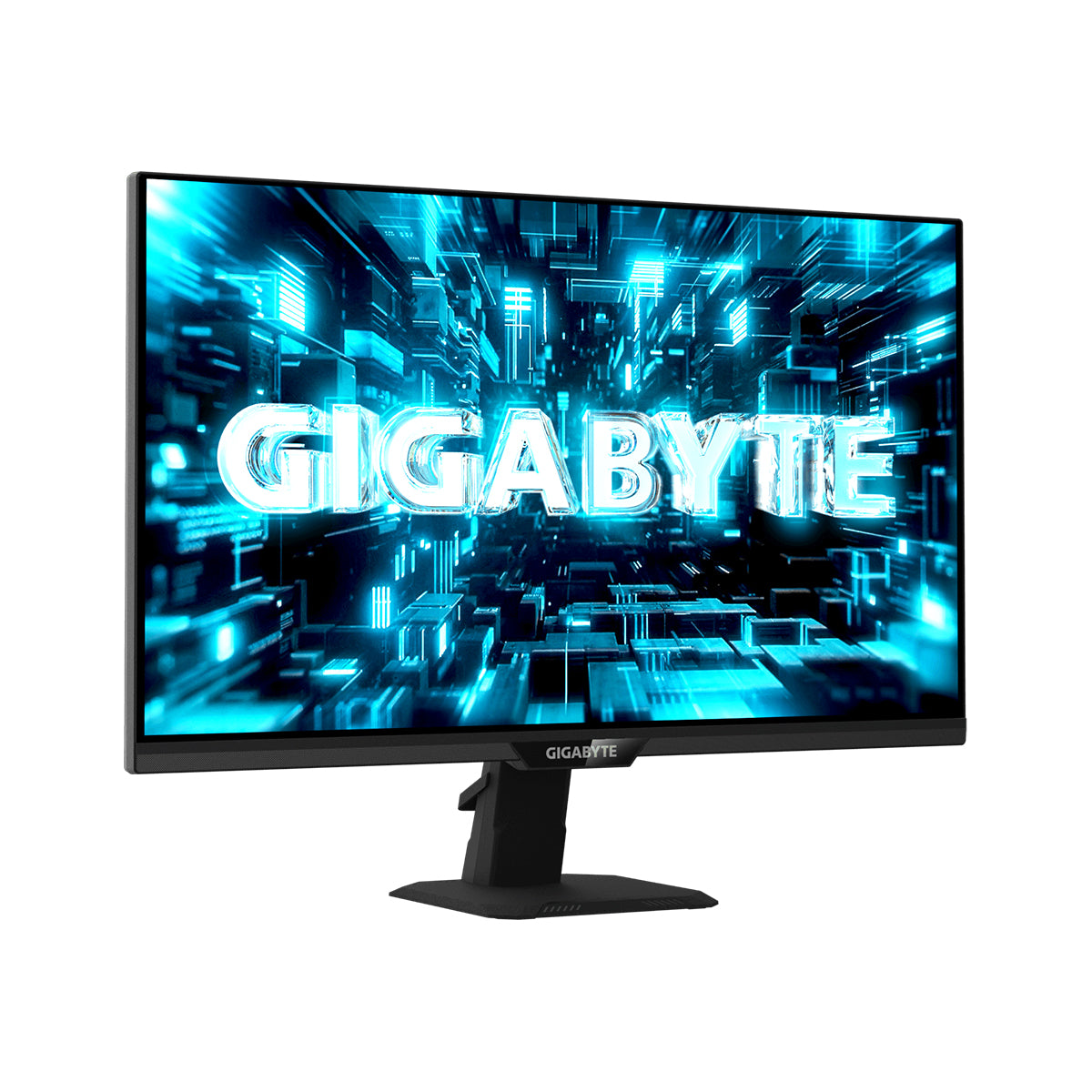
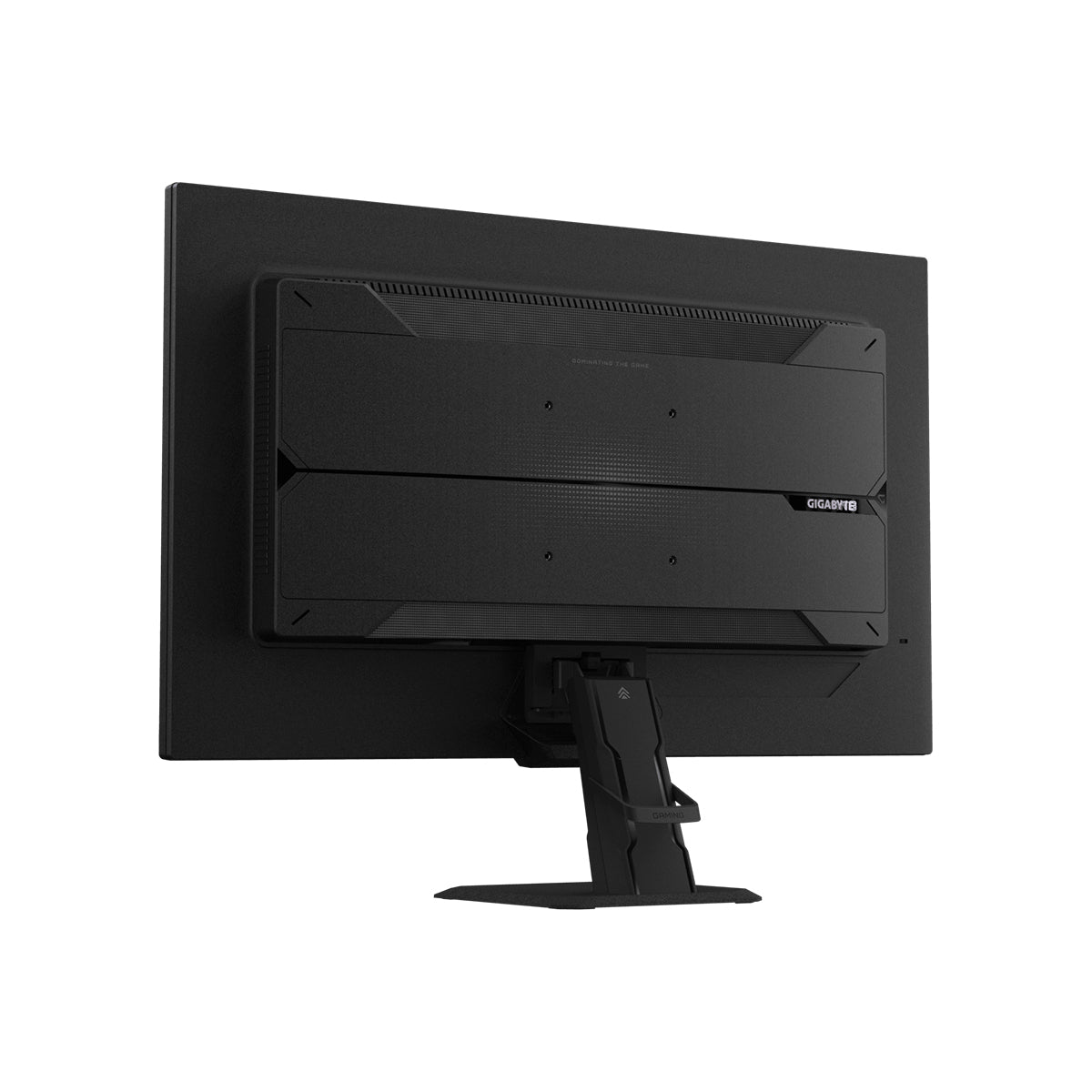
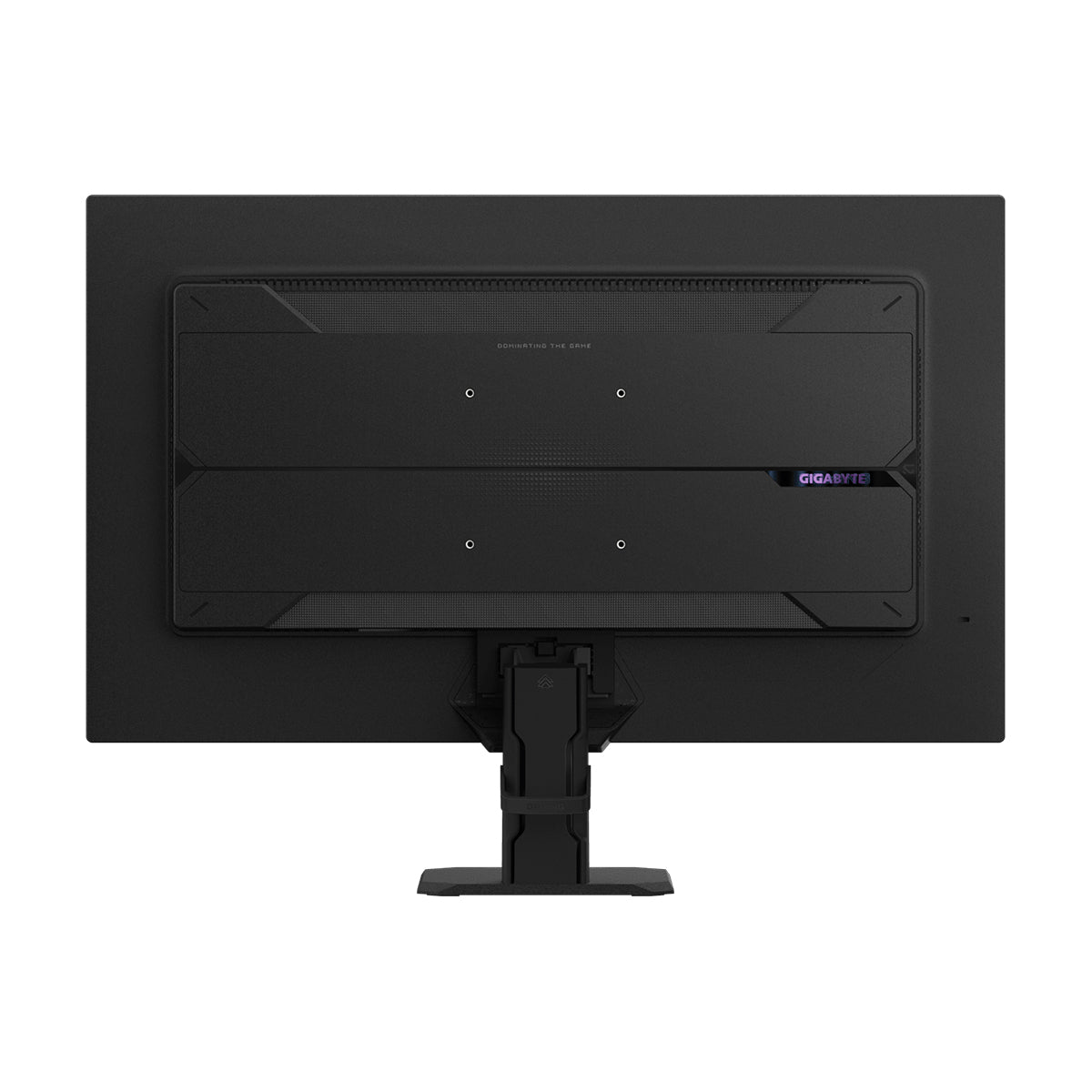
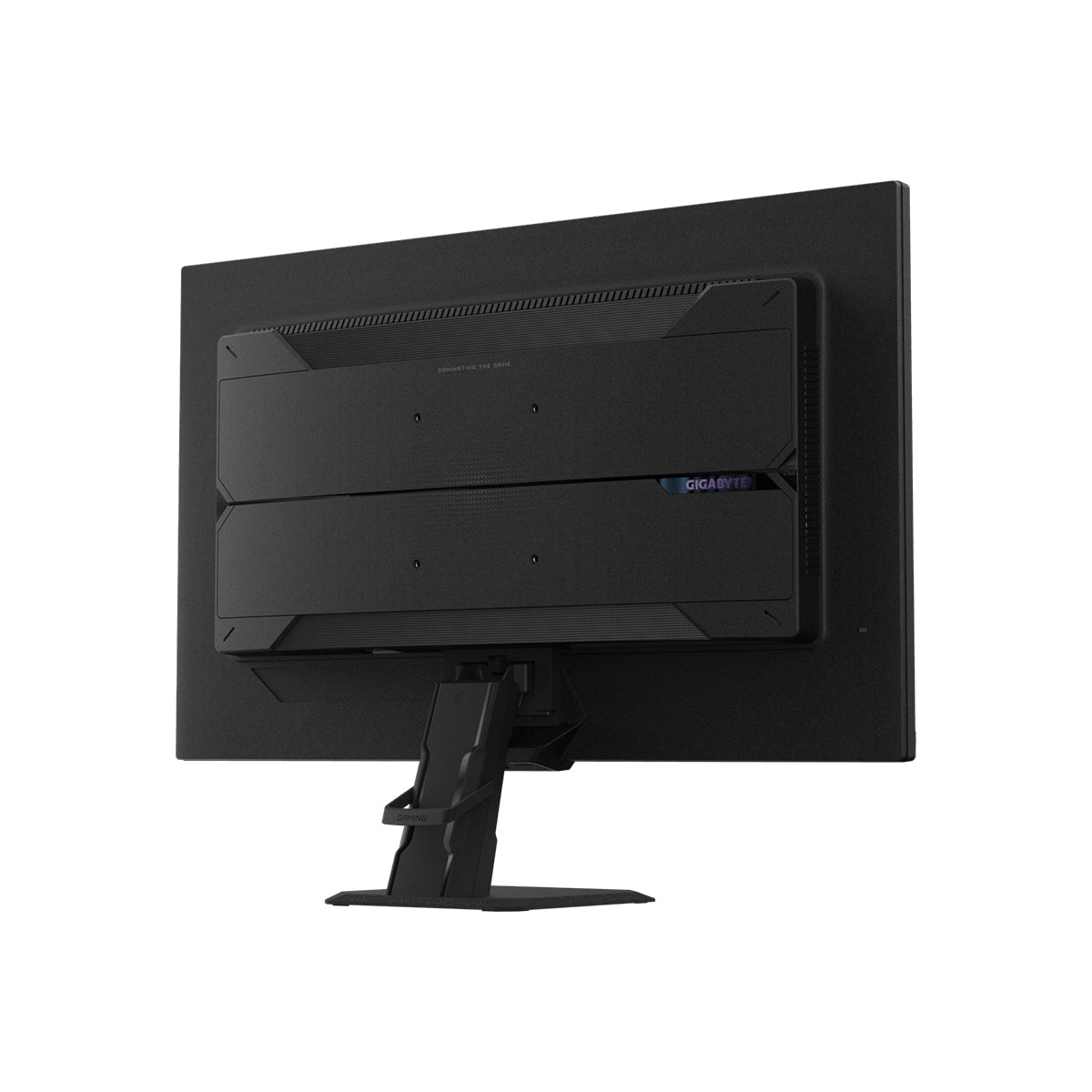
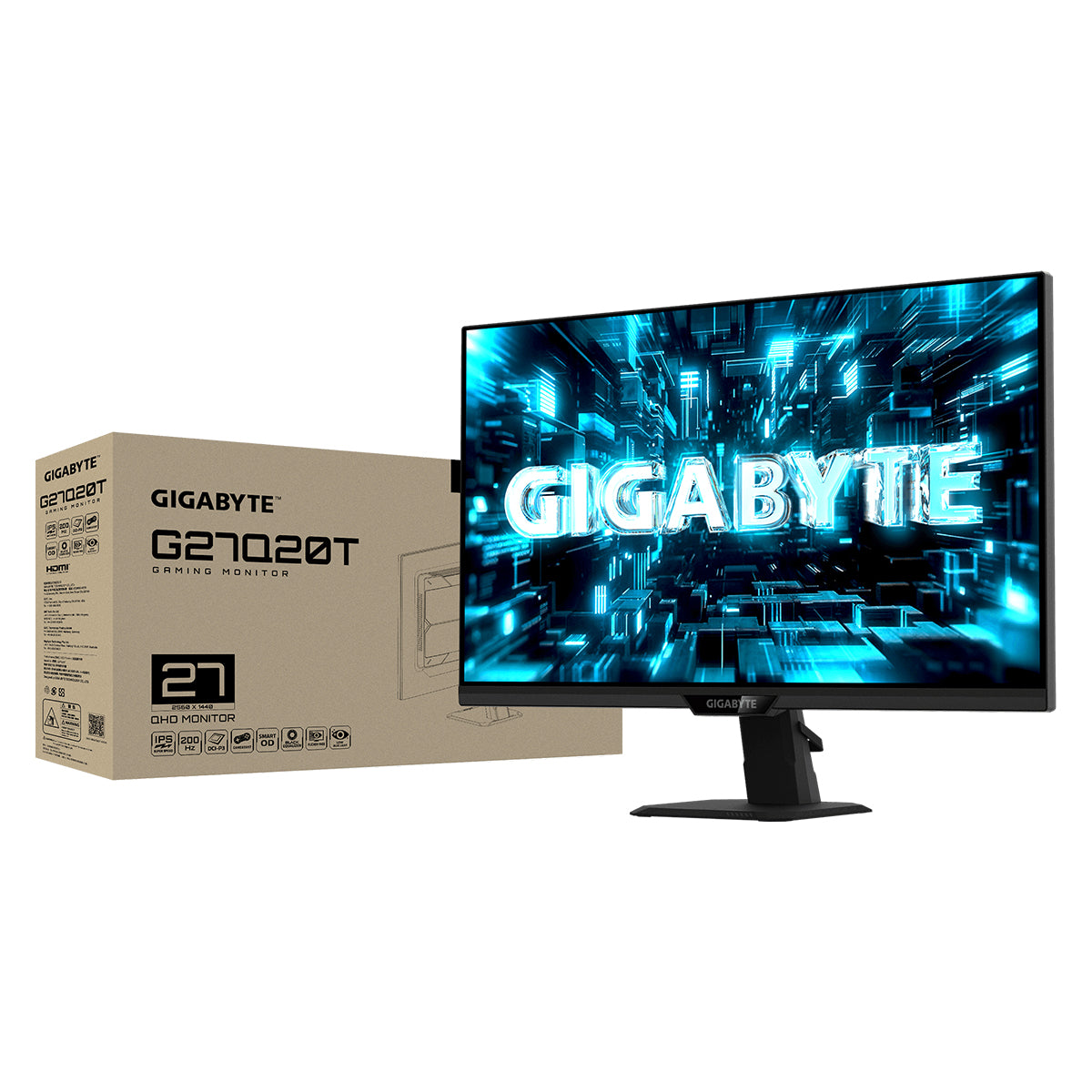
Experience smooth, responsive gameplay with the Gigabyte G27Q20T 27" QHD Gaming Monitor. Its 2560 × 1440 resolution delivers detailed visuals, while the 200Hz refresh rate, overclockable to 210Hz, keeps fast-paced action fluid. With a 0.5ms GTG response time and SS IPS panel, it is designed for quick reactions and vibrant on-screen images. The adjustable stand supports tilt, height, swivel, and pivot adjustments for a more comfortable gaming position.


Specification:
| Display | |
|---|---|
| Panel Size (inch) | 27" |
| Panel Type | SuperSpeed IPS |
| Display Viewing Area (HxV) | 596.736 x 335.664 (mm) |
| Color Saturation | 94% DCI-P3 / 123% sRGB |
| Resolution | 2560 x 1440 (QHD) |
| Display Surface | Non-glare |
| Pixel Pitch | 0.2331 (H)*0.2331 (V) mm |
| Brightness | 350 cd/m2 (TYP) |
| Contrast Ratio (Typ.) | 1000:1 |
| Viewing Angle | 178° (H) / 178° (V) |
| Display Colors | 1.07B |
| Refresh Rate (Max) | 200Hz / OC 210hz |
| Response Time | 0.5ms (GTG) |
| HDR Support | HDR10 |
| Flicker-free | Yes |
| Connectivity | |
| Connectivity | 2 x HDMI 2.0 1 x Displayport 1.4 1 x USB 2.0 Downstream port (FW update only) 1 x Earphone Jack |
| Speaker | N/A |
| Power | |
| Power Type | Power Board Build-in |
| Power Consumption | 21W |
| Power Saving Mode | <0.5W |
| Power Off Mode | <0.3W |
| Voltage | AC 100-240V ~ 50/60Hz |
| Ergonomics | |
| Tilt(angle) | -5°~+20° |
| Swivel(angle) | N/A |
| Pivot(angle/direction) | N/A |
| Height Adjustment (mm) | N/A |
| VESA Wall Mounting(mm) | 100*100mm |
| Kensington lock | Yes |
| Dimensions | |
| Phys. Dimension with Stand(WxHxD) | 612*461*205 mm |
| Phys. Dimension w/o stand (WxHxD) | 612*371*59 mm |
| Box Dimension (WxHxD) | 800*169*480 mm |
| Weight | |
| Net Weight with stand (Esti.) | 4.98 kg |
| Net Weight without stand (Esti.) | 4.55 kg |
| Gross Weight (Esti.) | 8.55 kg |
| Additional Information | |
| Accessories | Power cable/ DP cable/ QSG/ Warranty card |
| Warranty | 3 years |
| Certified | G-Sync Compatible FreeSync Premium TÜV Flicker-free TÜV Low Blue Light |
| Note | *To enable OSD Sidekick (integrated in GCC), it requires connection between PC and monitor with HDMI/DP cable. **The test condition follows CEC standards. |
Customer Reviews
