





Description


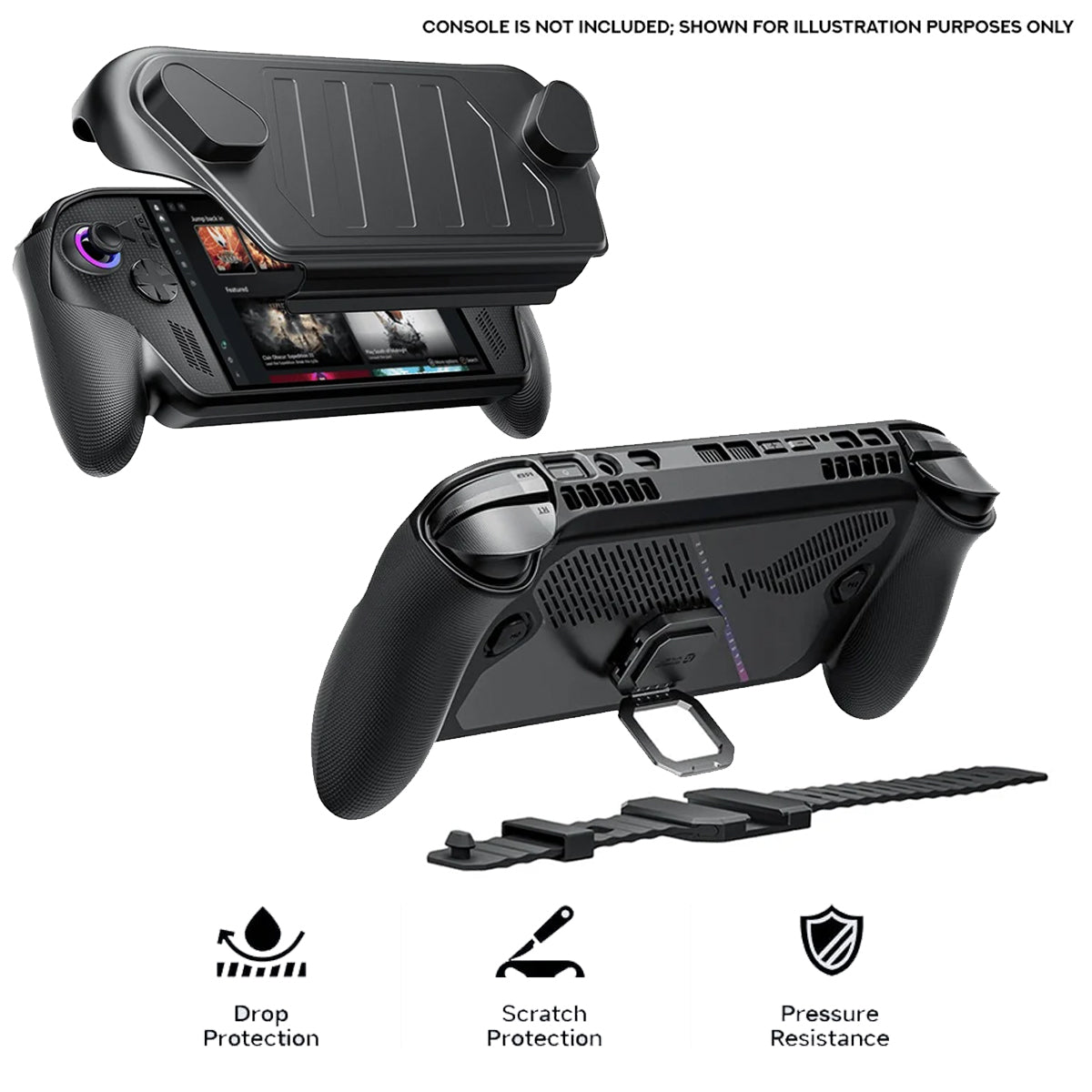
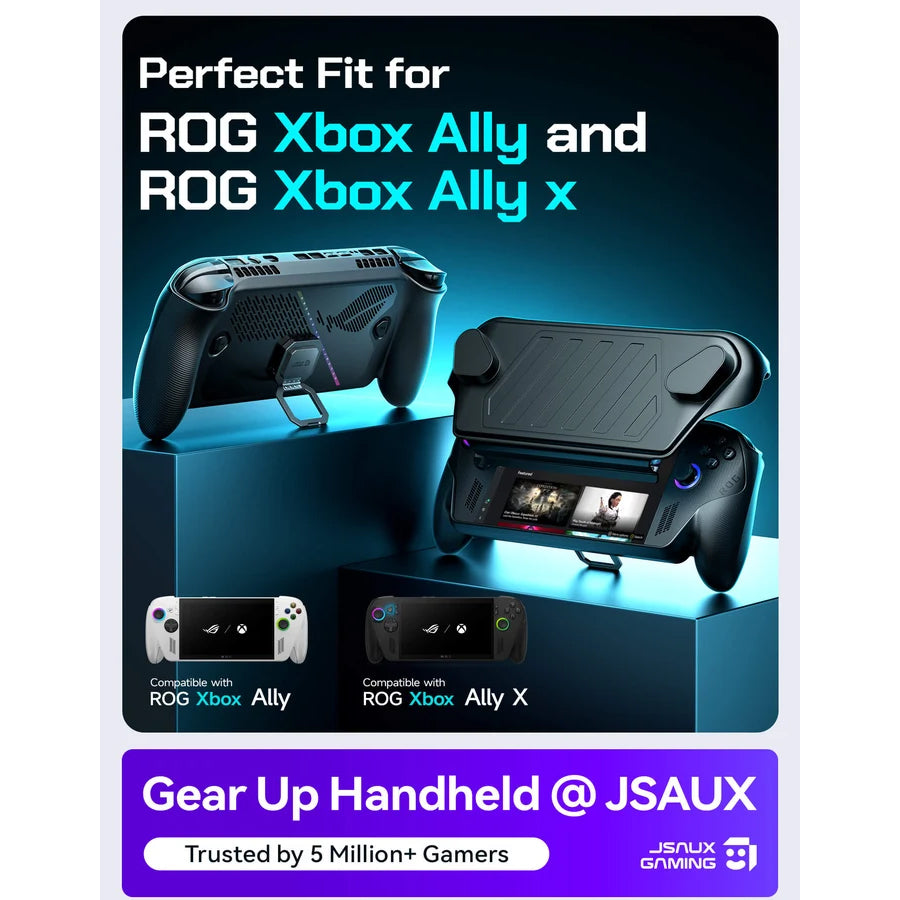
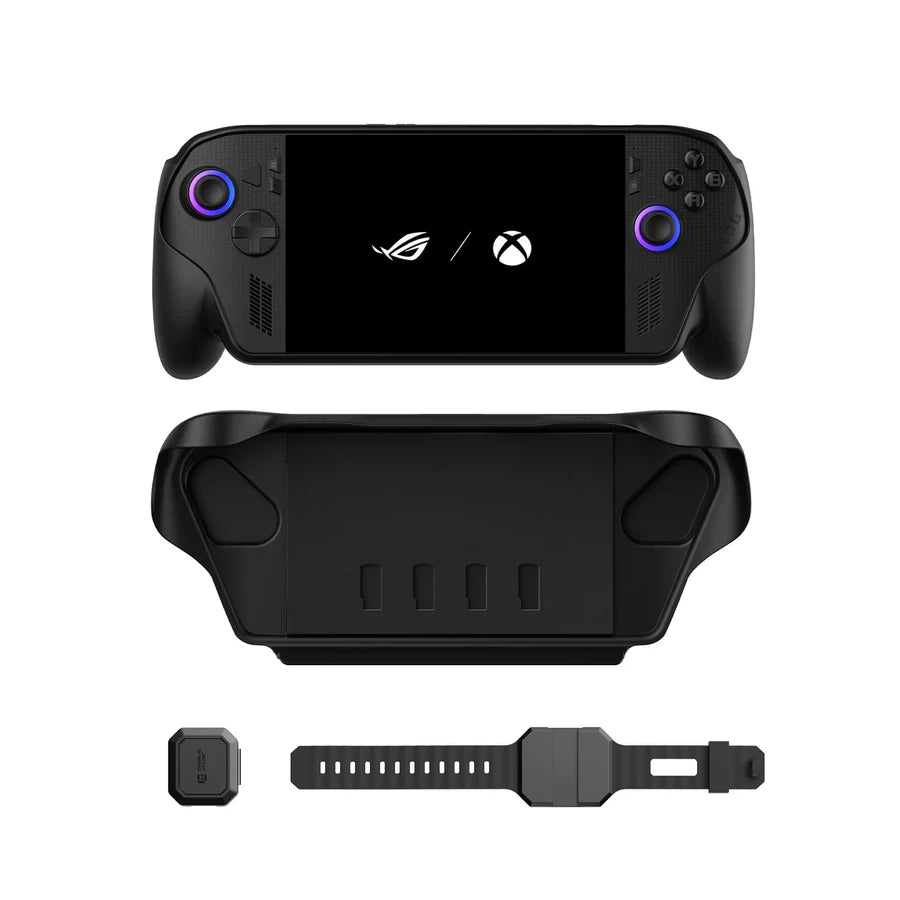
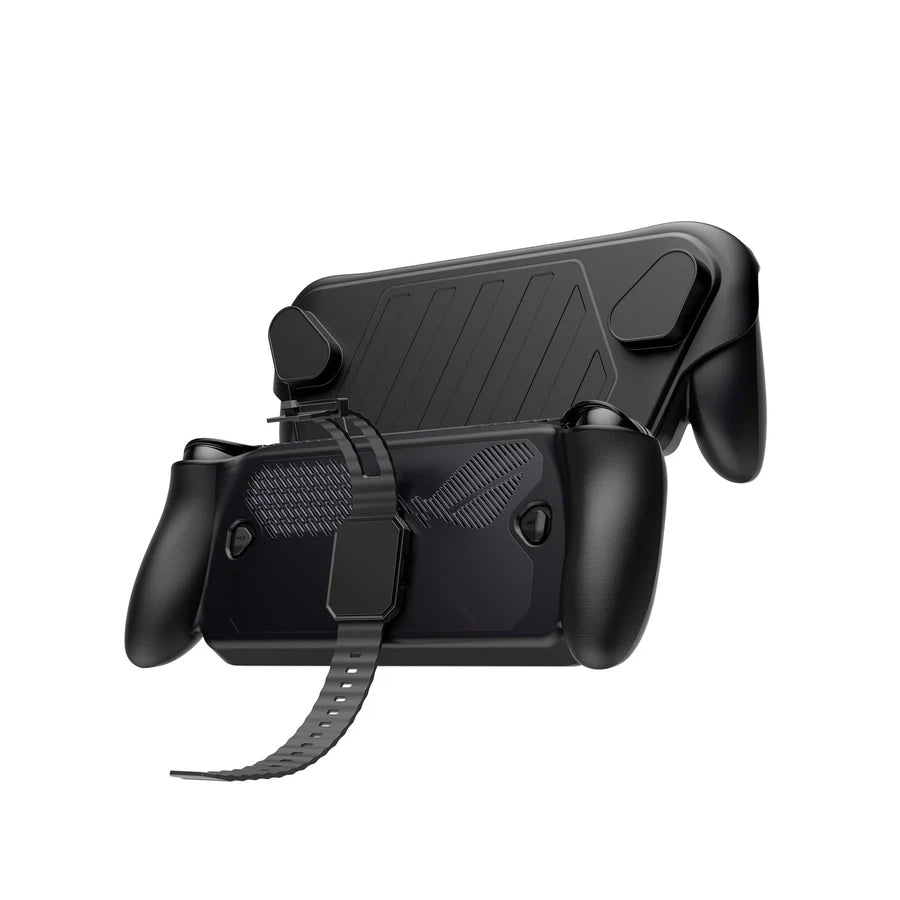
Upgrade your handheld gaming setup with the JSAUX ModCase for ROG Xbox Ally / ROG Xbox Ally X (Black) (PC0132). Designed as a modular protective system, this case combines a rigid PC-ABS shell with shock-absorbing TPU to help protect your device from everyday bumps, scratches, and impacts. Its detachable split design, built-in SD card storage, and expandable accessory system let you customize your handheld for travel, everyday gaming, and extended play sessions.
Key Features
-
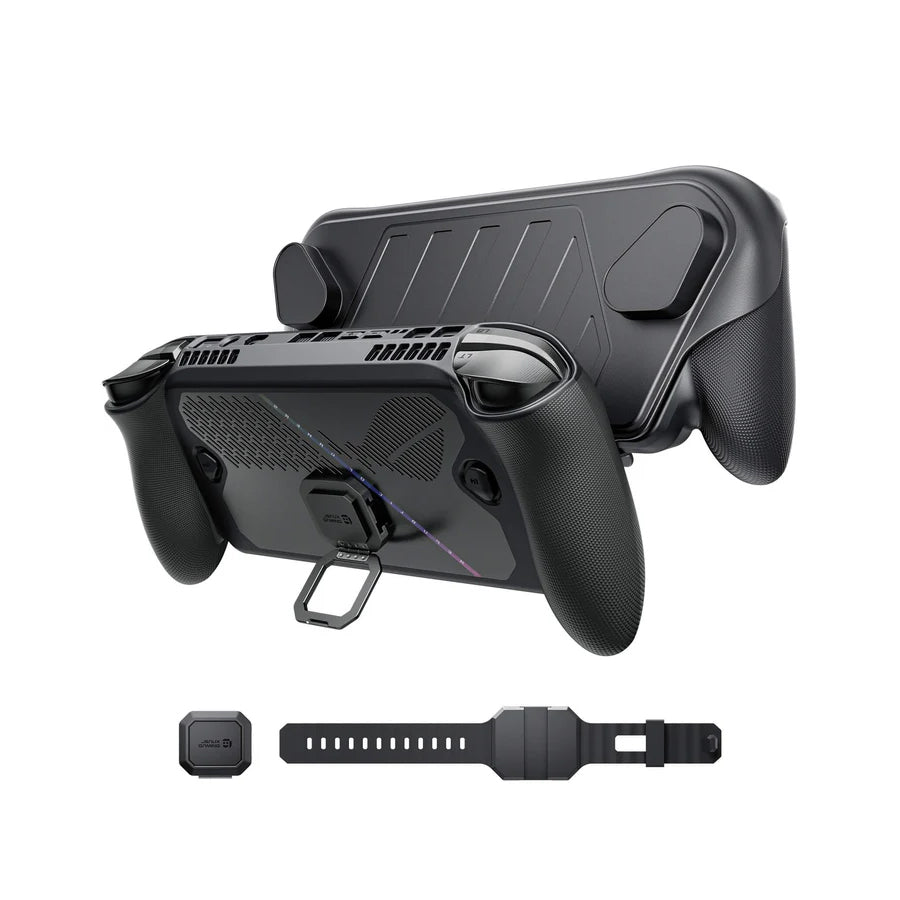
Modular Protective System: Features a detachable split design for flexible use across handheld gaming, travel, and storage.
-
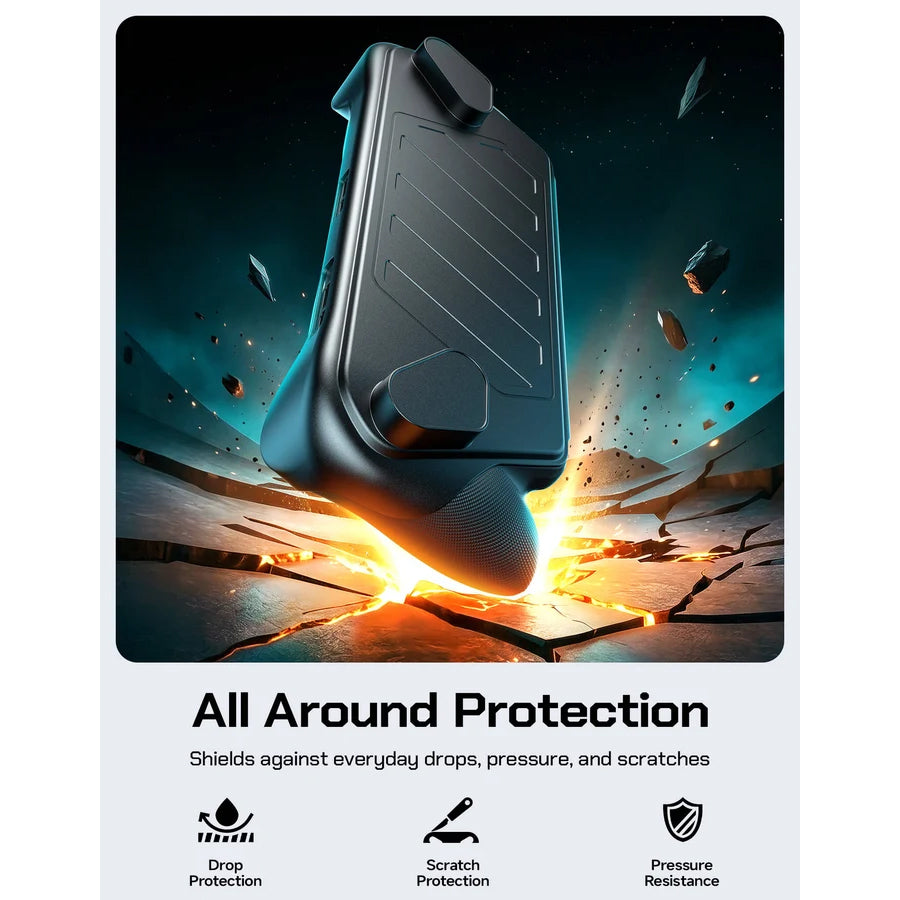
Dual-Layer Protection: Combines a rigid PC-ABS shell with shock-absorbing TPU to help protect against drops, impacts, scratches, and daily wear.
-
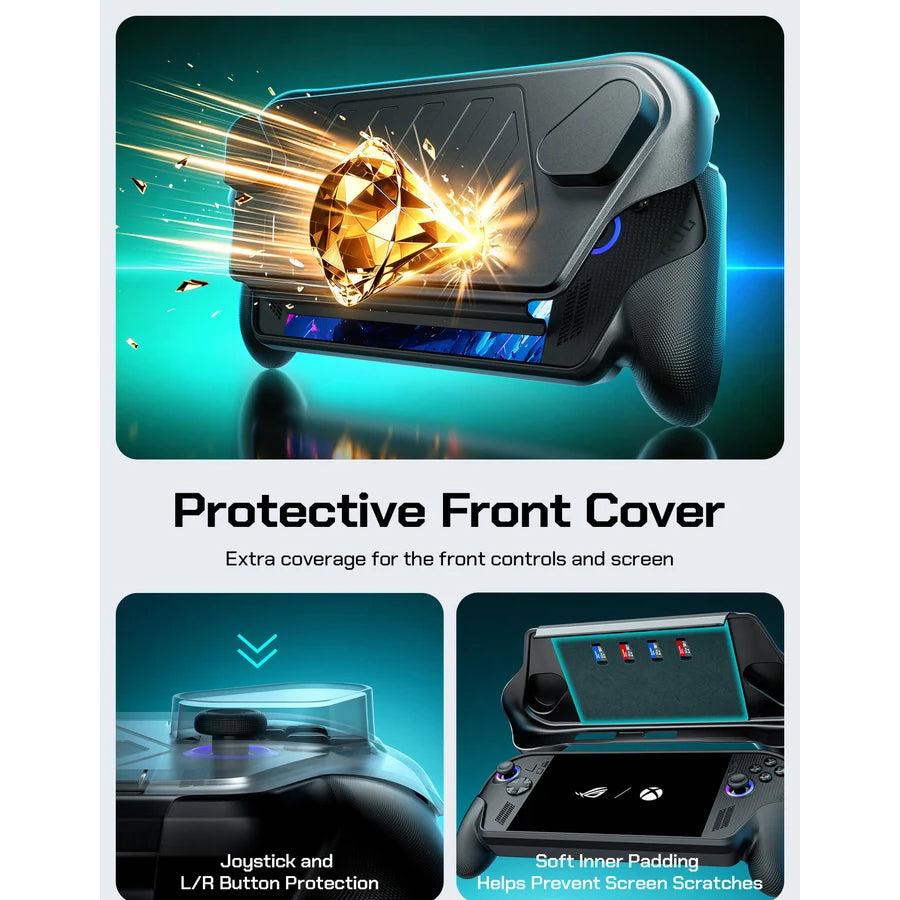
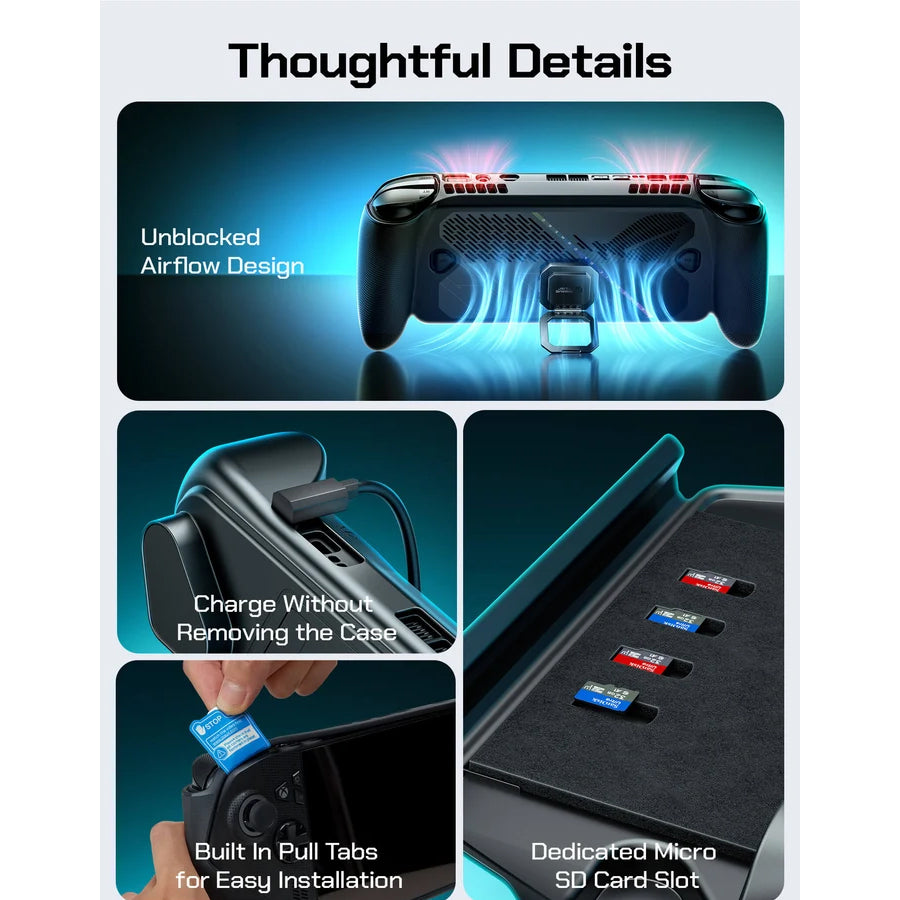
Front Cover with SD Card Storage: Helps protect the screen when the cover is attached and provides convenient storage for SD cards and game media.
-
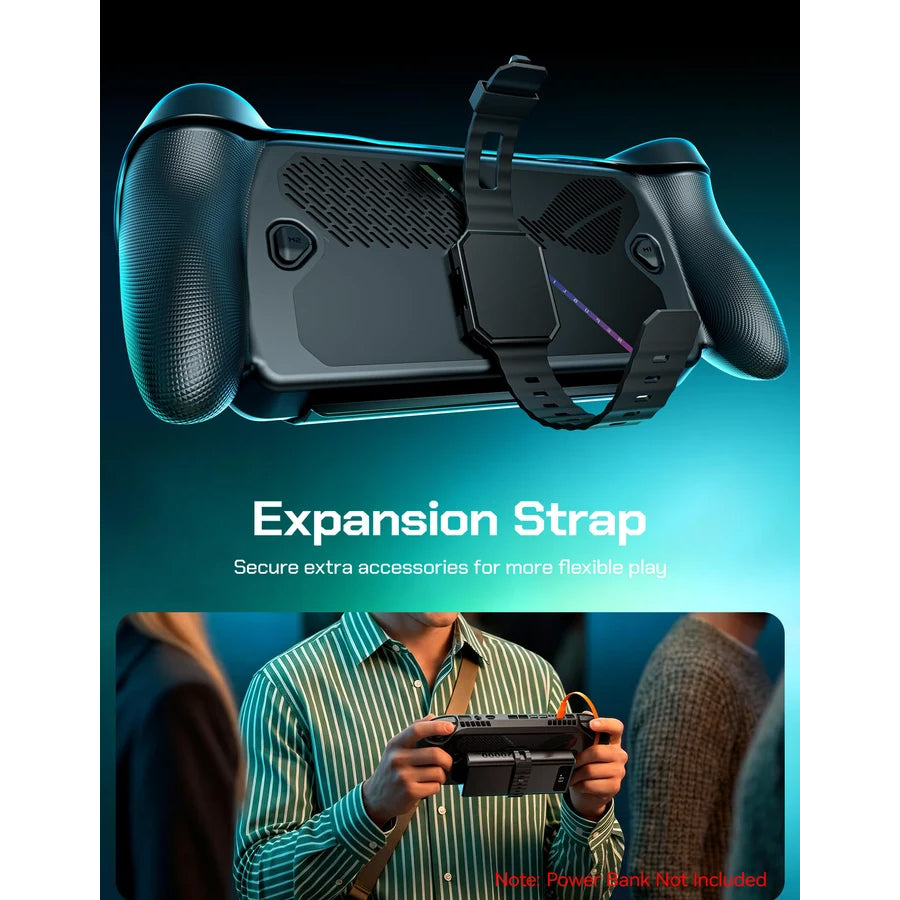
Expandable Accessory System: Supports compatible modular accessories, including a power bank and cooling fan, for a more customized gaming setup.
-
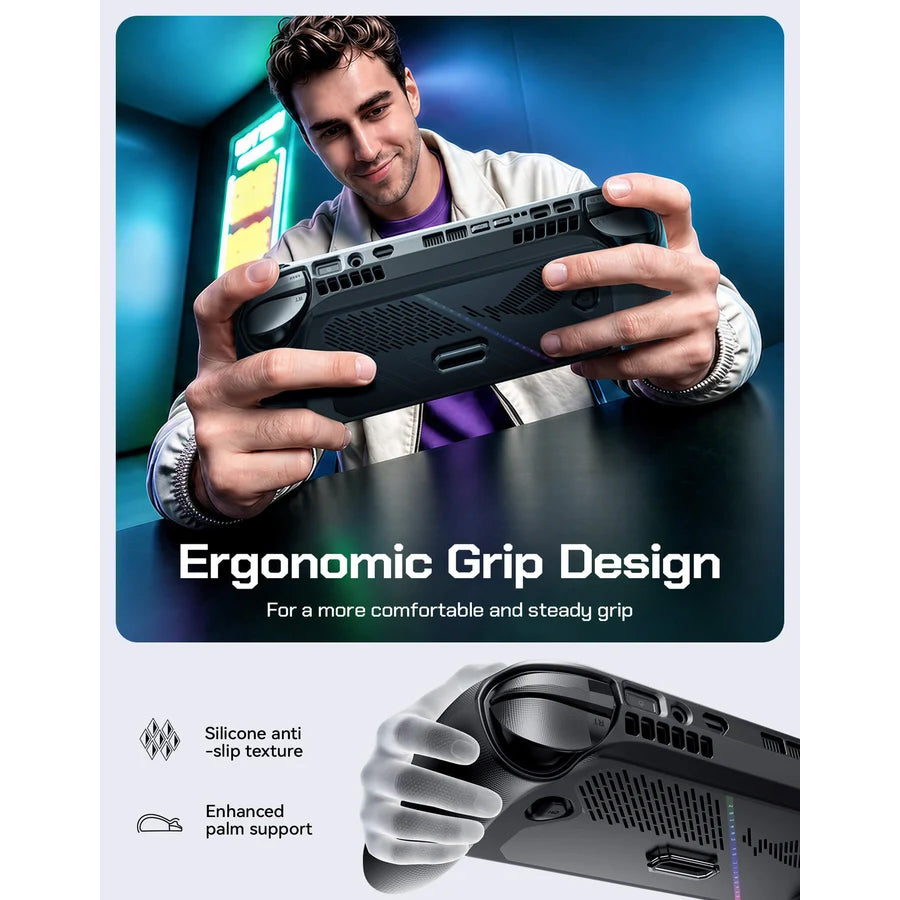
Ergonomic Anti-Slip Grip: Textured grip zones improve handling and help provide a more secure feel during extended gaming sessions.
-
Compatible with XG Mobile: The ModCase for ROG Ally supports the XG Mobile external GPU, according to the manufacturer's compatibility notes.
-
Optional Modular Cooling: Compatible with the JSAUX GP0202 RGB Cooling Fan for supported ROG Ally X ModCase configurations.
| Model | ModCase for ASUS ROG Xbox Ally & Xbox Ally X (2025) - PC0132 |
|---|---|
| Compatible Device | Compatible with ROG Xbox Ally X, ROG Xbox Ally |
| Material | Protective Case: TPU + PC Travel Cover: PC + ABS + EVA Stand: Zinc Alloy Strap: PC + Silicone Fixed Block: PC + ABS + Silicone |
| Dimensions | ModCase for ROG Xbox Ally/X (2025): Travel Cover: 294.9 × 124.8 × 62 mm Protective Case: 294.8 × 117 × 54.6 mm |
| Weight | ModCase for ROG Xbox Ally/X (2025): Travel Cover: 115 g Protective Case: 120 g |
Installation Guide
⚠️Notes:
1. When installing the front cover, ensure that the top edge USB cutout
is aligned and centered with the USB port.
2. When installing the back cover, manually adjust the bumper
button area to ensure the edges fit properly.
Customer Reviews
