


Description
All day comfort
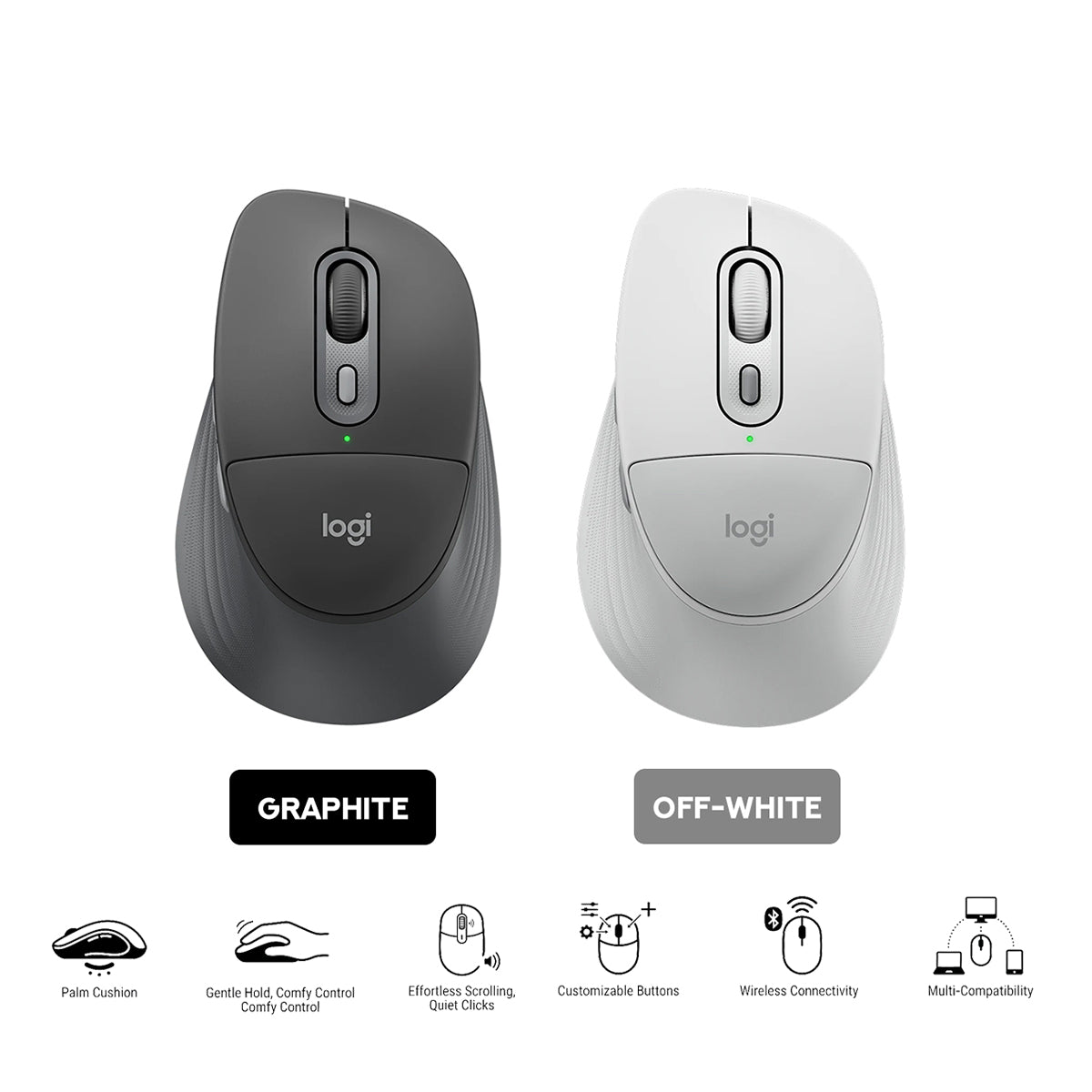
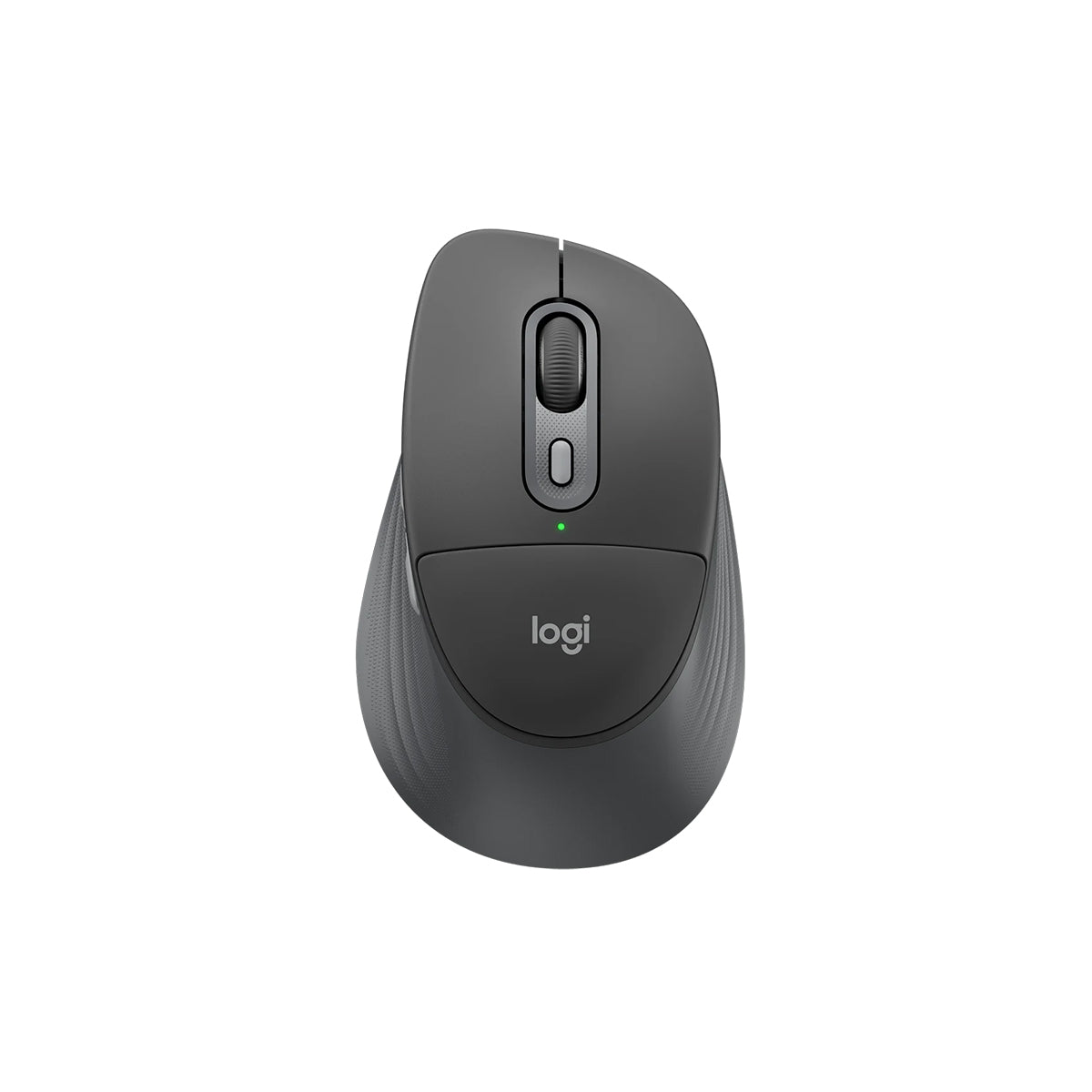
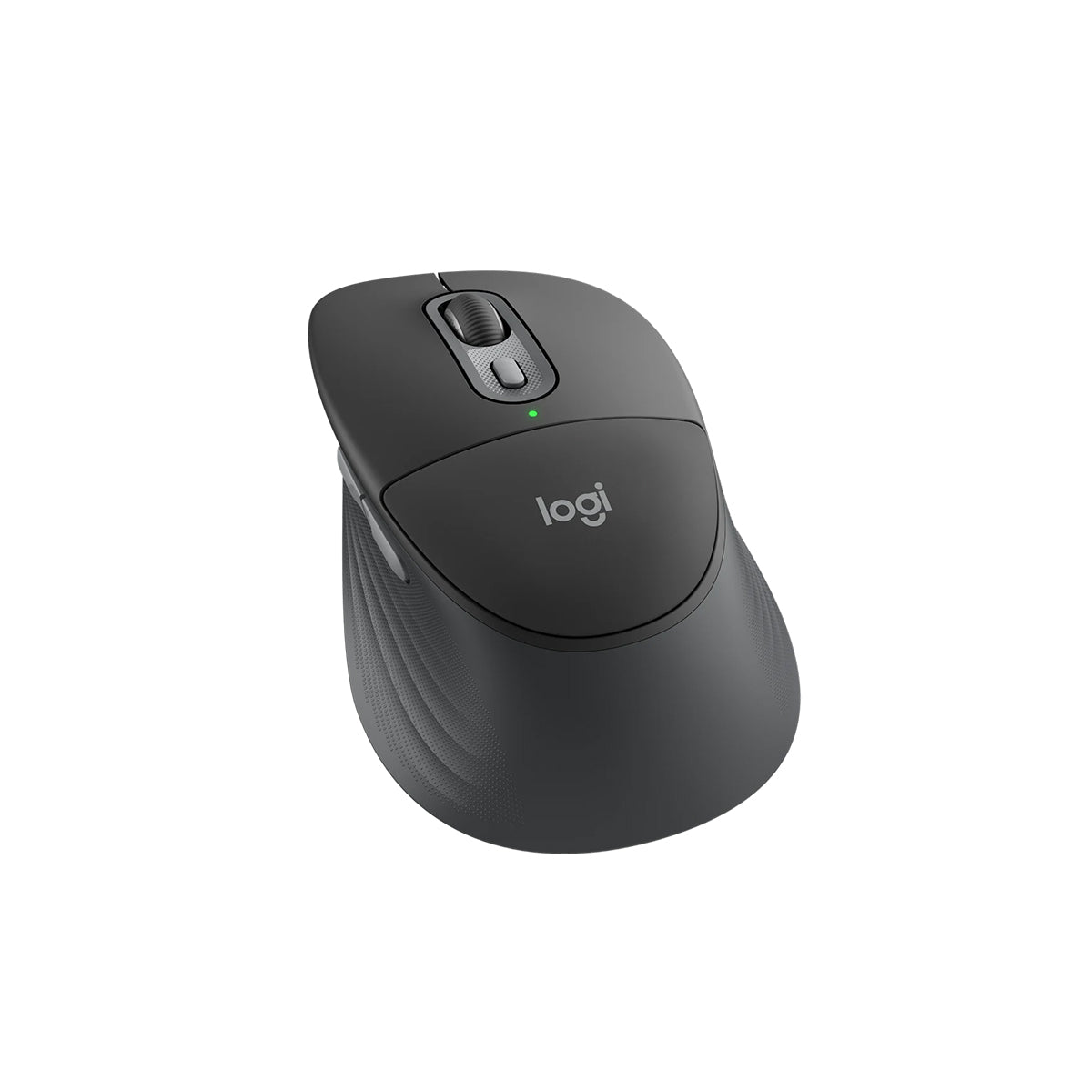
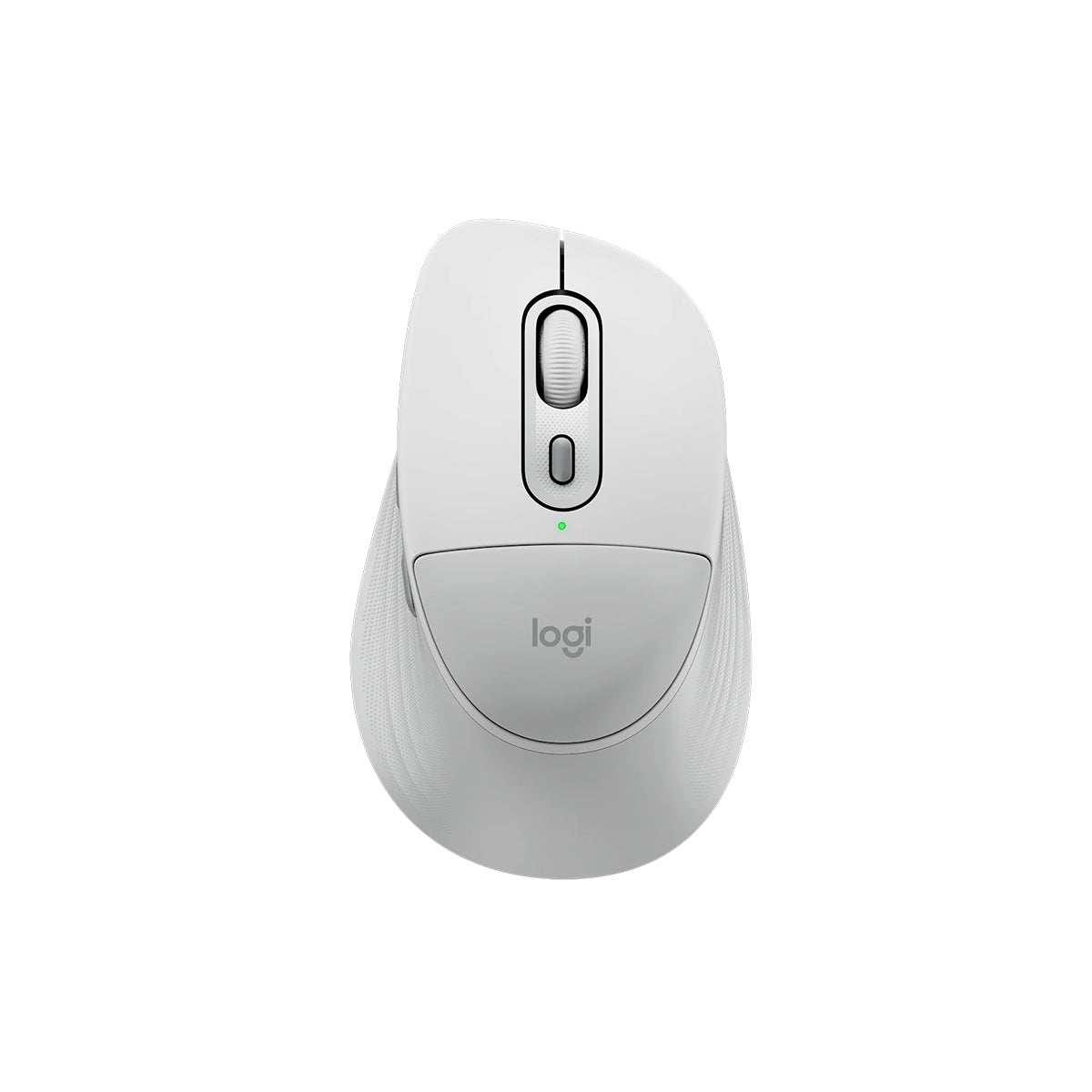
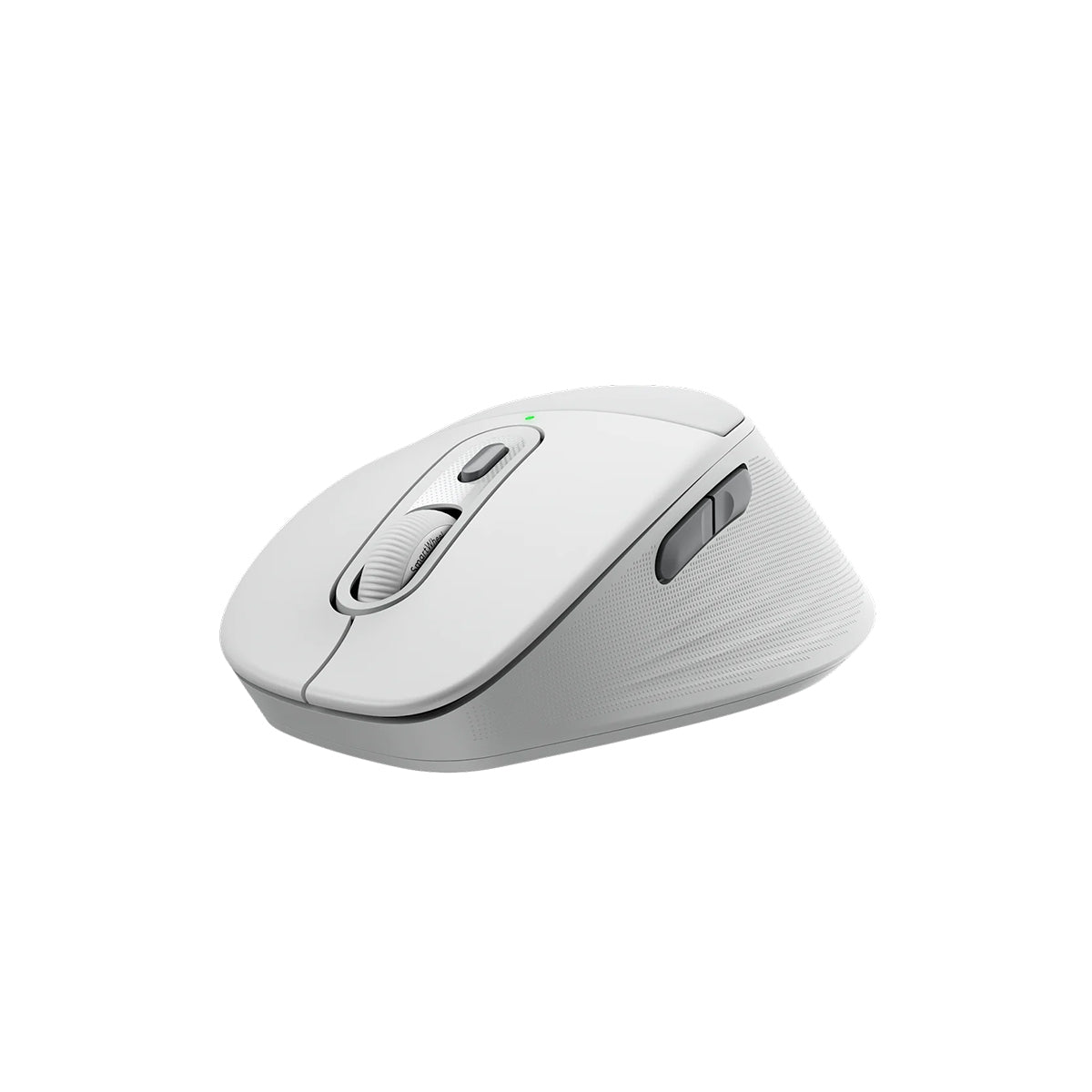
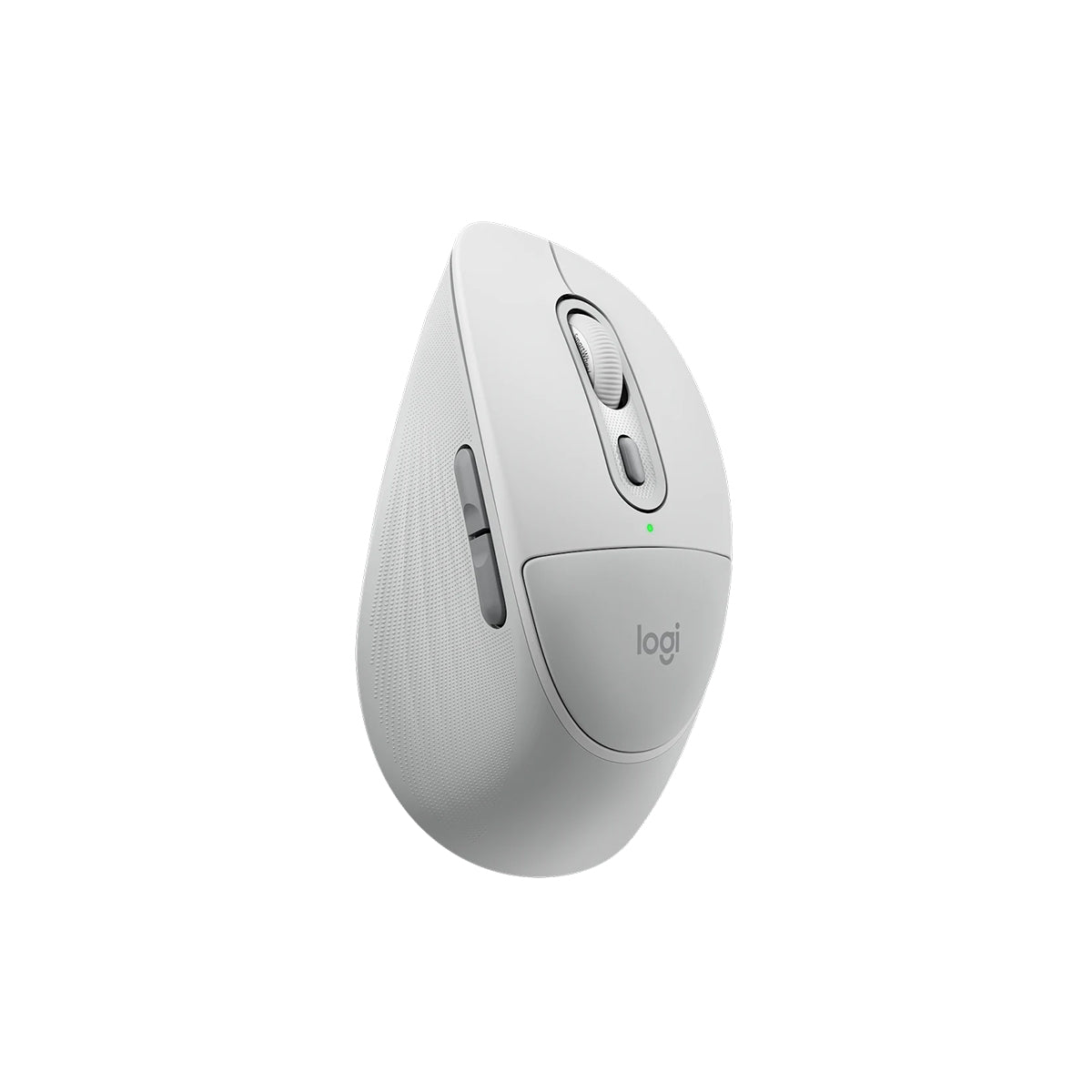
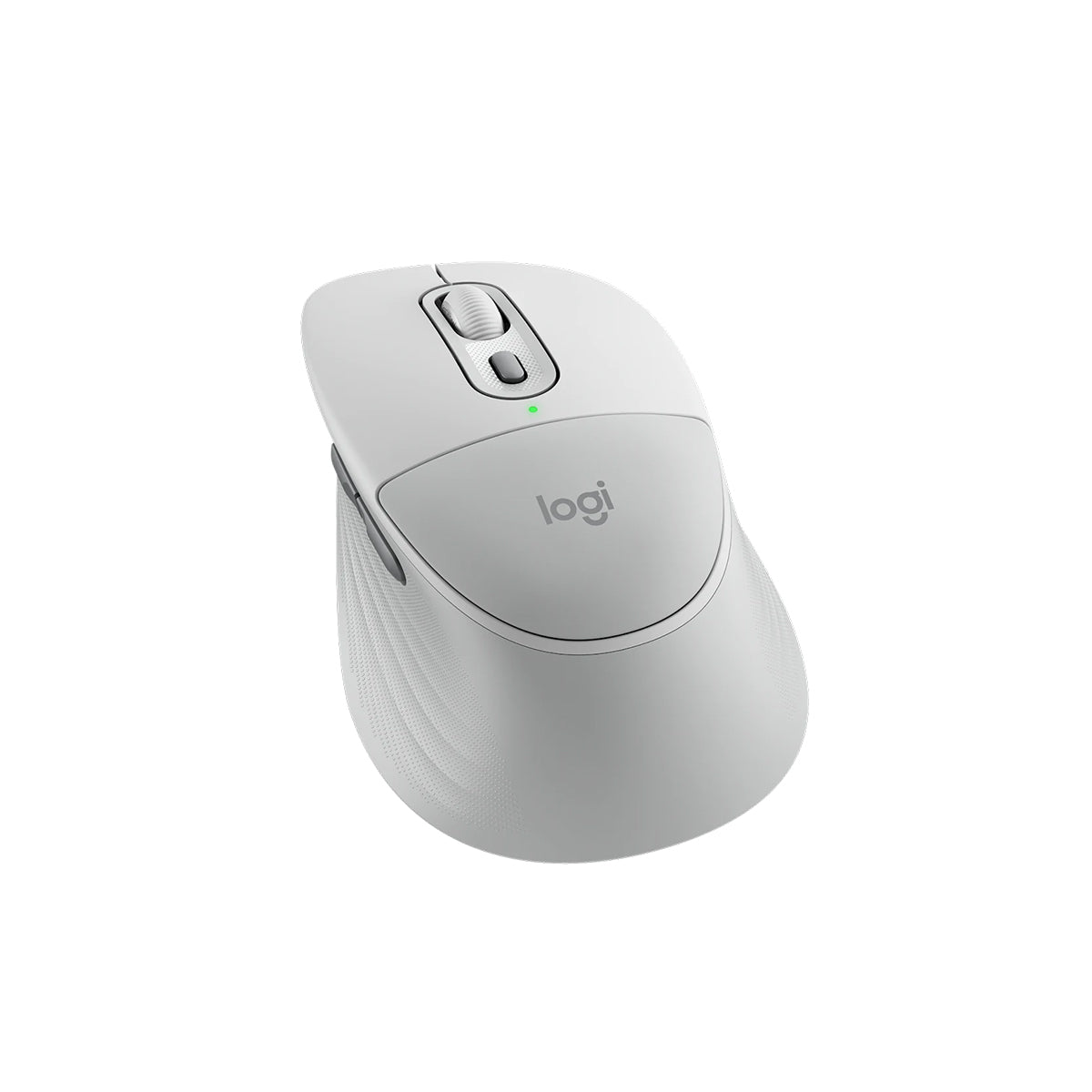
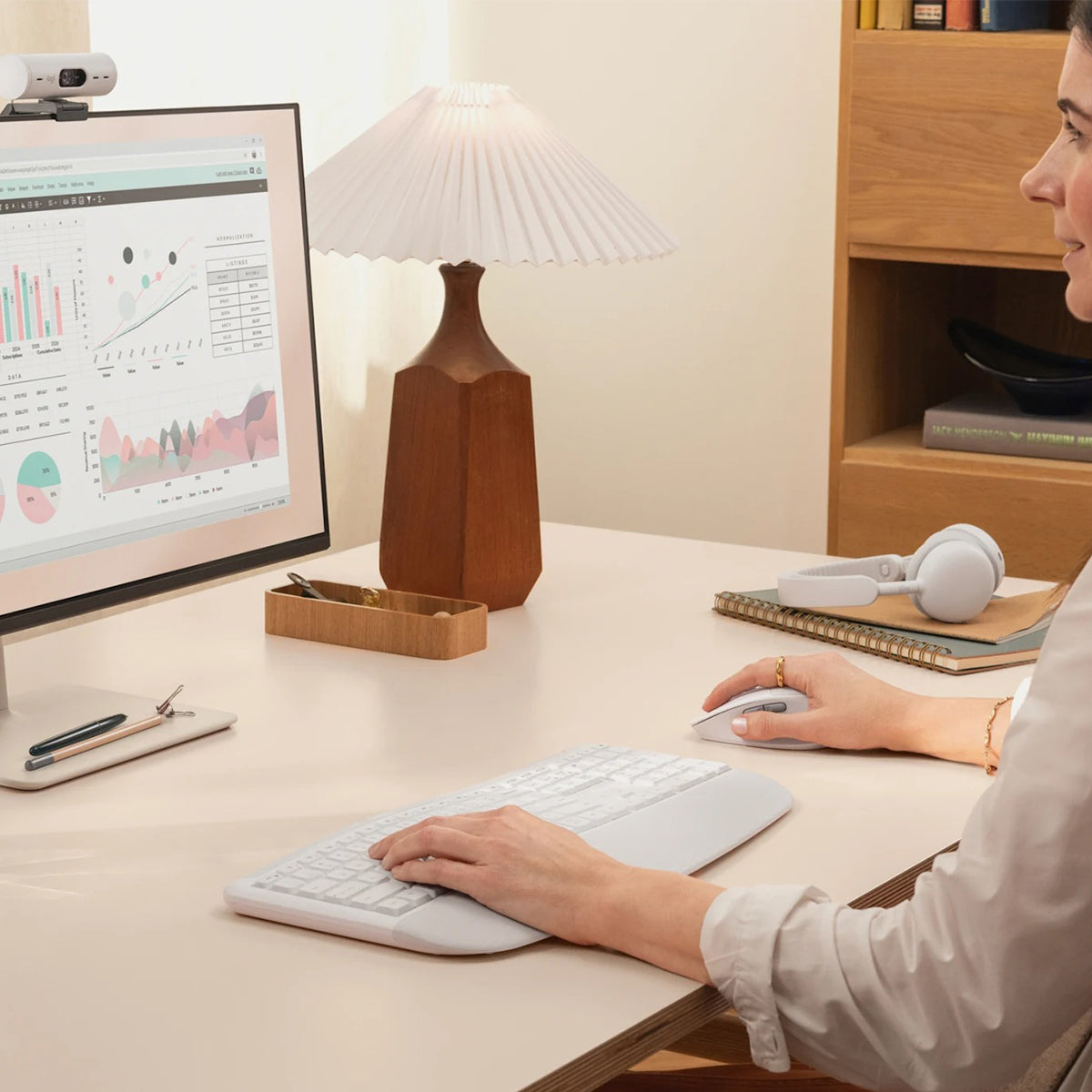
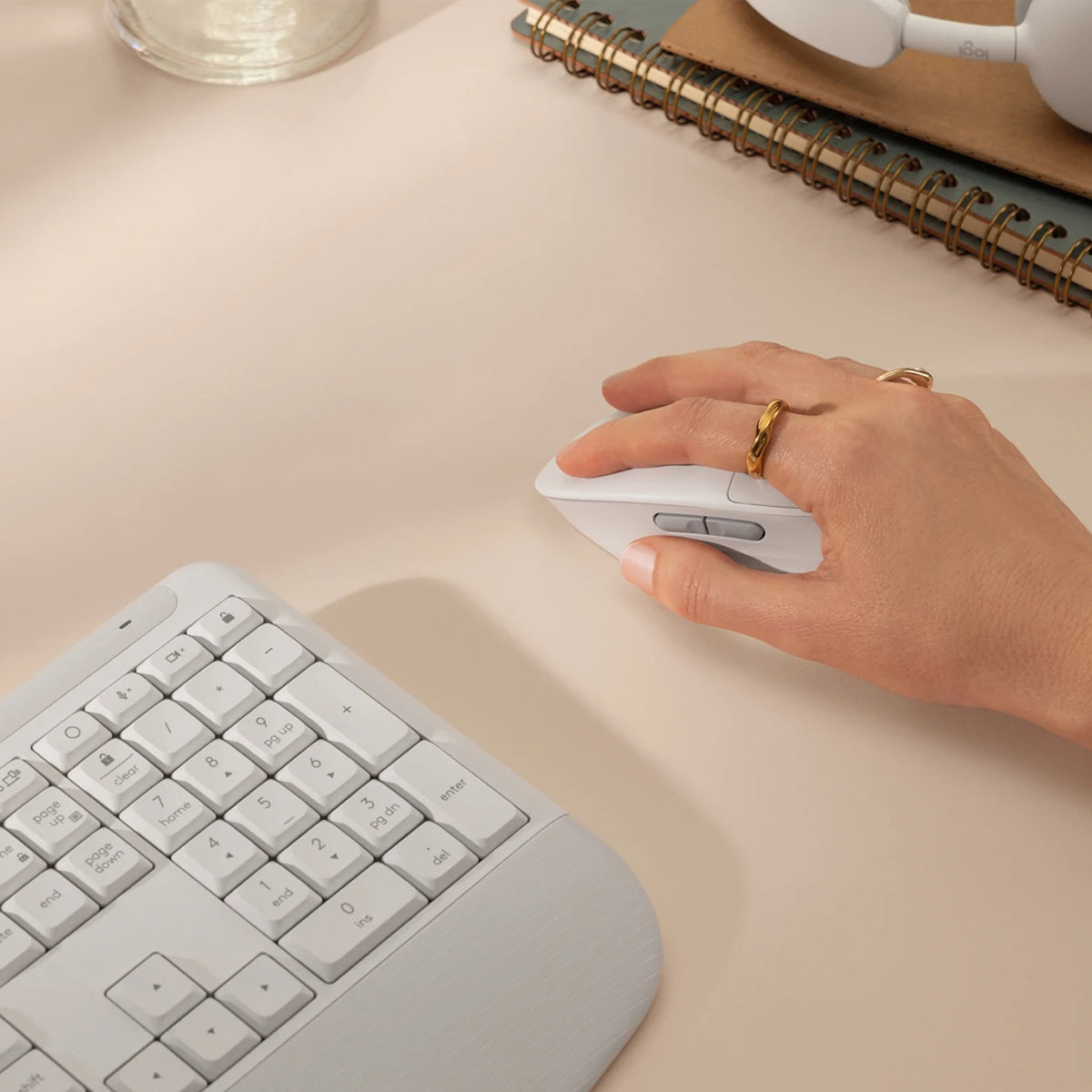
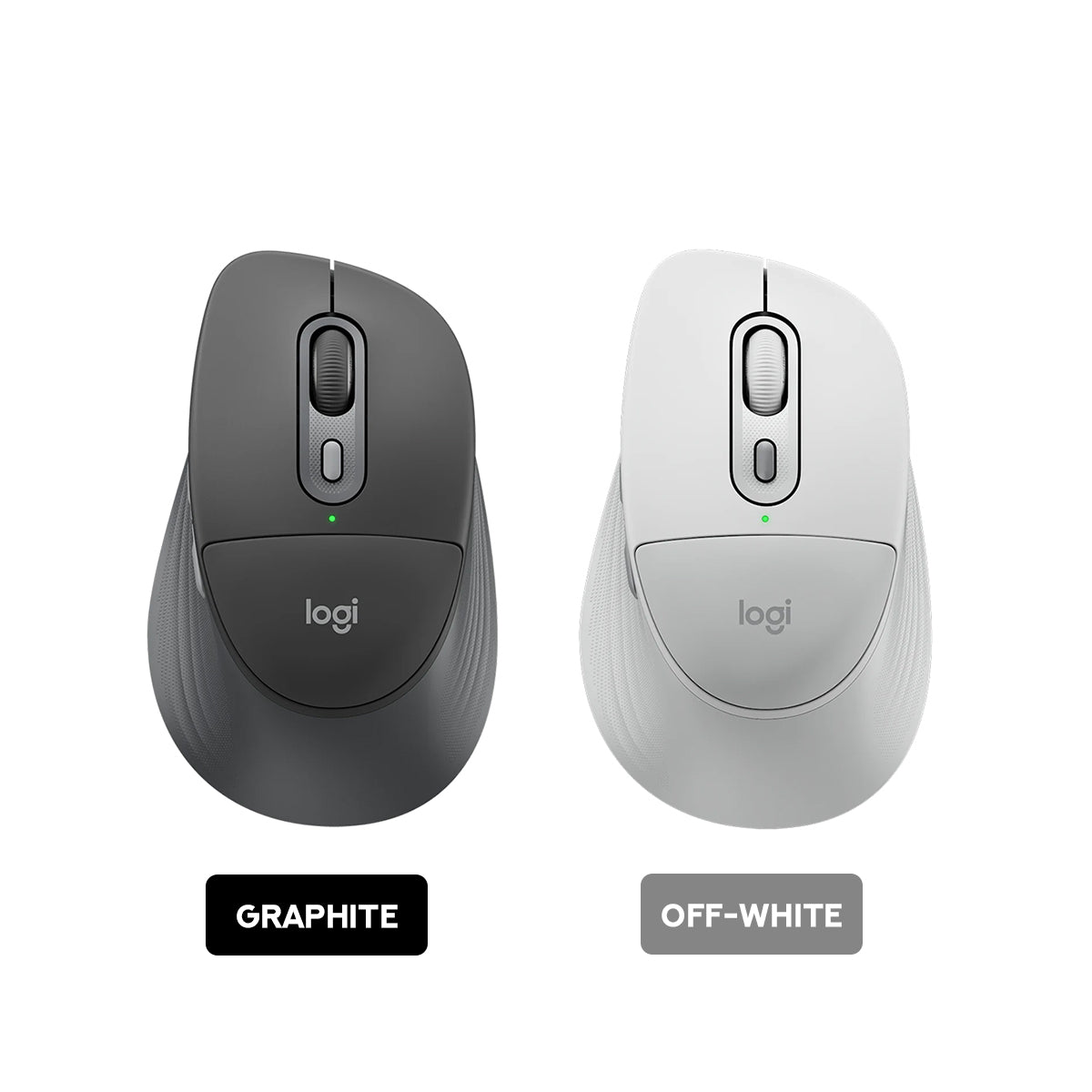
Take comfort into your own hands with Signature Comfort Plus M850 L, a wireless mouse that blends comfort and productivity. Feel the sculpted design and soft palm cushion. Work effortlessly with SmartWheel scrolling and customizable buttons.
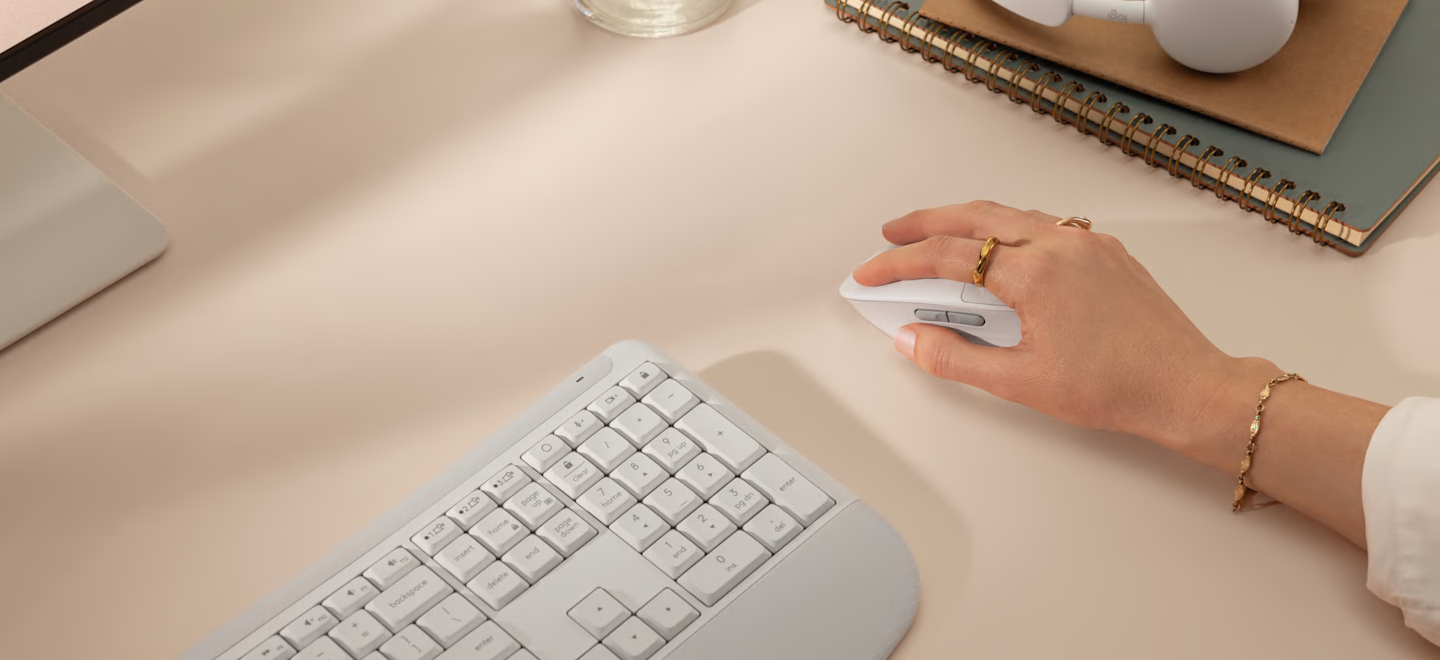
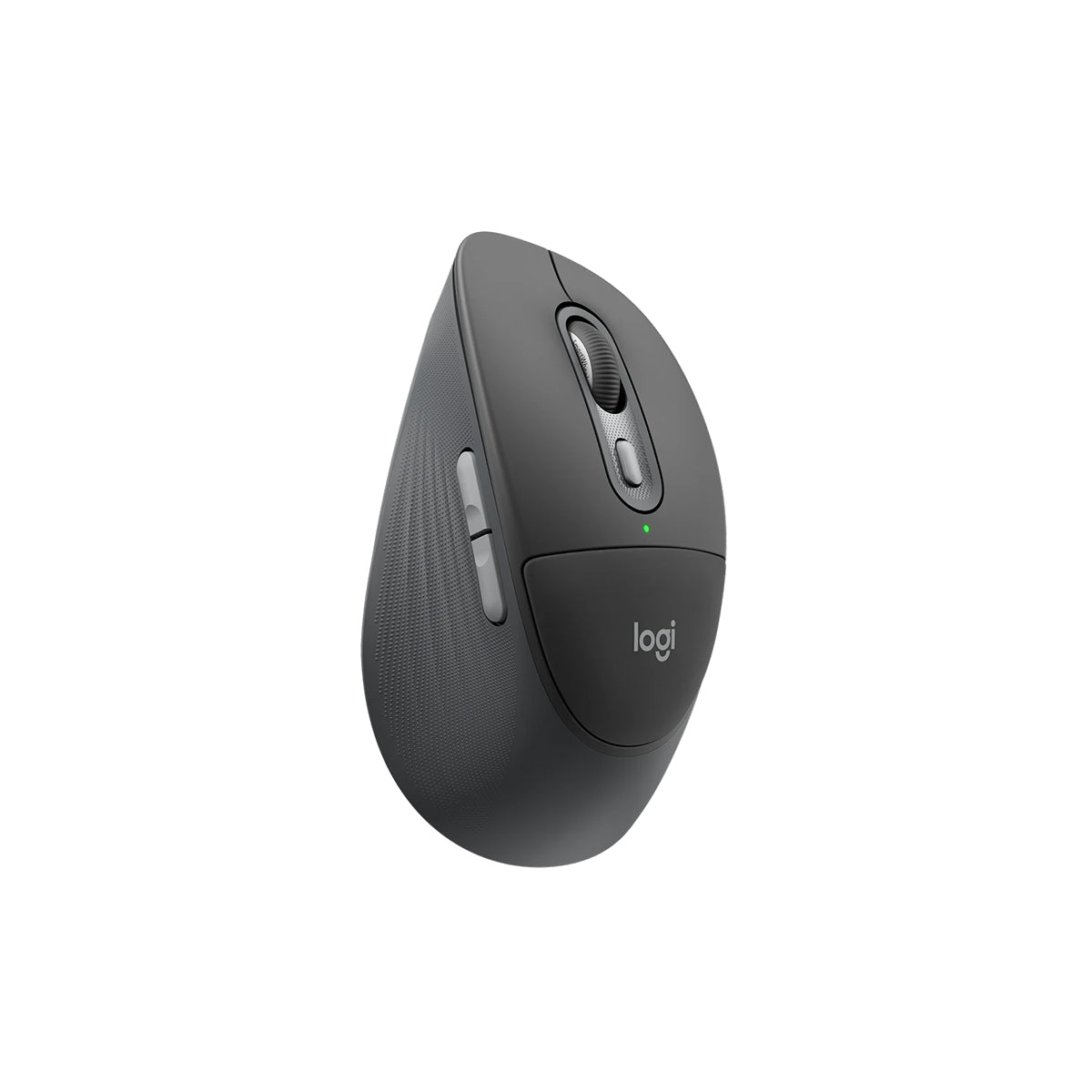
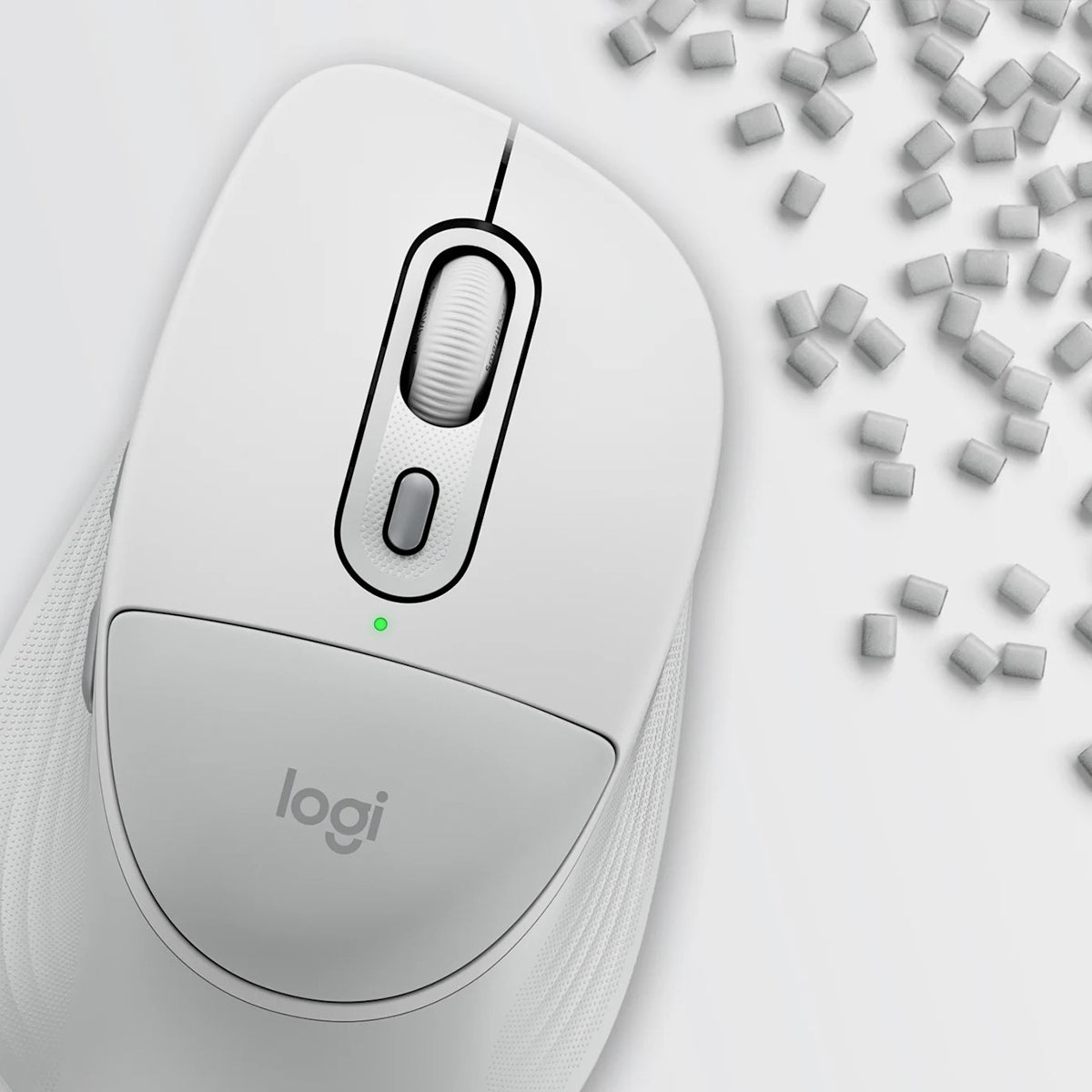
Logitech’s first mouse with palm cushionThe palm cushion on the mouse gives you a comfy spot for your hand, making long hours of work feel a little more comfortable. 93% of surveyed users felt comfortable using the mouse, even after a full workday*.
*Based on a Logitech US study (2025) with 105 external participants with varying hand sizes over a 5-day usage trial
|
 |
|
|
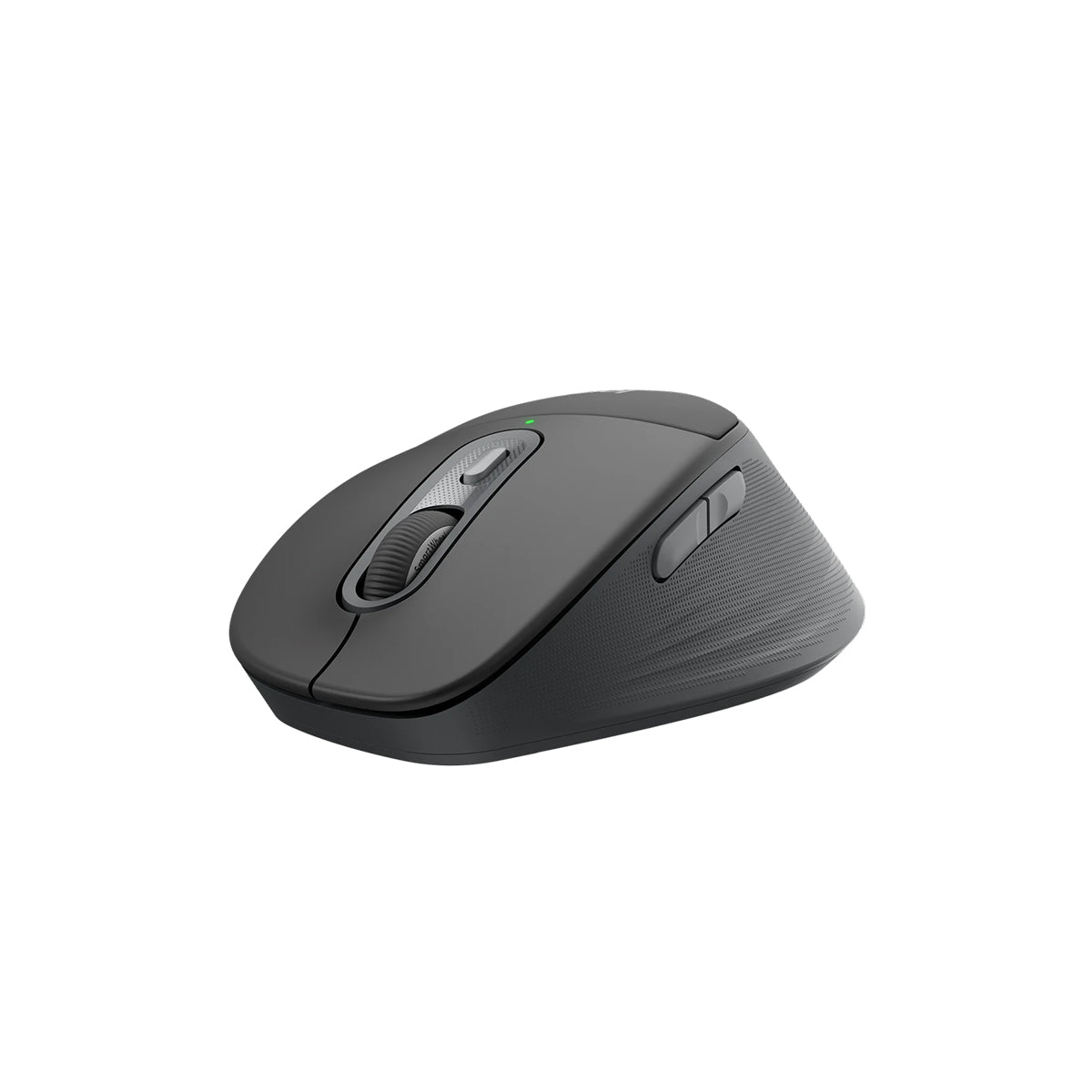
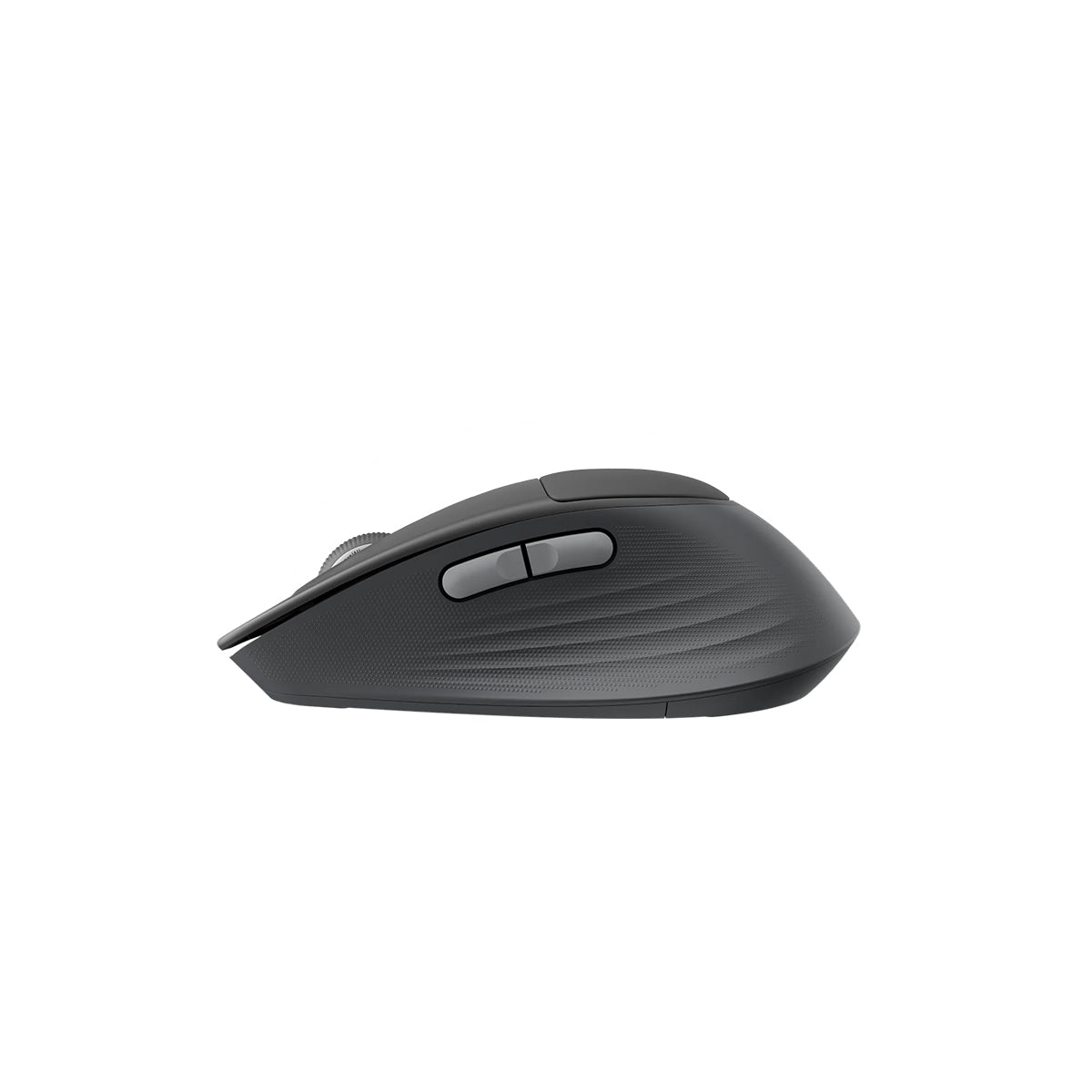
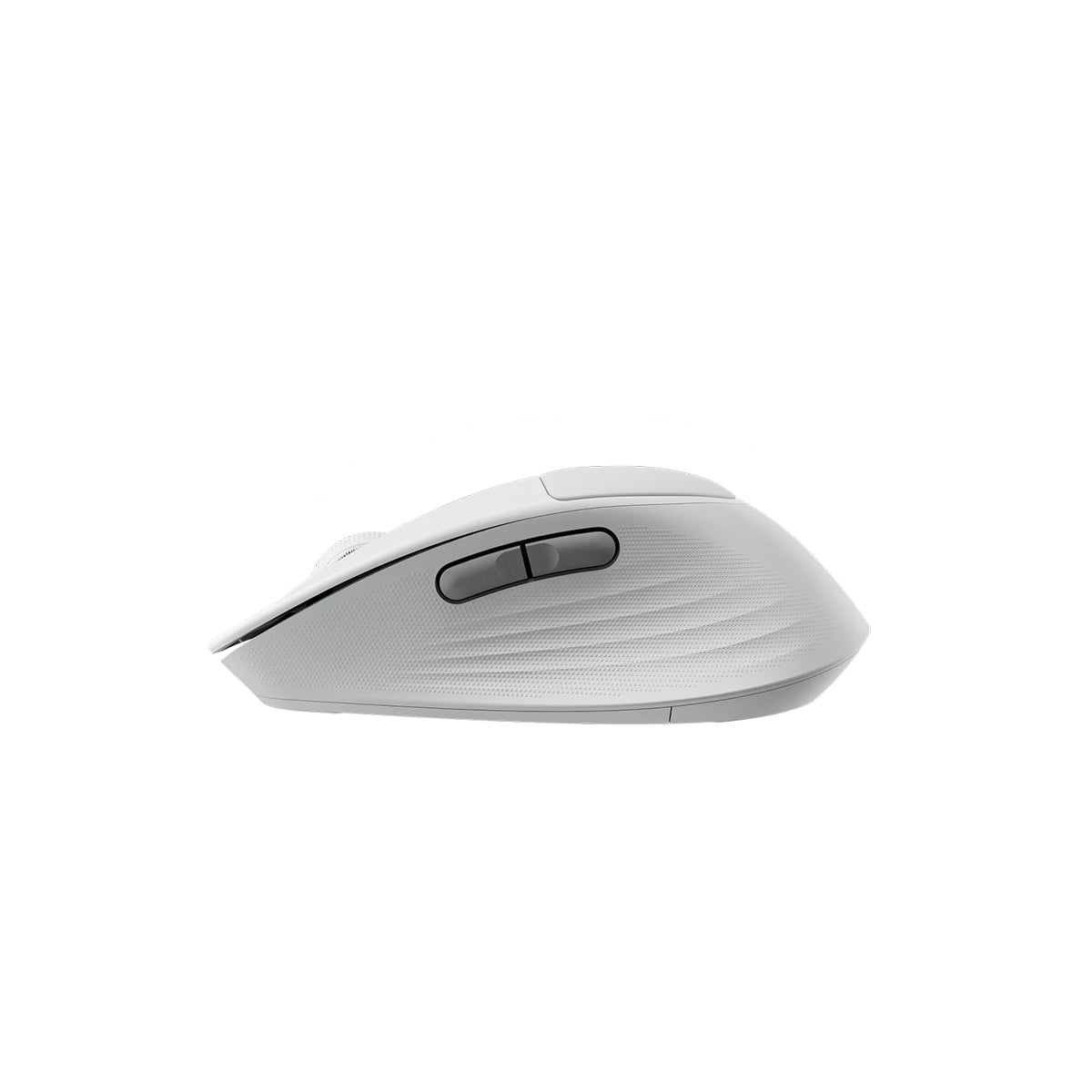
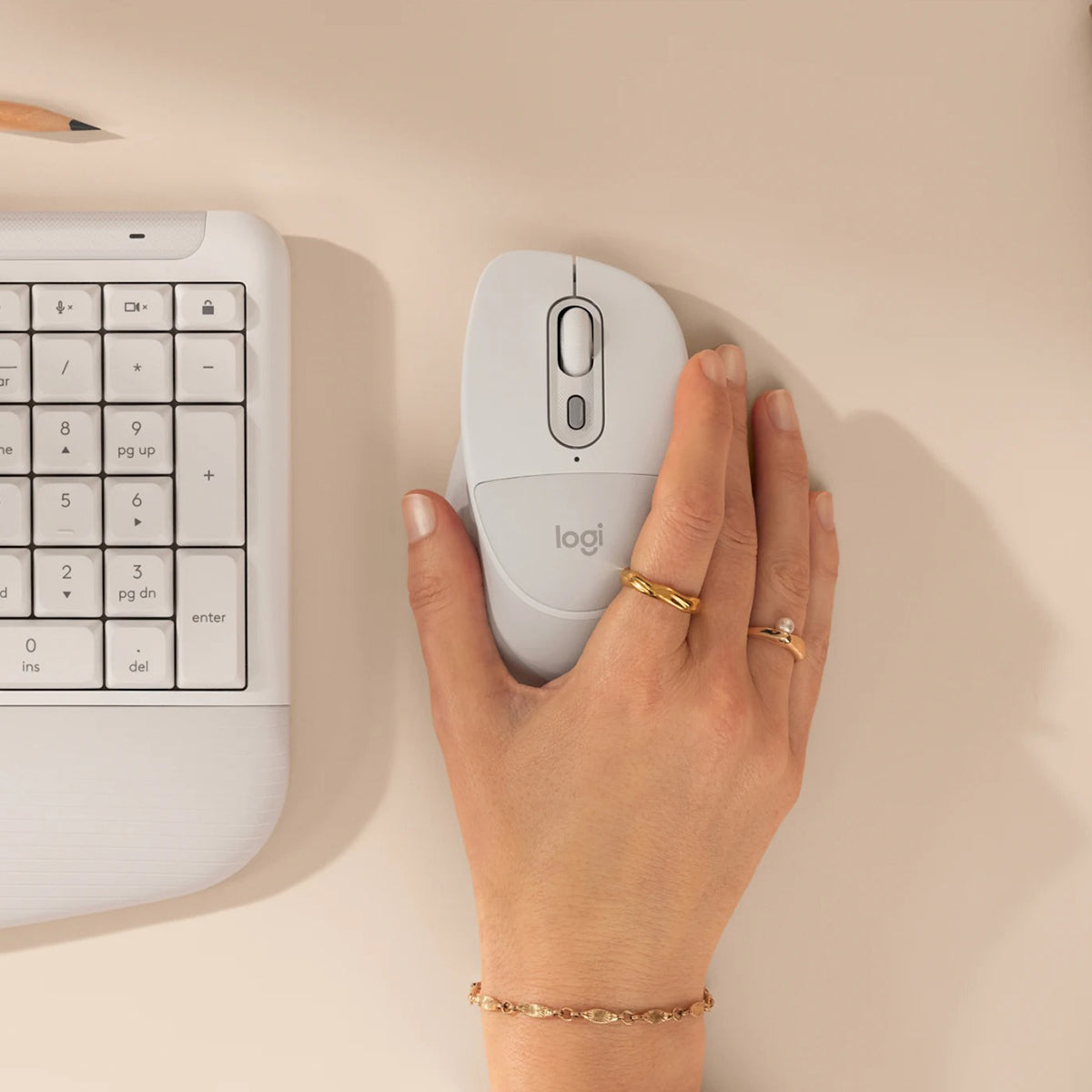
Gentle hold, comfy controlThe sculpted shape fits naturally in your hand. The thumb rest and extended rubber side grip give you confidence and control. It’s the perfect fit.
|
Effortless scrolling, quiet clicksScroll line by line or fly through pages with SmartWheel—all with quiet clicks for a calm, focused workflow.
|
 |
|
|
Make it yours—customize your buttonsDo more than you ever dreamed with the Logi Options+ App. Personalize your experience to make it work for you.
|
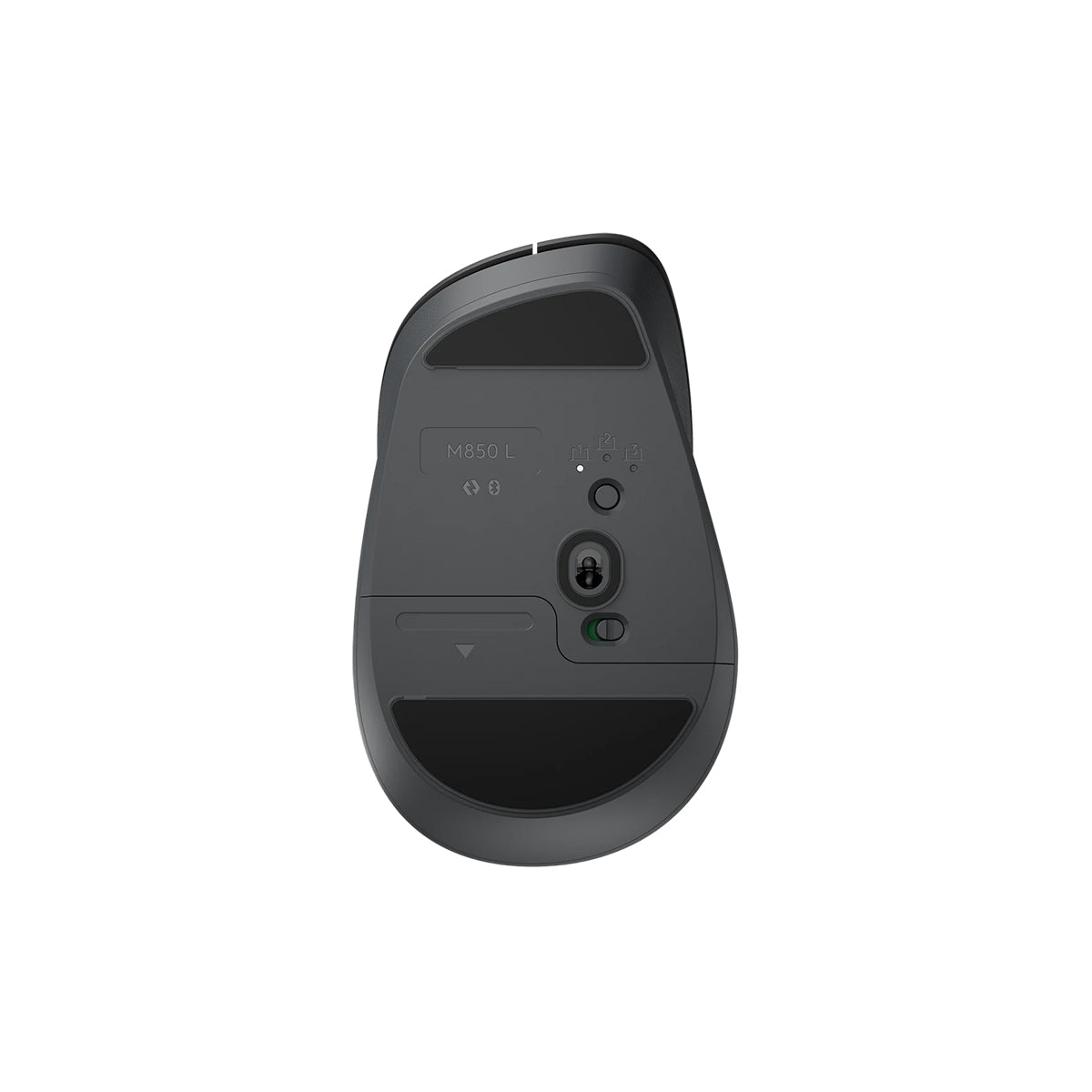
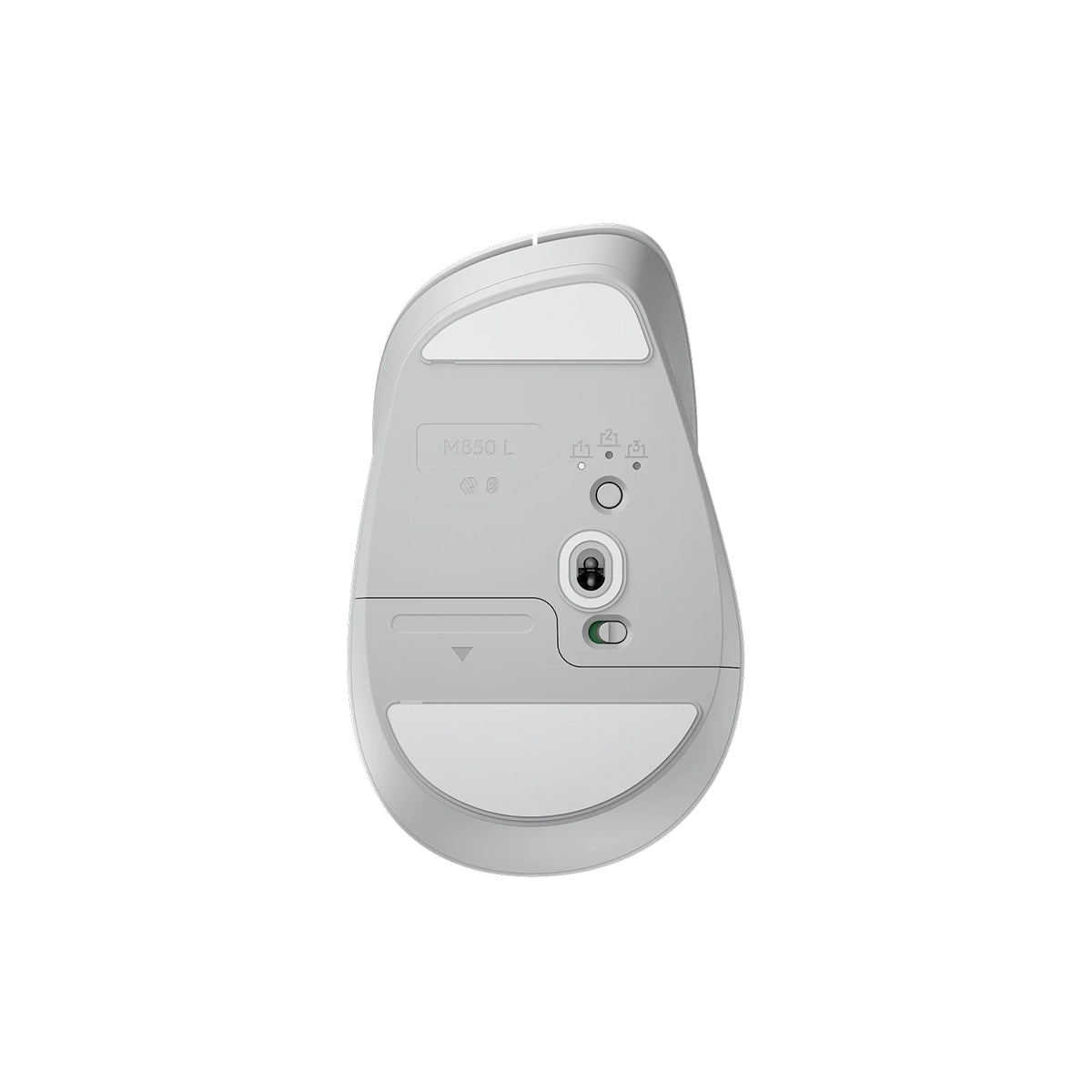
Easy-Switch and Bluetooth for simple connectionsConnect with Bluetooth, then swap between up to 3 devices instantly with Easy-Switch—just a tap, no dongle needed, perfect for multitasking.
. |
 |


Power that keeps goingSignature Comfort M850 L stays powered up for up to 24 months—no constant battery changes.
|
|
|
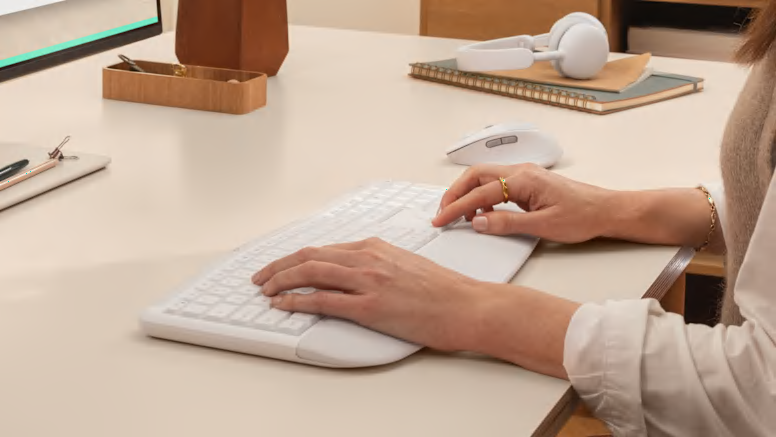
Works on nearly any platformDon’t worry about your device’s operating system—connect wirelessly to Windows, macOS, ChromeOS, Linux, iPadOS and Android.
|
Signature Series
Signature Comfort Plus M850 L
Wireless Bluetooth mouse with palm cushion for enhanced comfort.
Wireless Bluetooth mouse featuring palm cushion, cozy side grips, quiet clicks, SmartWheel scrolling, and Easy-Switch between up to 3 devices
Specification:
| Dimensions | |
|---|---|
| Signature Comfort Plus M850 L (with battery) - receiver not included |
|
| Signature Comfort Plus M850 L (without battery) - receiver not included |
|
| Technical Specifications | |
| Sensor & Tracking | |
| Sensor Technology | Pluto ONE |
| Nominal value | 1000 DPI |
| DPI (Minimal and maximal value) | 400-4000 DPI (can be set in increments of 100 DPI) |
| Tracking technology | Logitech Advanced Optical |
| Buttons | |
| Number of Buttons | 6 (Left/Right-click, Scroll-wheel middle click, side buttons, DPI button) |
| Gesture button | No |
| Number of programmable buttons | 4 (Scroll-wheel middle click, side buttons, DPI button) |
| Scroll Types | |
| Scroll Wheel | SmartWheel |
| Horizontal scroll | Virtual |
| Thumb wheel | No |
| Features | |
| Customization app | Logi Options+, Logi Tune |
| Handedness | Right |
| Battery | |
| Battery type | 1 AA battery (Alkaline Battery) |
| Battery life | 24 months |
| Battery life with Logi Bolt USB Receiver | up to 24-months |
| Battery life with Bluetooth® | up to 24-months |
| Connectivity | |
| Connection Type | Bluetooth Low Energy Technology |
| Wireless range | 10 m |
| Unifying-ready mouse | No |
| Unifying-ready receiver | No |
| Multi-device pairing | Up to 3 devices |
| System Requirements | |
| Bluetooth | Required: Bluetooth Low Energy, Windows 10, 11 or later, macOS 12 or later, Linux*, ChromeOS*, iPadOS* 15 or later, Android™ OS* 12 or later. (*Device basic functions will be supported without software for systems other than Windows and macOS) |
| Logi Bolt USB receiver | Compatible with Logi Bolt USB Receiver (not included), Not compatible with other Logitech USB receivers. |
| Customization app | Logi Options+, Logi Tune |
| Certified for | WWCB, Engineered for Intel Evo laptops |
Customer Reviews
