
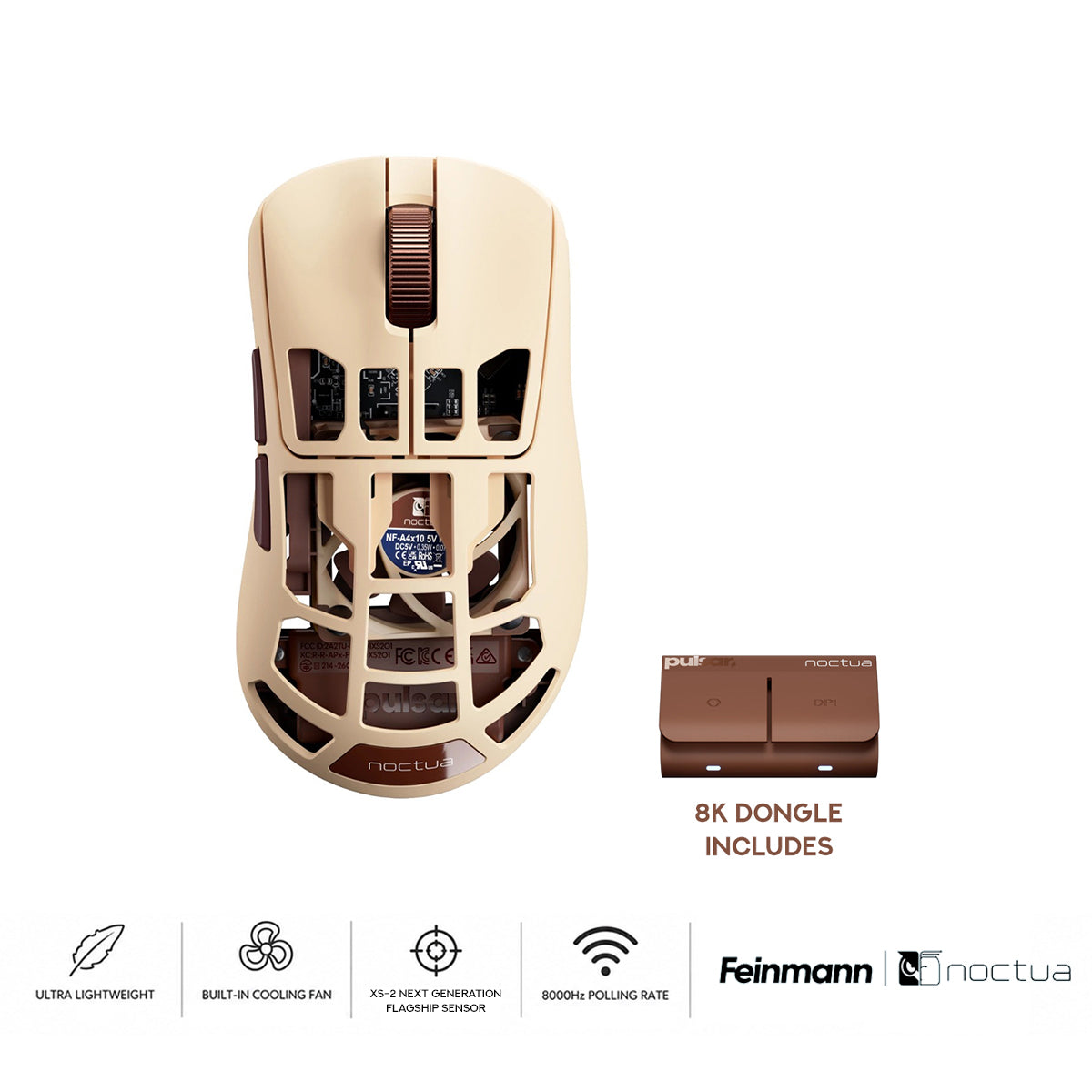
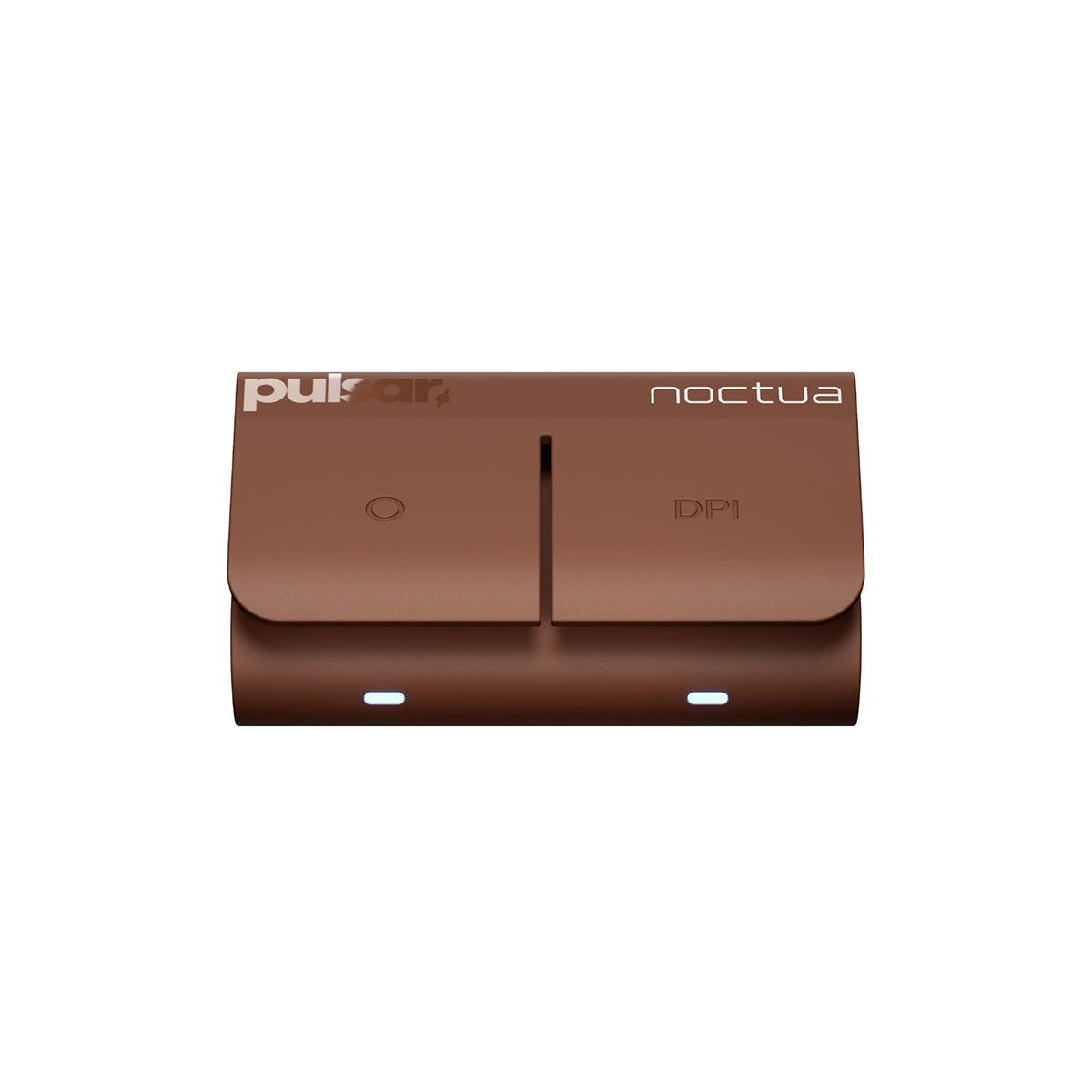
The Link 2 Dongle provides seamless hardware-level control through a dedicated dual-button interface. The DPI button offers instant sensitivity cycling, while the Function button can be remapped to manage Polling Rate, Profile, LOD, Turbo Mode, or Debounce Time. Use the Bibimbap Web Driver or PC software for initial setup to enjoy a precise, software-free experience with real-time LED feedback.


Description


|
8K Polling Ready Ultra-high 8,000Hz polling rate delivers 8x faster data transfer and 0.125ms response times. |
|
|
Pulsar Optical Switch Ultra-high 8,000Hz polling rate delivers 8x faster data transfer and 0.125ms response times. 100M-click optical switches eliminate debounce delay for instant response and zero double-clicking. |
|
|
Adjustable LOD Settings Adjustable 11-step LOD settings from 0.7mm to 1.7mm provide optimal tracking stability and precision across any surface. |
|
|
Alloy Wheel Crafted from premium alloy to deliver enhanced durability, refined tactile feedback, and long-lasting performance. |
Direct Control. Instant Response. |

Instant Fan Control at Your FingertipsAdjust fan speed directly from the LINK dongle without opening software. Switch between four airflow levels with a single button press, or turn the fan on and off instantly. Software control is also available, but hardware controls let you make quick adjustments anytime, even in the middle of a game. |
On-Mouse Airflow Control
Control the integrated Noctua fan directly from the mouse. Turn cooling on or off, then continue scrolling to increase or decrease fan speed instantly without software.
Turn Cooling ON
|
Turn Cooling OFF
|


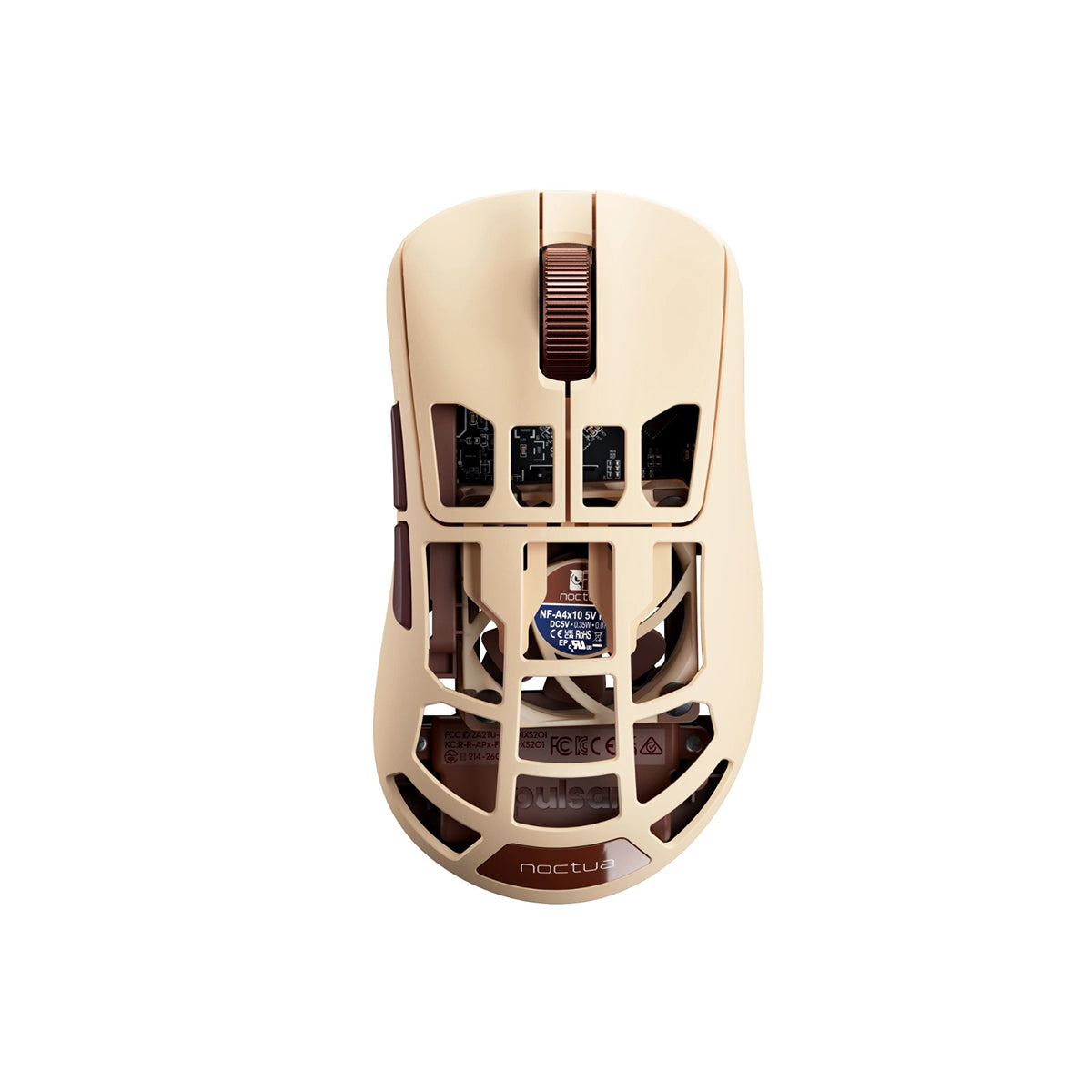
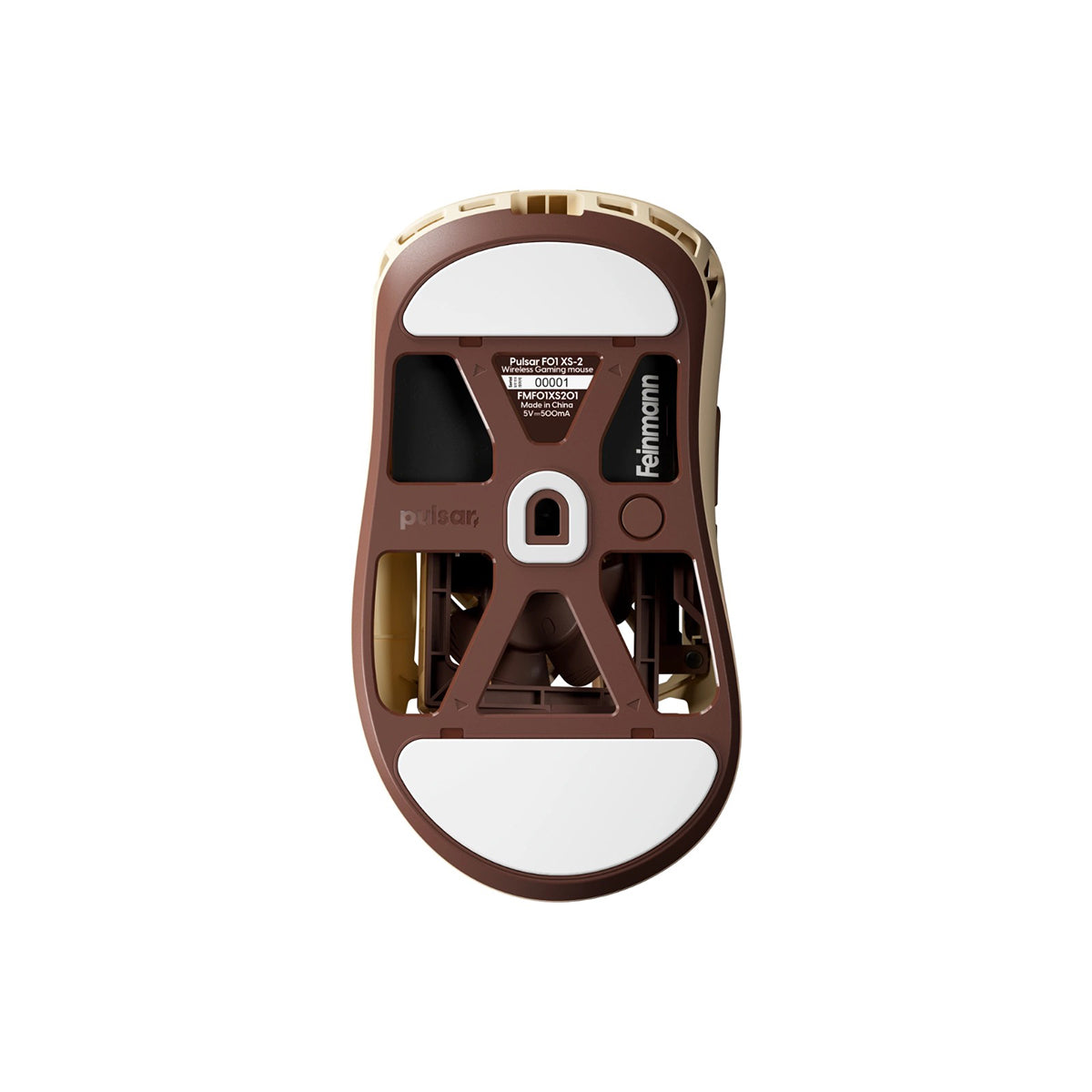
[Noctua | Feinmann] F01 Gaming Mouse
-
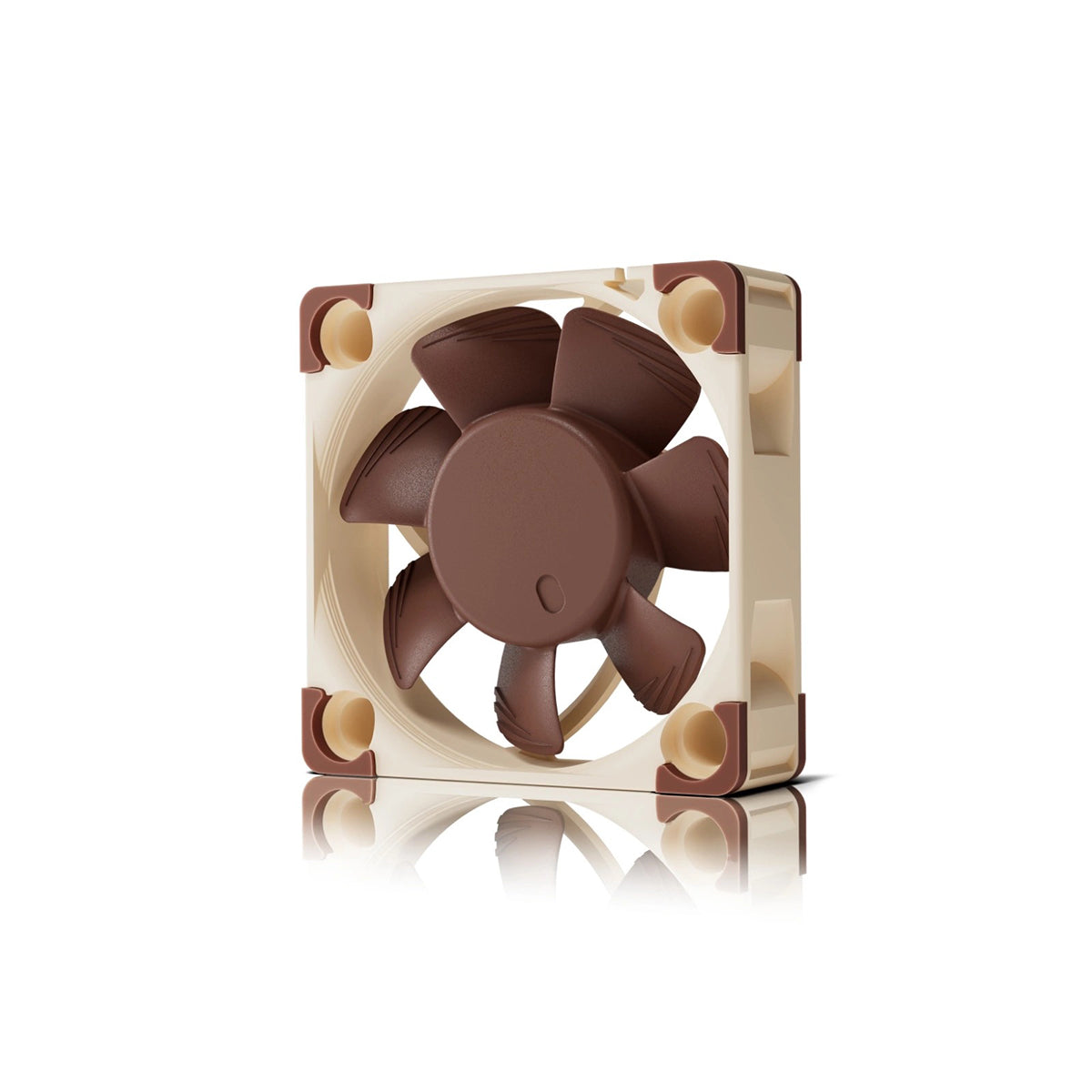
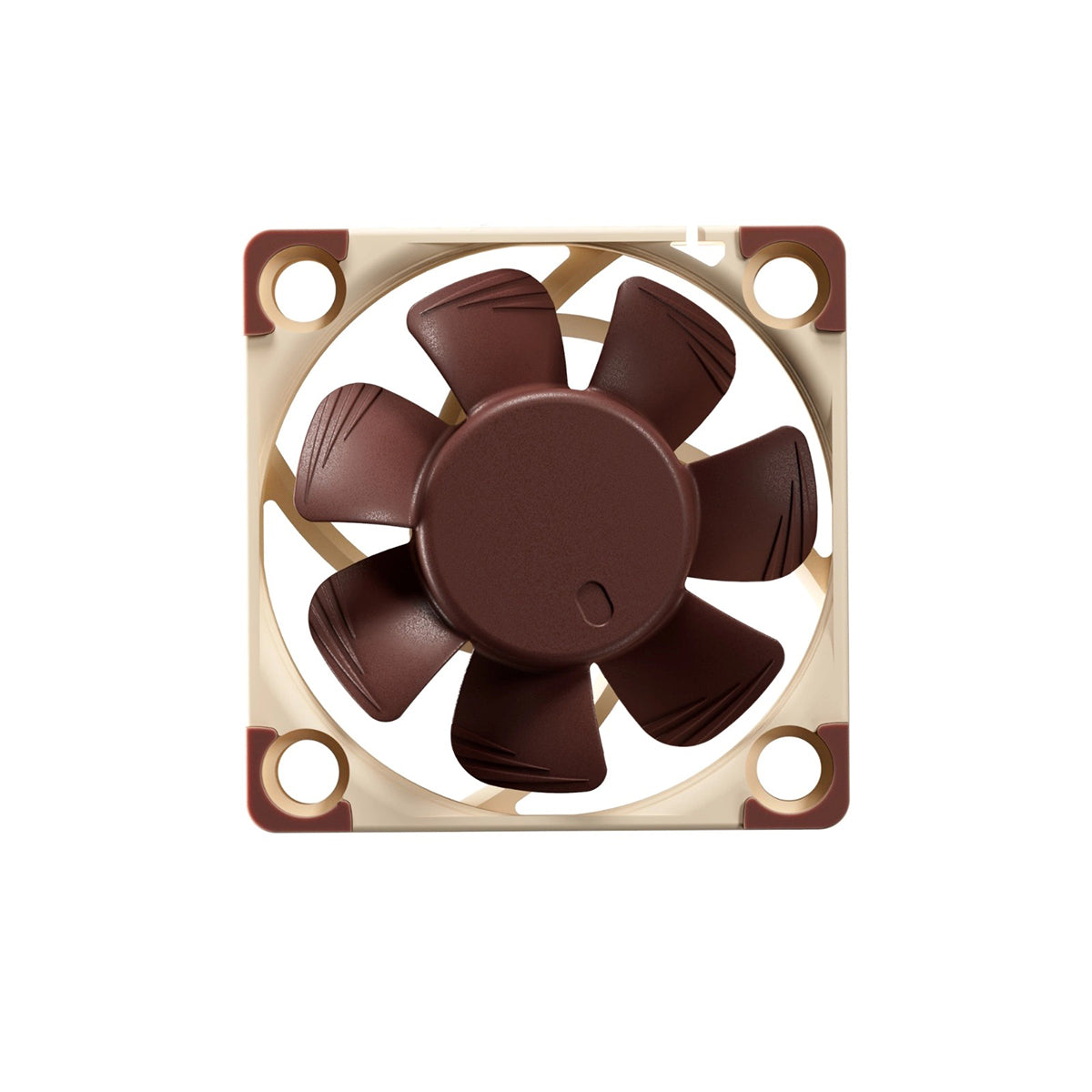
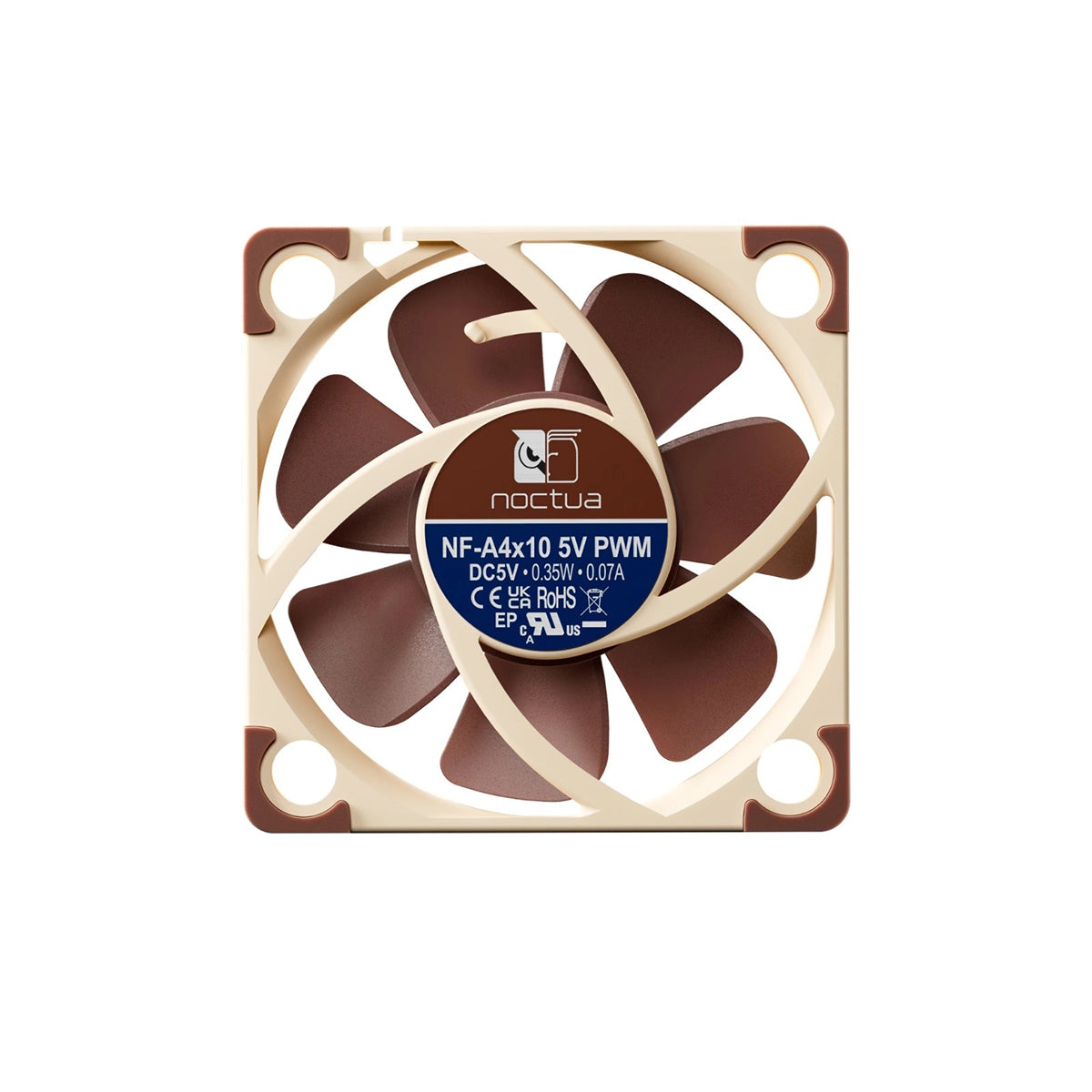
Noctua NF-A4x10 5V PWM Integrated Cooling
The industry-leading Noctua NF-A4x10 5V PWM fan brings premium thermal performance to your mouse. Advanced PWM speed control delivers airflow only when needed, minimizing noise while helping reduce heat buildup and maintain a comfortable grip during extended gaming sessions. -
Lightweight Carbon Composite Construction
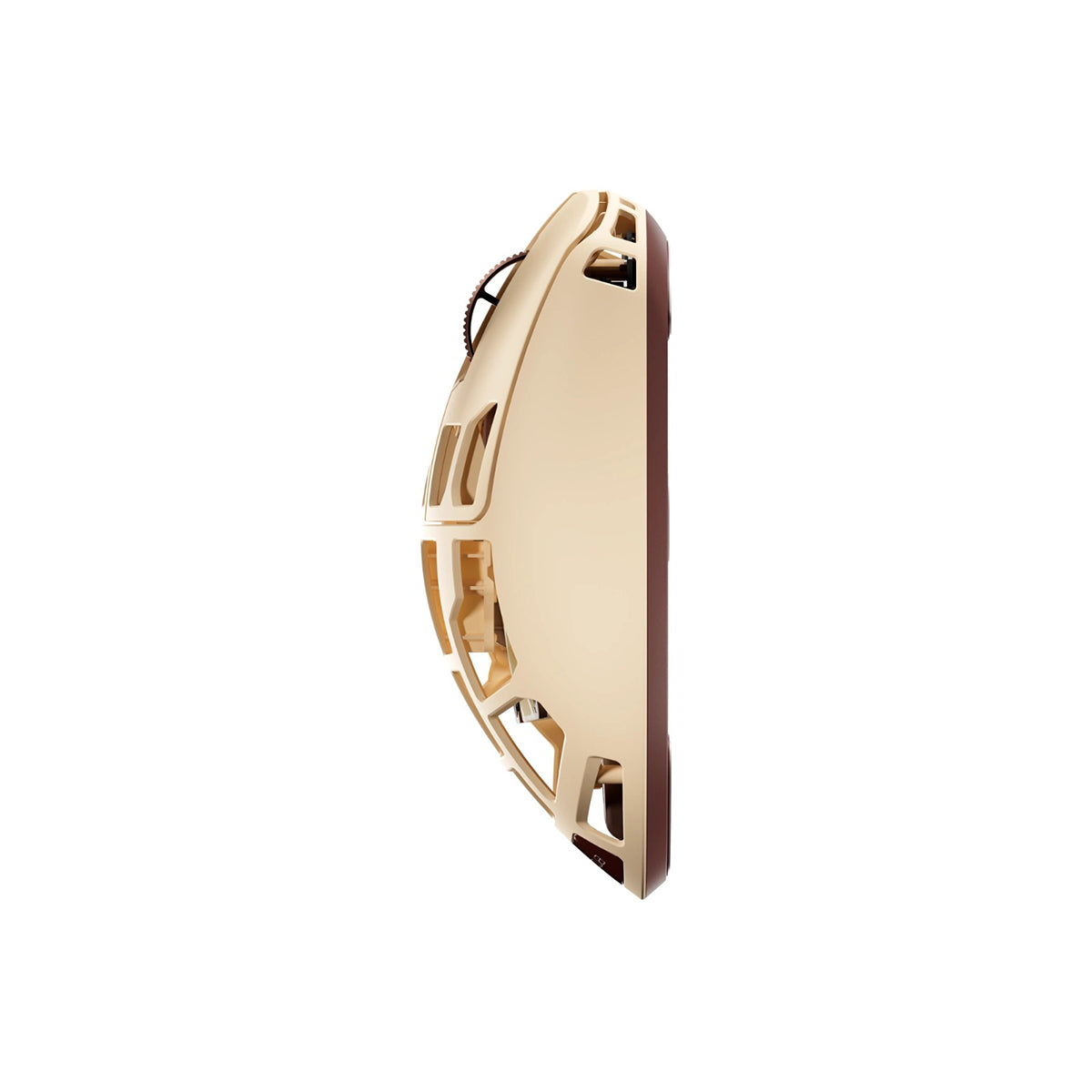
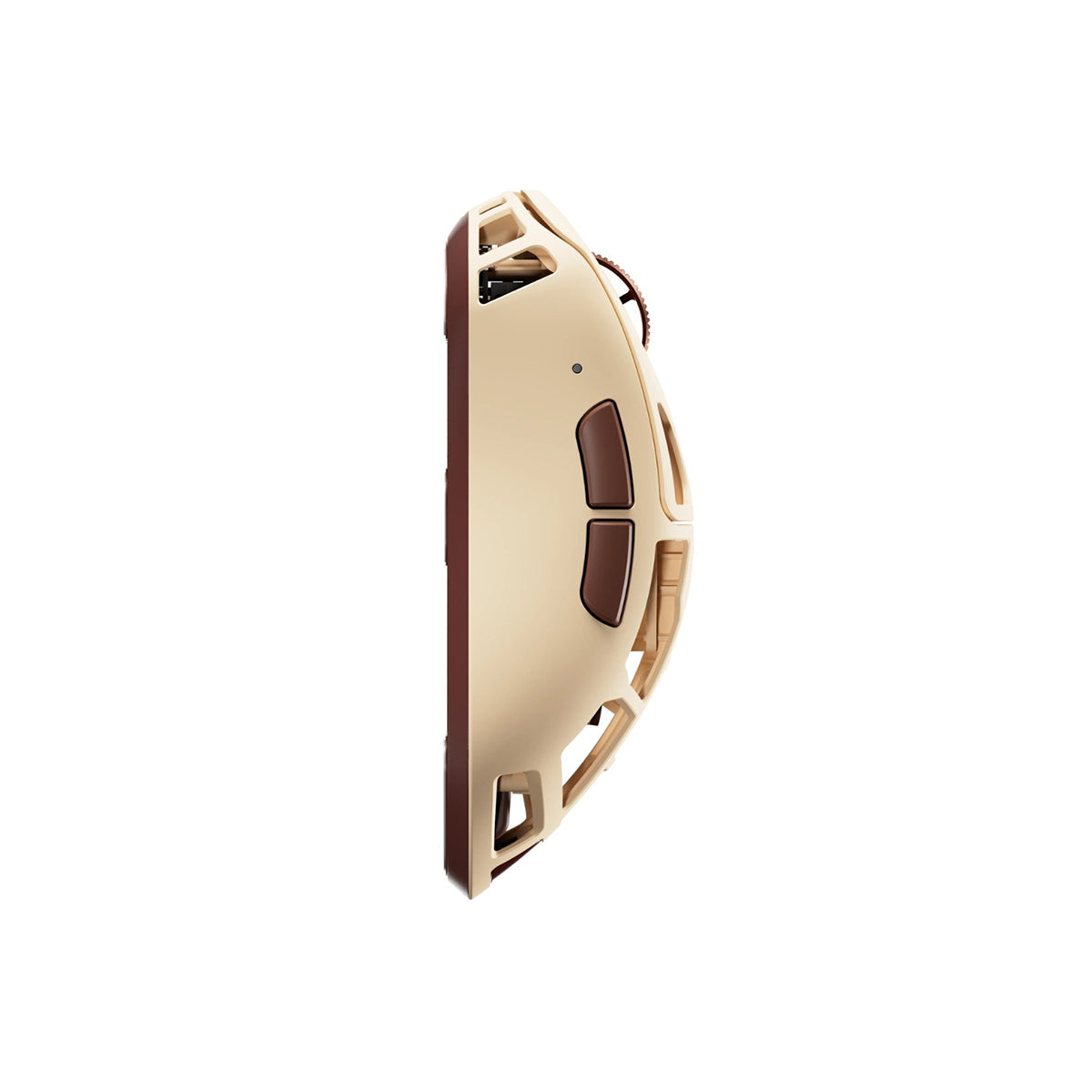
Built from high-strength carbon composite material, the F01 integrates a Noctua cooling system and a 500mAh battery while maintaining a total weight of just 73g. The precision-engineered perforated design maximizes airflow without compromising structural integrity. -
XS-2 Next-Generation Flagship Sensor by Pulsar
Powered by Pulsar's XS-2 Next-Generation Flagship Sensor, the F01 combines 42,000 DPI, 800 IPS tracking speed, and 70G acceleration to deliver precise, responsive, and consistent tracking in every game. -
Double-Click-Free Durability (100M Clicks)
Features premium 100M-click Pulsar optical switches to eliminate double-click issues permanently. Paired with the Pulsar Blue encoder, it ensures clean, reliable tactile feedback and long-term scroll durability. -
Ergonomic Right-Hand Design
Optimized for right-handed players, the ergonomic shape provides natural hand support and confident control. Every curve is designed to enhance grip stability, reduce fatigue, and deliver lasting comfort during long hours of competitive play. -
Instant Hardware Control
Designed for competitive play, the LINK receiver delivers up to an 8K polling rate with ultra-low 0.125ms latency for elite-level responsiveness. Its innovative dual-button design lets you adjust DPI, polling rate, fan control, and profiles instantly without software, keeping you focused on the game. -
On-Mouse Fan Control
The integrated Noctua fan can be controlled from both the LINK receiver and the mouse itself. Activate or disable the fan instantly using a simple button combination without taking your hand off the mouse or leaving the game. -
Bibimbap Web Software
Configure your mouse directly from your browser with Pulsar's web-based configuration software. Easily customize DPI, polling rate, LOD, fan speed, button assignments, macros, and performance settings without downloading or installing drivers. -
Integrated Wireless Power (500mAh)
A high-capacity 500mAh battery powers both the mouse and the integrated Noctua fan from a single charge. Battery life varies depending on settings such as polling rate, fan speed, and usage patterns. Turn the fan off to maximize runtime, or keep it on for continuous cooling during extended gaming sessions.
Specification:
| Dimension |
Size Medium
|
| Sensor |
|
| Requirement |
For 8K Dongle Requirement
|
| Package Contents |
|
Customer Reviews
