



Description
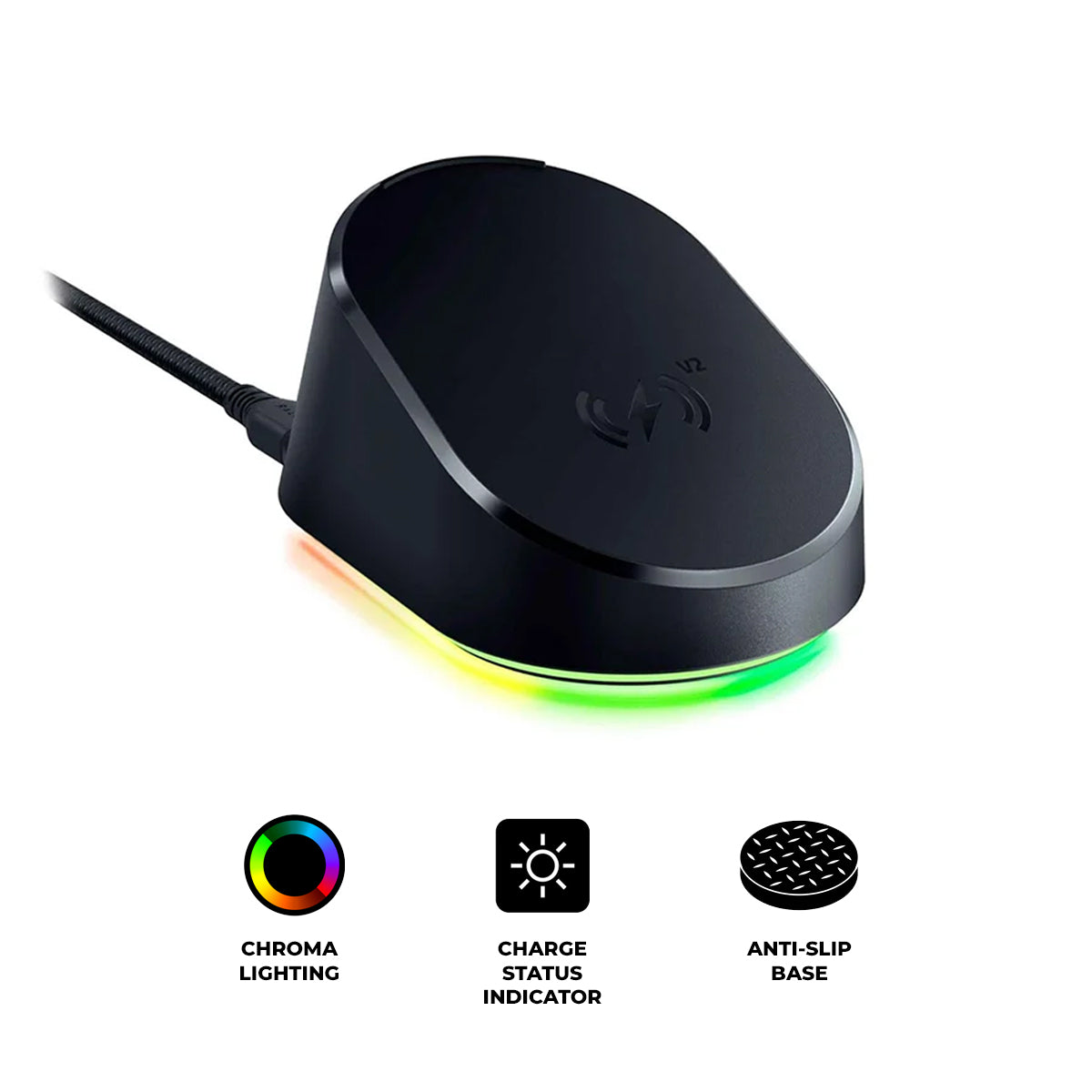
RAZER MOUSE DOCK V2 PRO
POWERED. PAIRED. READY.
Power up your gaming with the Razer Mouse Dock V2 Pro, a wireless charging dock and puck combo designed for seamless charging. Armed with an integrated 8000 Hz transceiver,
unleash blazing-fast Razer HyperSpeed Wireless Gen-2 performance, multi-device connectivity, and deeper immersion with customizable Razer Chroma™ RGB effects.
3 WAYS TO LEVEL UP
One Dock. Three Upgrades.
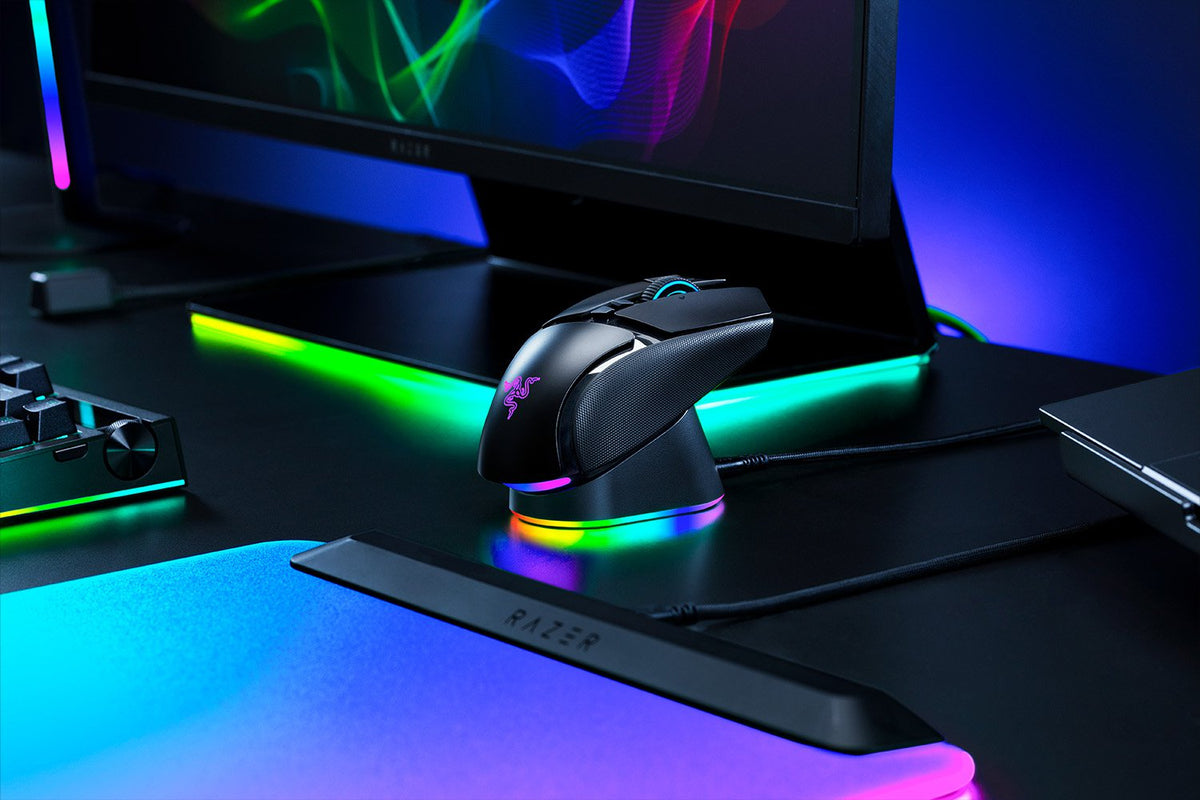
The Razer Mouse Dock V2 Pro does more than charge your mouse. Charge on contact, unlock true 8000 Hz wireless performance, and run your mouse and keyboard
off a single transceiver. All from one spot on your desk.
|
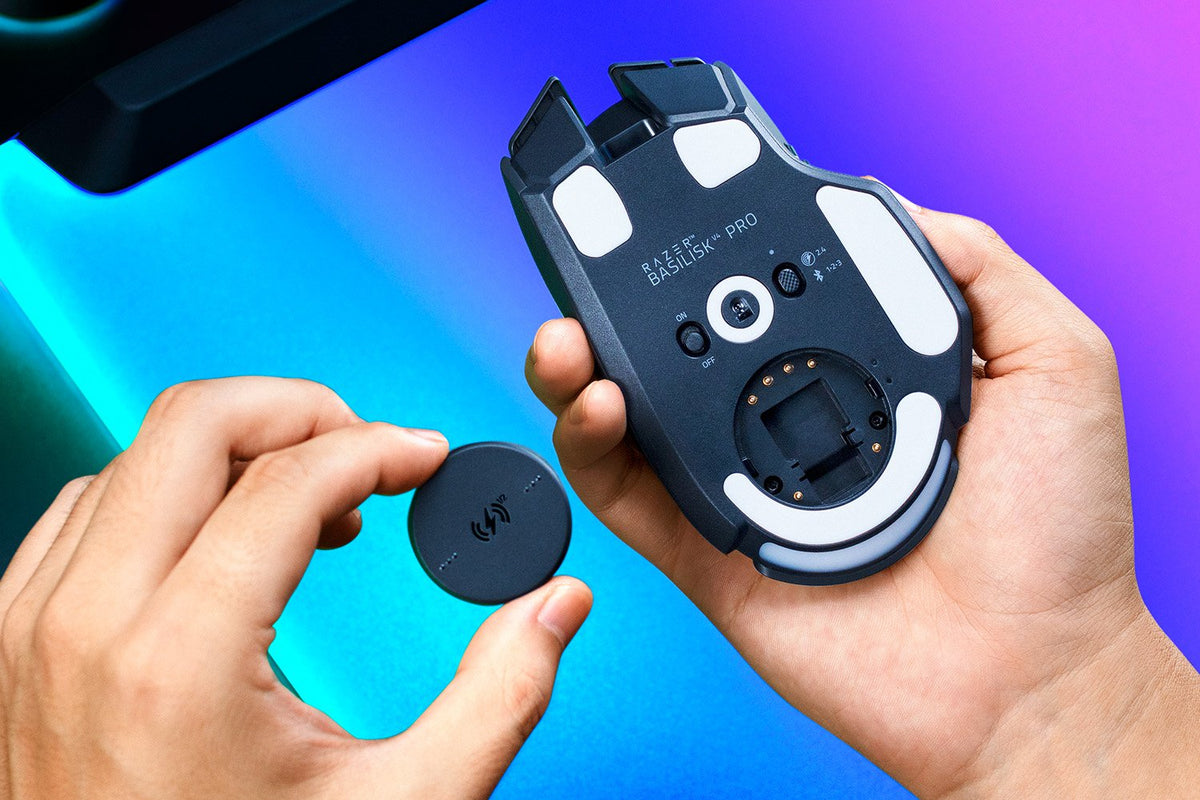
MAGNETIC WIRELESS CHARGING Seamless and Convenient Charging has never been this intuitive or easy. Simply install the Razer Wireless Charging Puck V2 and place it onto the Razer Mouse Dock V2 Pro for a secure fit that keeps your mouse charging on contact. * For optimal performance, use the Razer Wireless Charging Puck V2 included in the box. |
 |
|
|
RAZER™ HYPERSPEED WIRELESS GEN-2 PLATFORM True 8000 Hz Wireless Polling Rate Pair the Razer Mouse Dock V2 Pro with a compatible Razer mouse to unlock ultra-low latency Razer HyperSpeed Wireless Gen-2 performance and true 8000 Hz wireless polling designed for top-tier competitive gaming. |
|
RAZER™ HYPERSPEED MULTI-DEVICE SUPPORT Dongle-Free Mouse and Keyboard Connectivity Keep your setup clean with direct wireless pairing for supported Razer mice and keyboards. Simply connect the Razer Mouse Dock V2 Pro’s integrated transceiver to your PC to pair both devices through a single wireless connection, reducing the need for separate dongles*. * For compatible devices only. |
 |

|
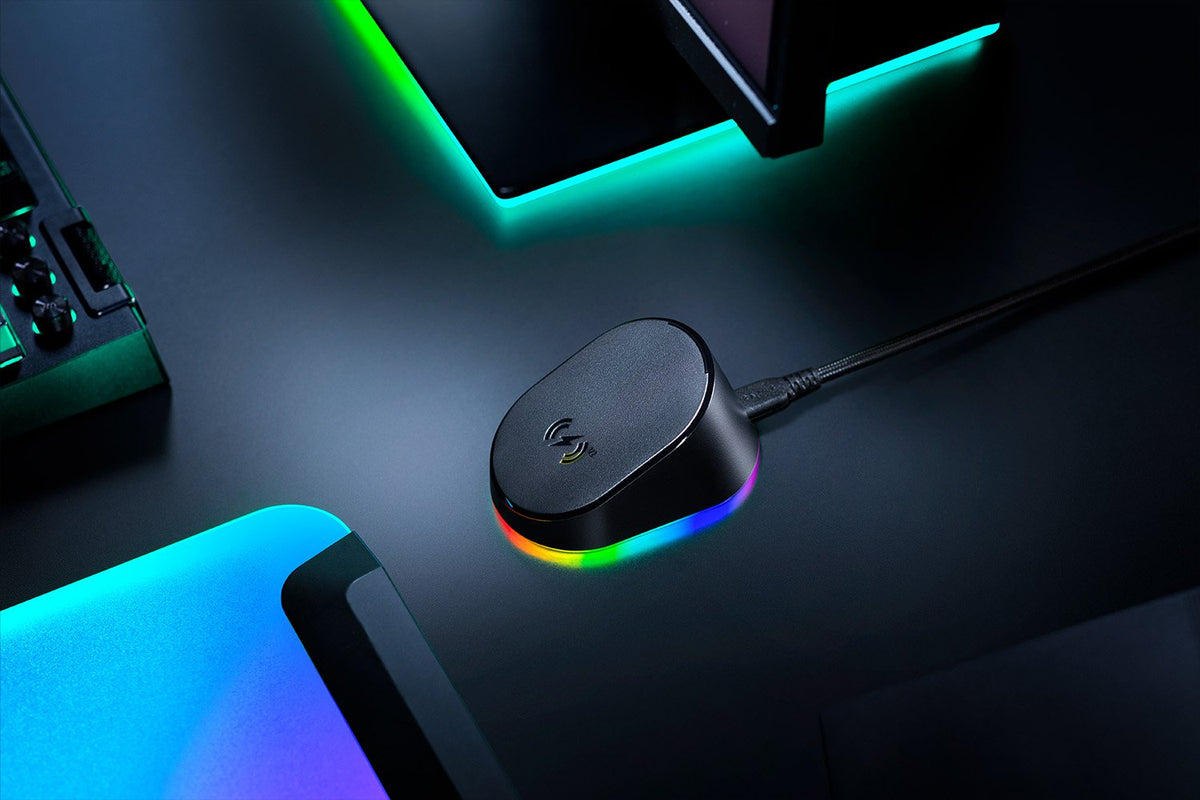
Customize each lighting zone from 16.8 million colors and countless lighting effects, and experience greater immersion as they react dynamically with hundreds of Chroma-integrated games. Sync compatible Razer Chroma RGB devices and 50+ partner products across your battlestation. |
CHARGE STATUS INDICATOR The mouse and dock light up to reflect battery level, from low (red) to mid (yellow) to full (green). Flashes red when battery is critically low. |
A tacky underside gives the dock incredible grip so it never topples over, yet stays gentle enough to leave no marks on your desk. |
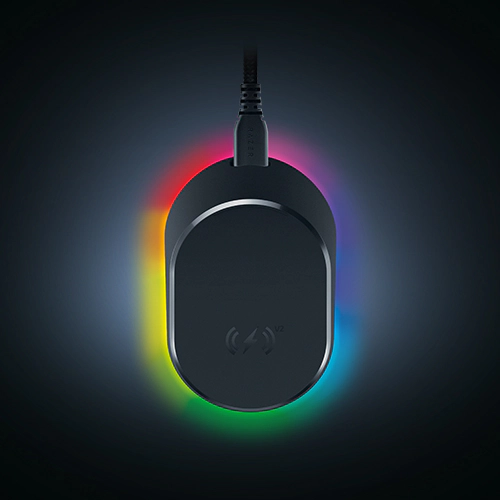 8-ZONE CHROMA LIGHTING WITH FULL UNDERGLOW
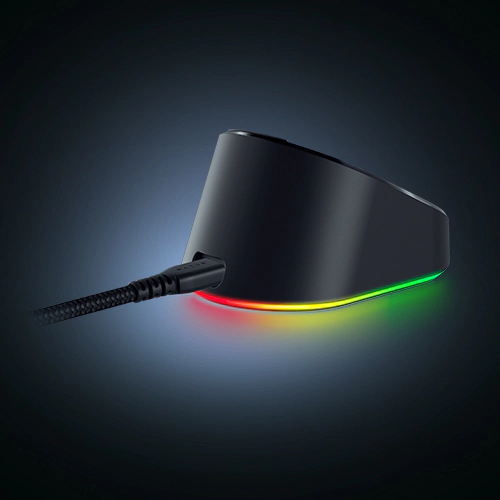 ANTI-SLIP BASE
|
Unlock the cover puck at the bottom of your compatible Razer mouse |
Replace the cover puck with the Razer Wireless Charging Puck V2 |
|
Lock the Razer Wireless Charging Puck V2 in place |
Place the mouse on the Razer Mouse Dock V2 Pro to begin charging |
 Step 1
 Step 2
 Step 3
 Step 4
Specification:
| RGB Lighting | Yes |
| Cable | No |
| Dock Dimensions (L × W × H) | 83.5 × 56 × 43.5 mm 3.28 × 2.2 × 1.71 in |
| Puck Dimensions (L × W × H) | 33.2 × 33.2 × 4.5 mm 1.31 × 1.31 × 0.18 in |
| Dock Weight | 112 g / 3.95 oz |
| Puck Weight | 5 g / 0.17 oz |
| HyperSpeed Wireless Gen-2 Compatibility | Basilisk V4 Pro Basilisk V4 HyperSpeed |
| HyperSpeed Wireless Gen-1 Compatibility | Basilisk V3 Pro 35K Basilisk V3 Pro Cobra Pro Cobra HyperSpeed Naga V3 Pro Naga V2 Pro* *Up to 1000 Hz |
Customer Reviews
