
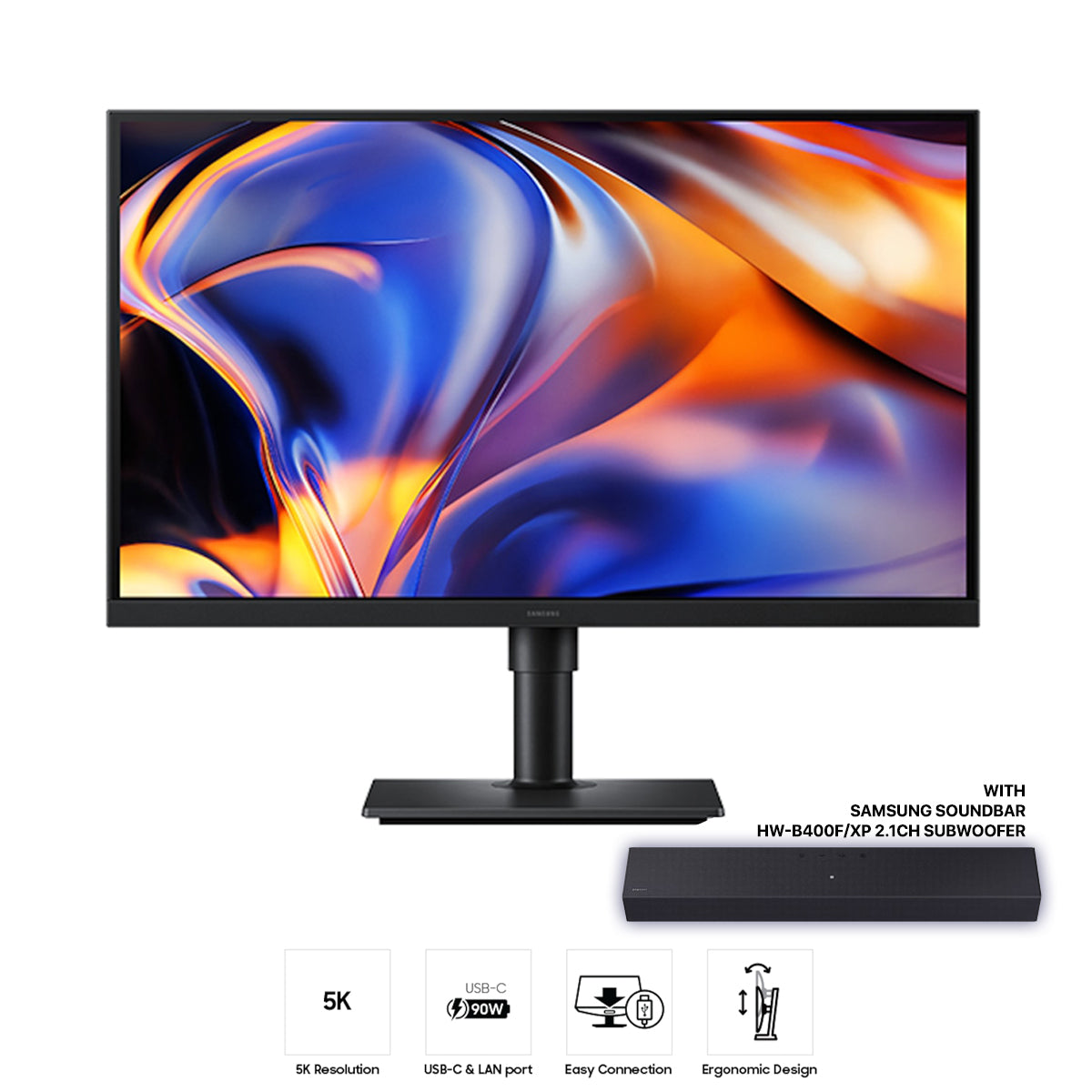
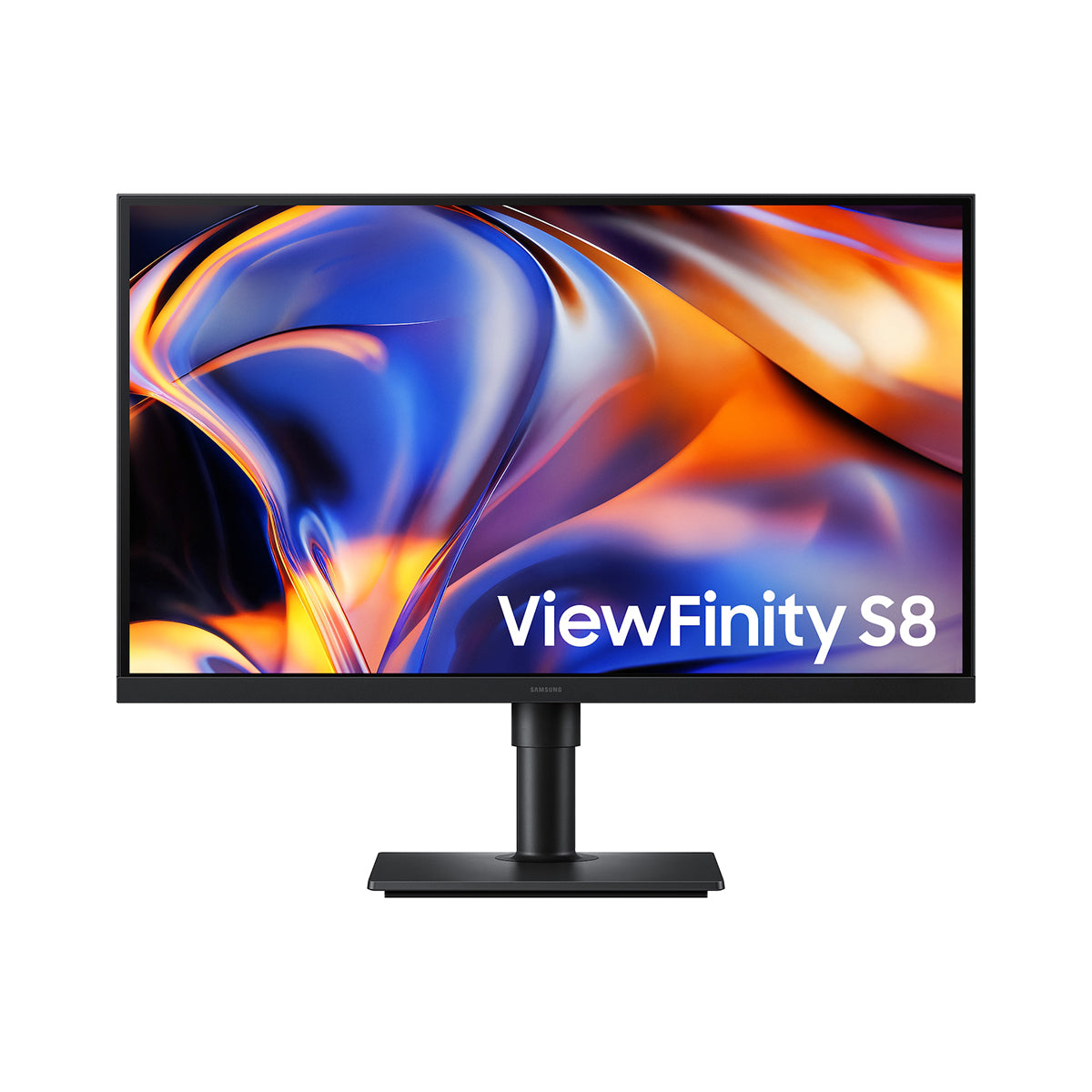
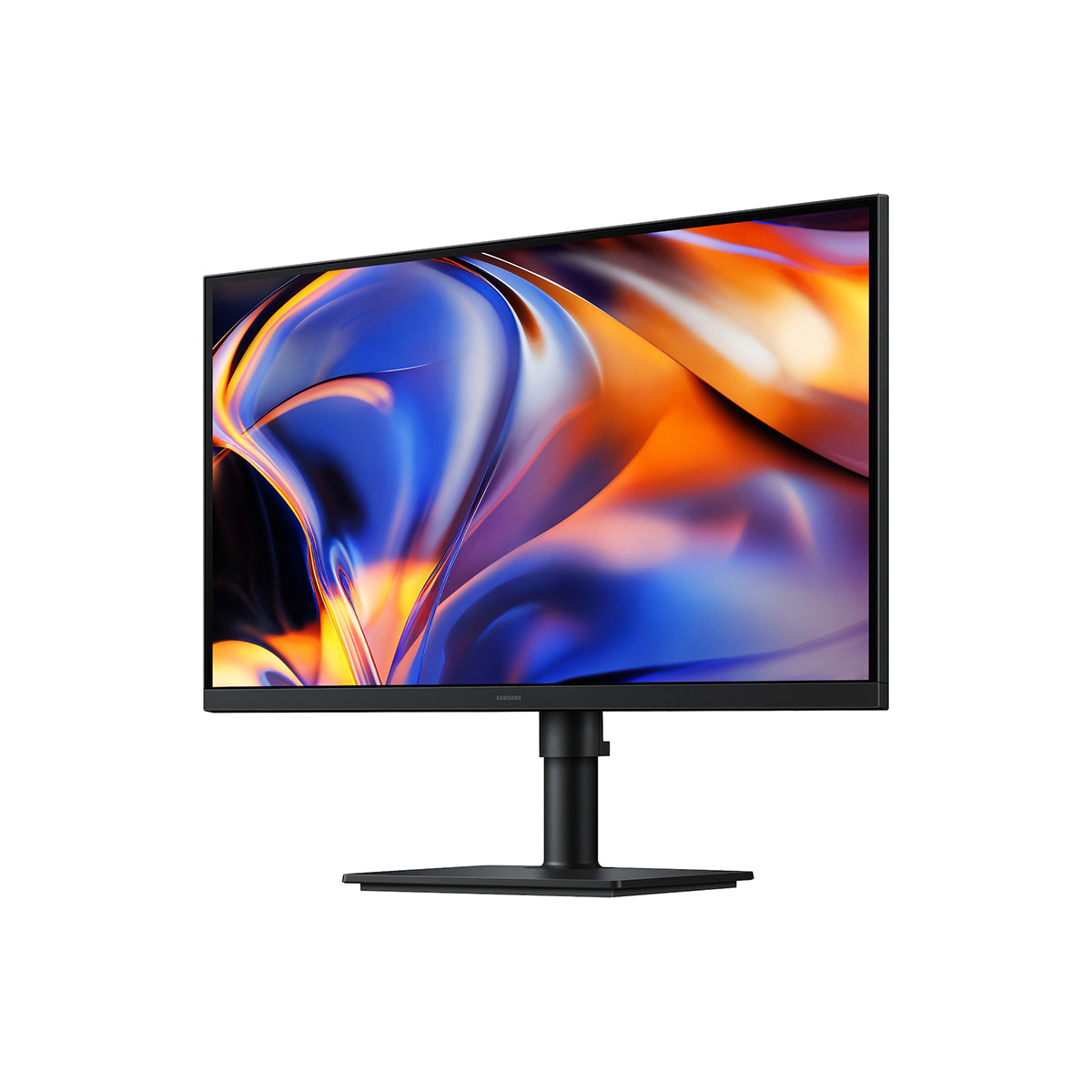
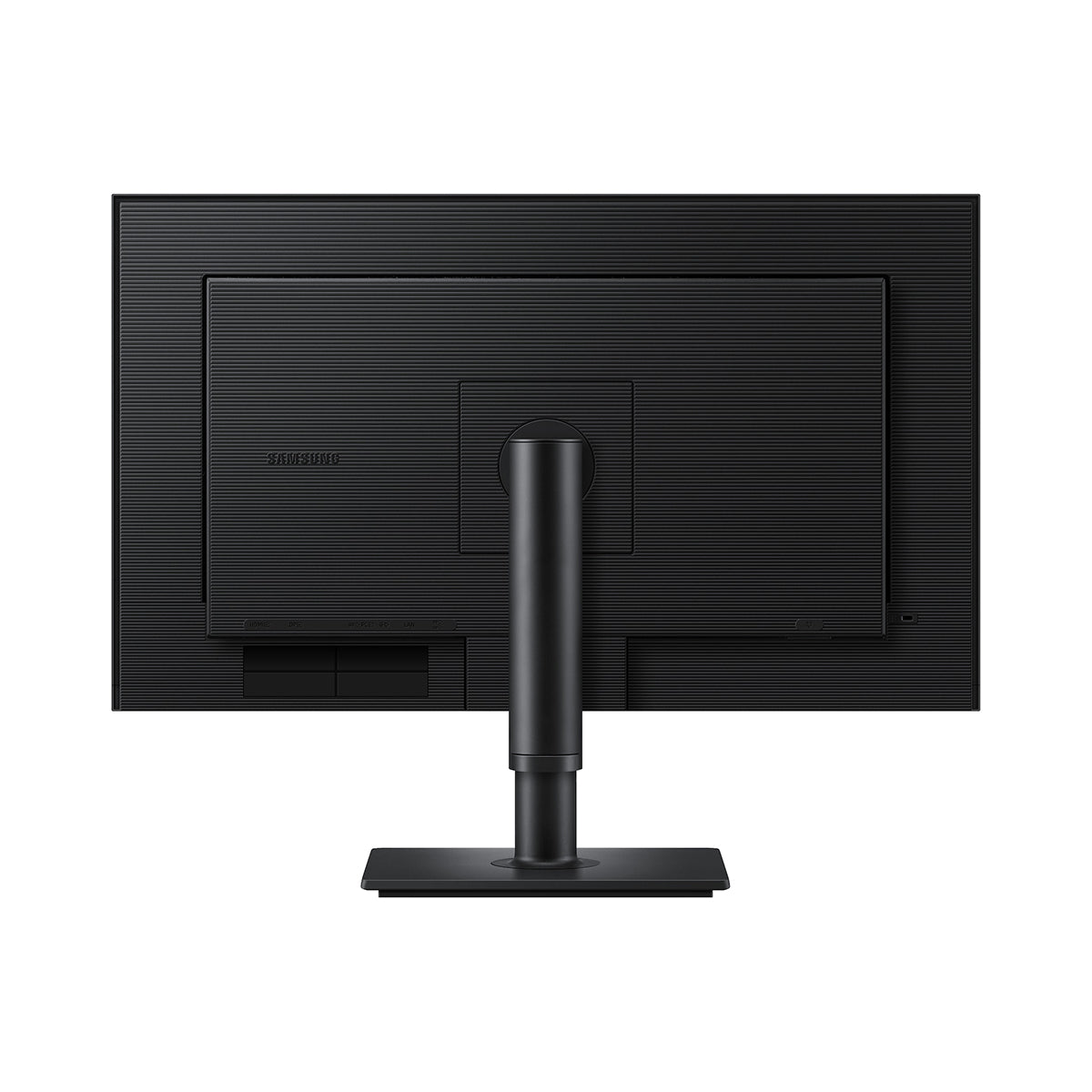
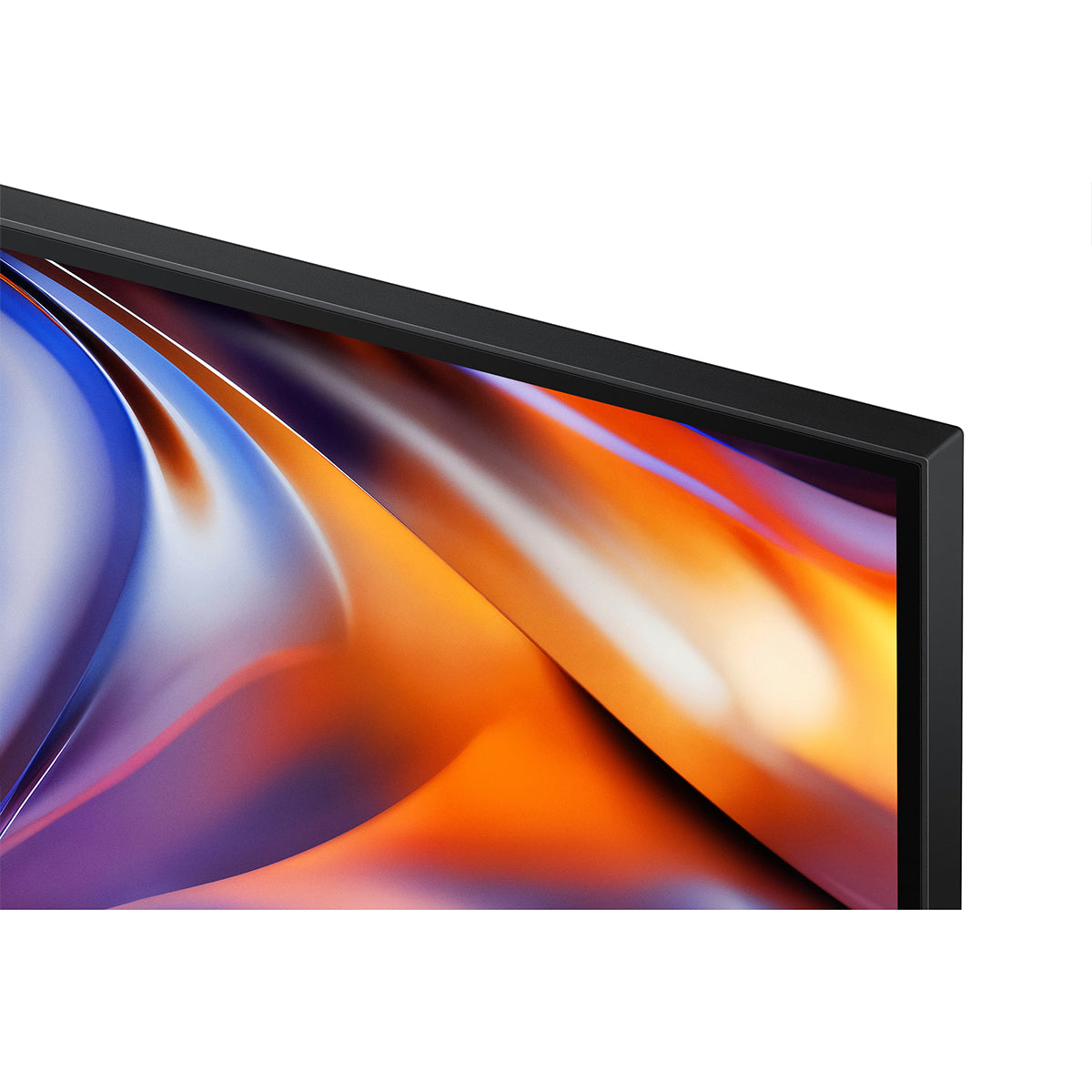
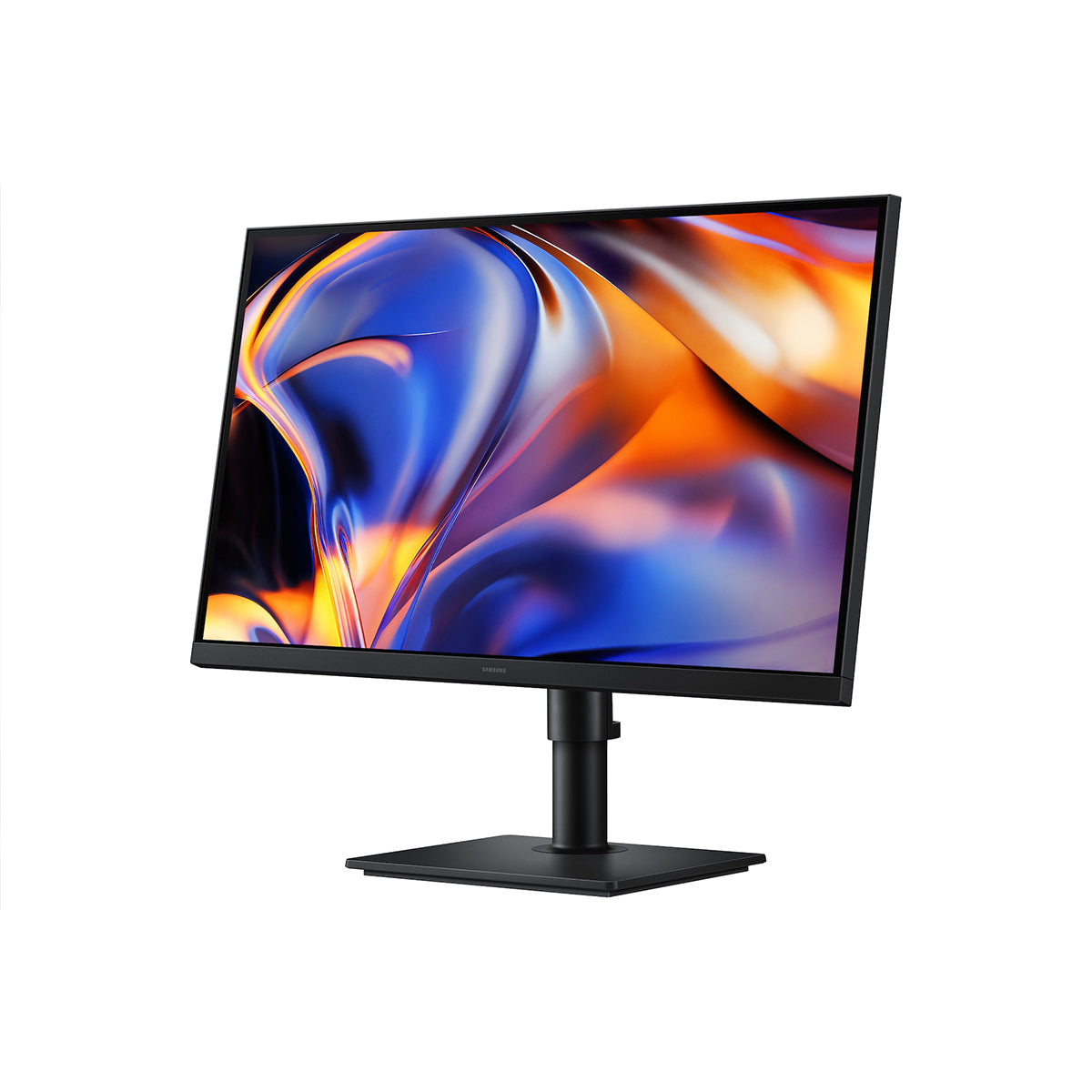
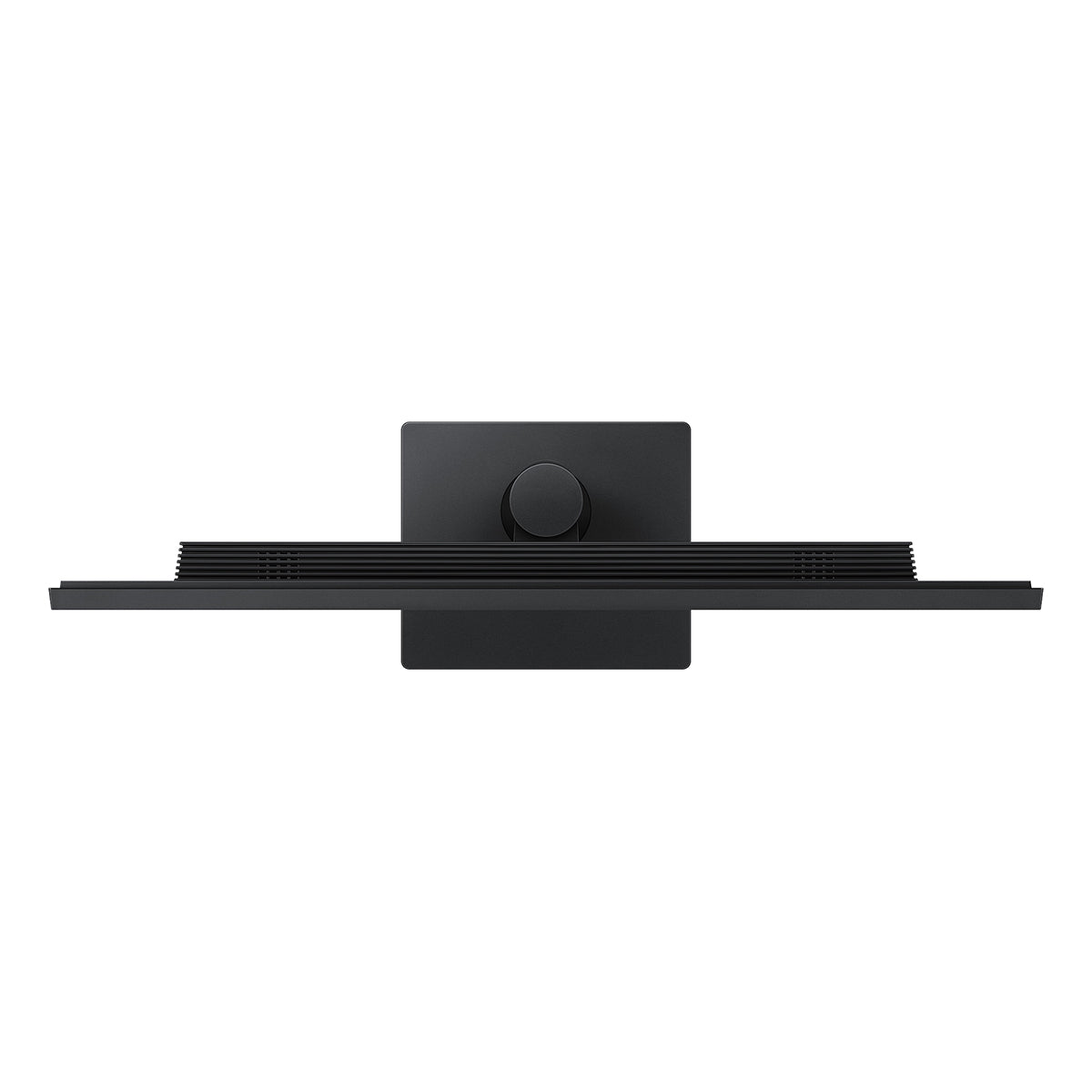
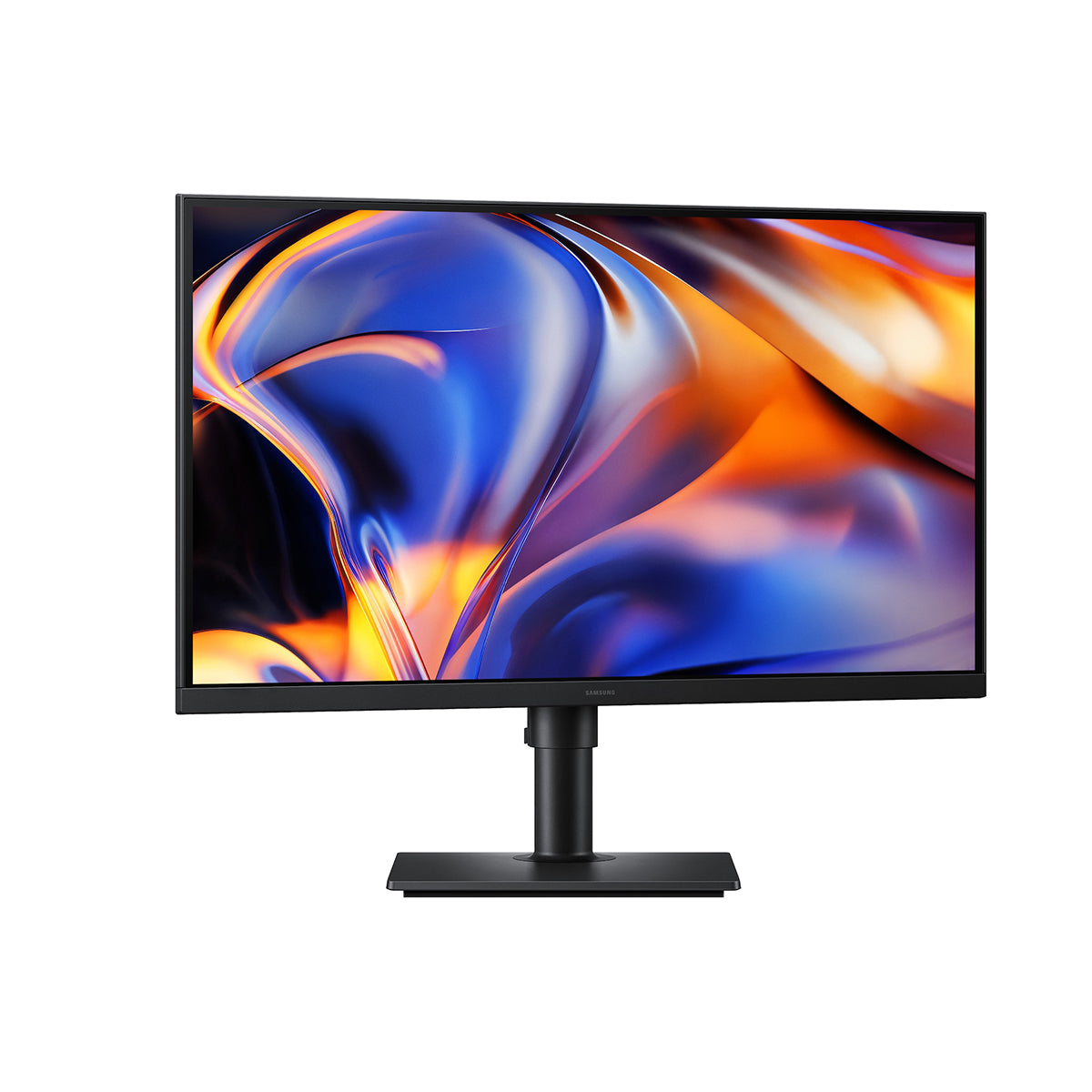
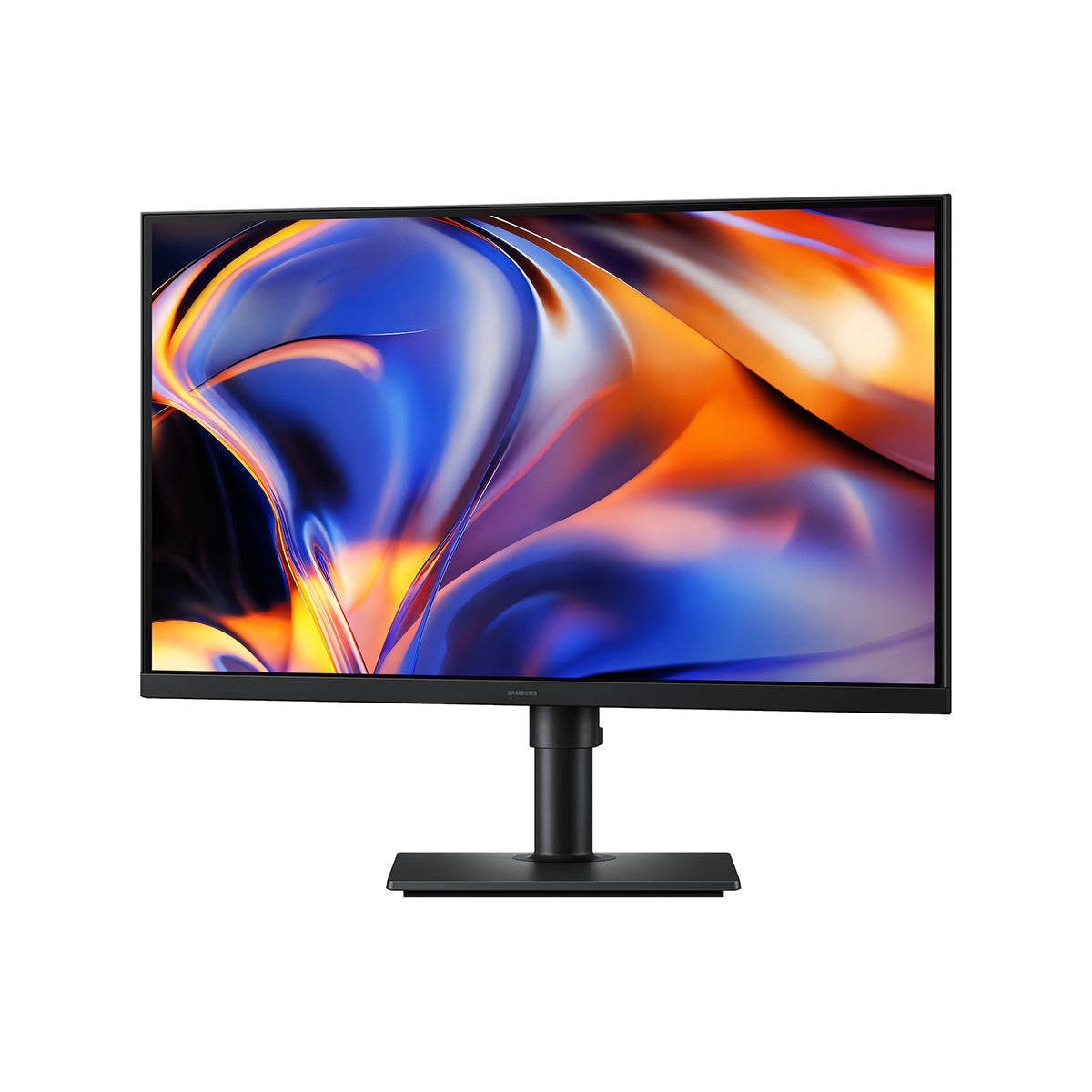
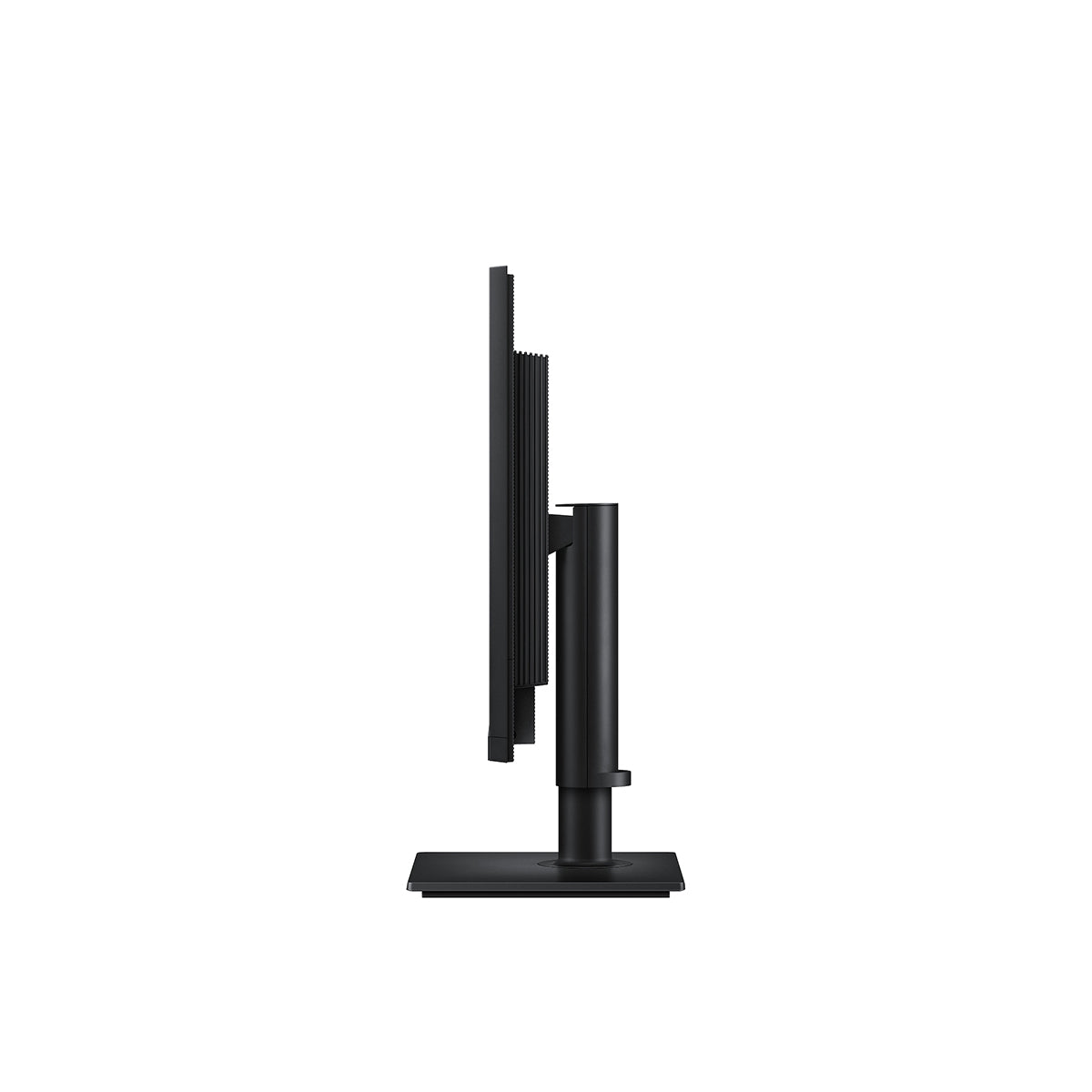
Samsung ViewFinity S8 LS27H802EFAXXP 27" 5K (5120x2880) 60Hz 5ms GTG USB-C & LAN Port IPS Monitor with Tilt/ Height/ Pivot/ Swivel Adjustment + Samsung Soundbar HW-B400F/XP 2.1ch Subwoofer

SamsungSKU: 1000000021261
Where performance meets passion Ultra-High Resolution. Elevated Productivity More space to get more done in 5K 5K Resolution With 77% more pixels than 4K, 5K resolution provides a larger and sharper screen space with 218 PPI for incredible detail. Now you can handle multiple tasks effortle...

Price:
₱33,195.00
Stock:
In stock

Description

Where performance meets passion

Ultra-High Resolution. Elevated Productivity

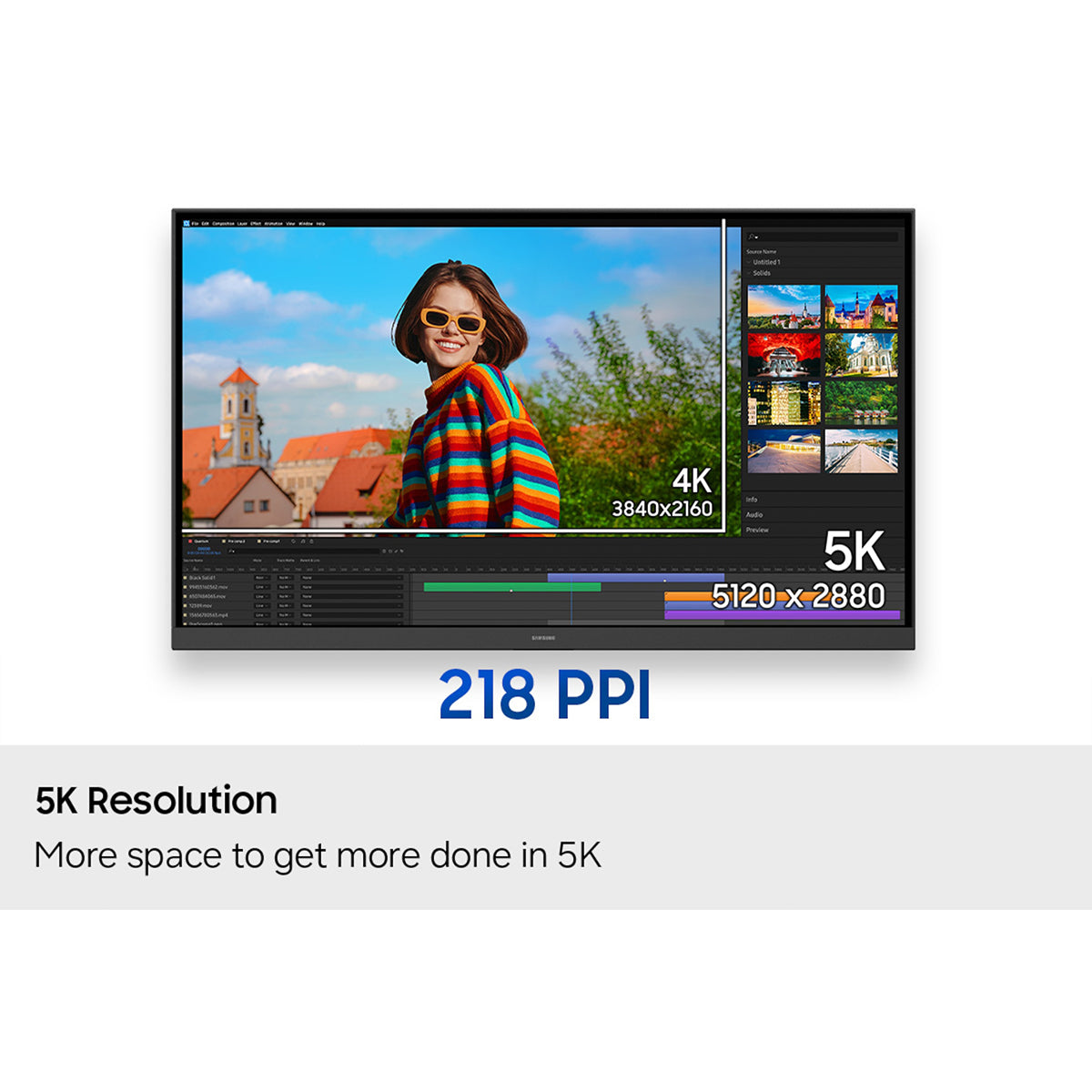
More space to get more done in 5K

5K Resolution

With 77% more pixels than 4K, 5K resolution provides a larger and sharper screen space with 218 PPI for incredible detail. Now you can handle multiple tasks effortlessly on the ViewFinity S8 S80HF for a more productive workflow.


Enhanced realism through more colors

HDR10

HDR10 ensures true-to-life color representation of over 1 billion colors, with darker blacks and brighter highlights. Experience a wide gamut of colors for stunning accuracy and detail on the ViewFinity S8 S80HF. Your content becomes engaging, just as intended.

The HDR10 screen at the bottom shows a clearer image of the umbrellas than the SDR screen at the top. A color wheel icon to show 1.07 billion colors.

Seamless Connections for a Versatile Workflow

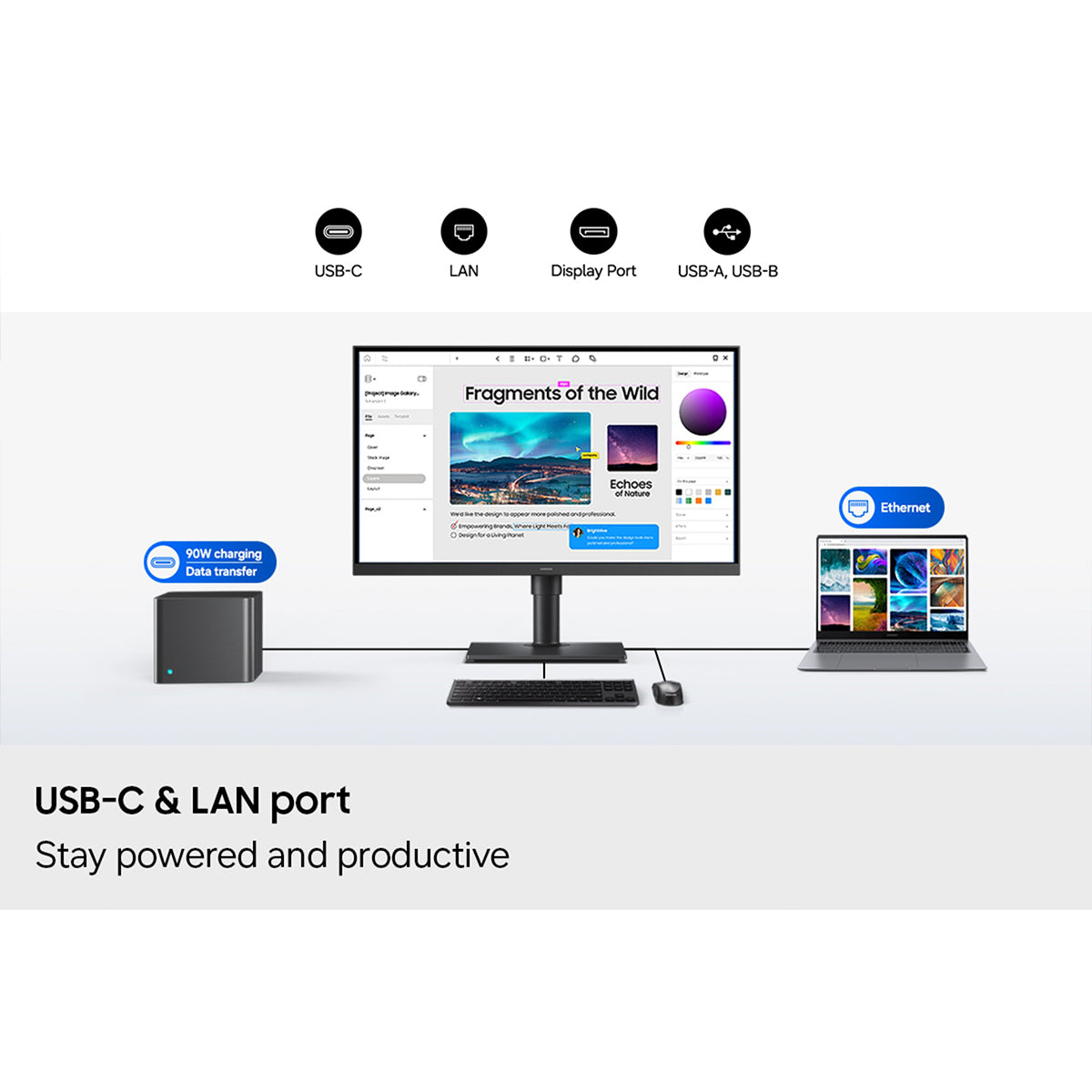
Stay powered and productive

USB-C & LAN port

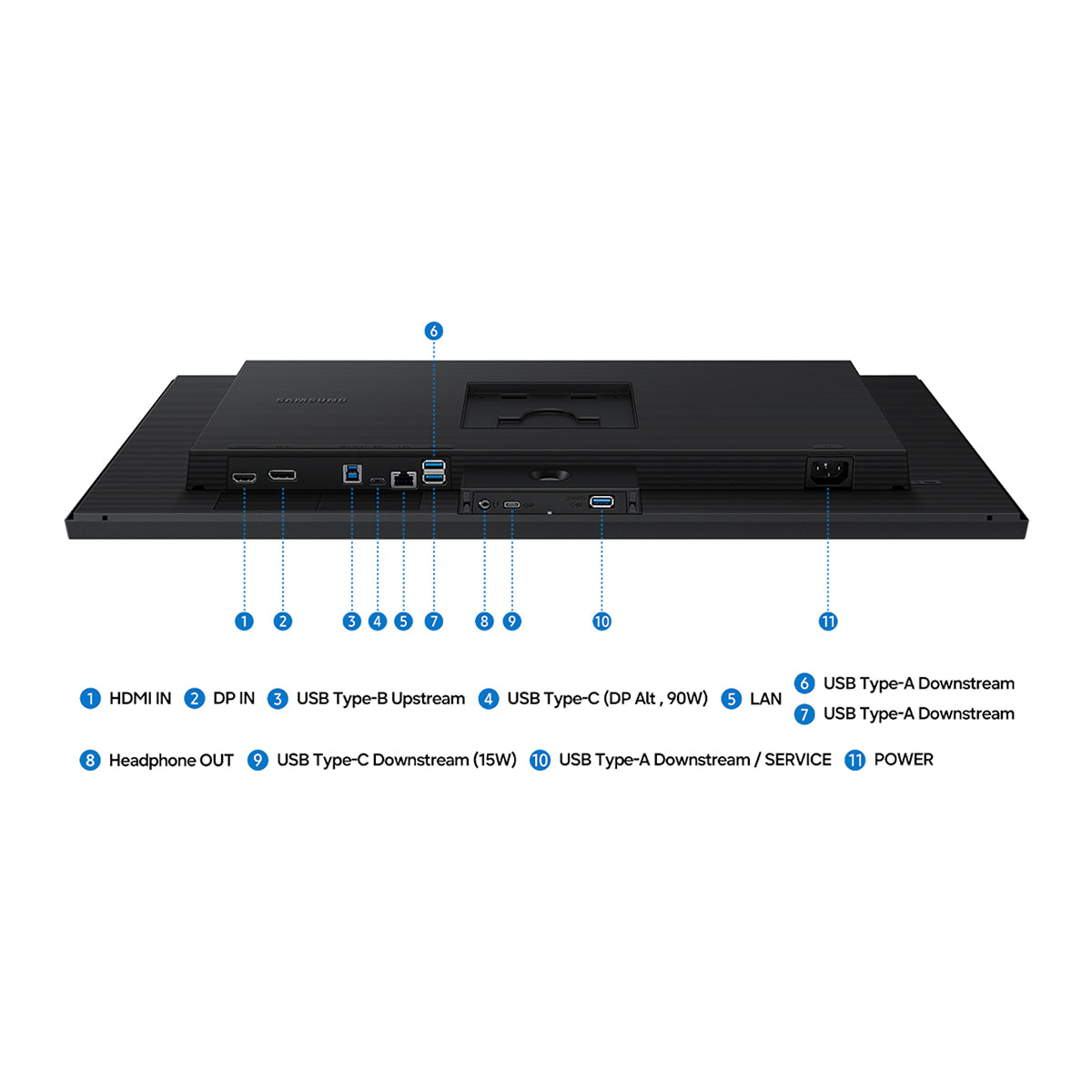
The USB-C port allows simultaneous 90W charging and data transfer, while the built-in LAN port offers seamless Ethernet connectivity for your laptop. Enjoy an enhanced workspace with integrated connectivity, giving you effortless control of the ViewFinity S8 S80HF and connected devices.

A monitor is connected to a PC, a laptop, a keyboard and a mouse. The monitor has an editing tool open. The port icon above the PC indicates 90W charging and data transfer, while the Ethernet icon is above the laptop. Icons for USB-C, LAN, Display Port, USB-A and USB-B.

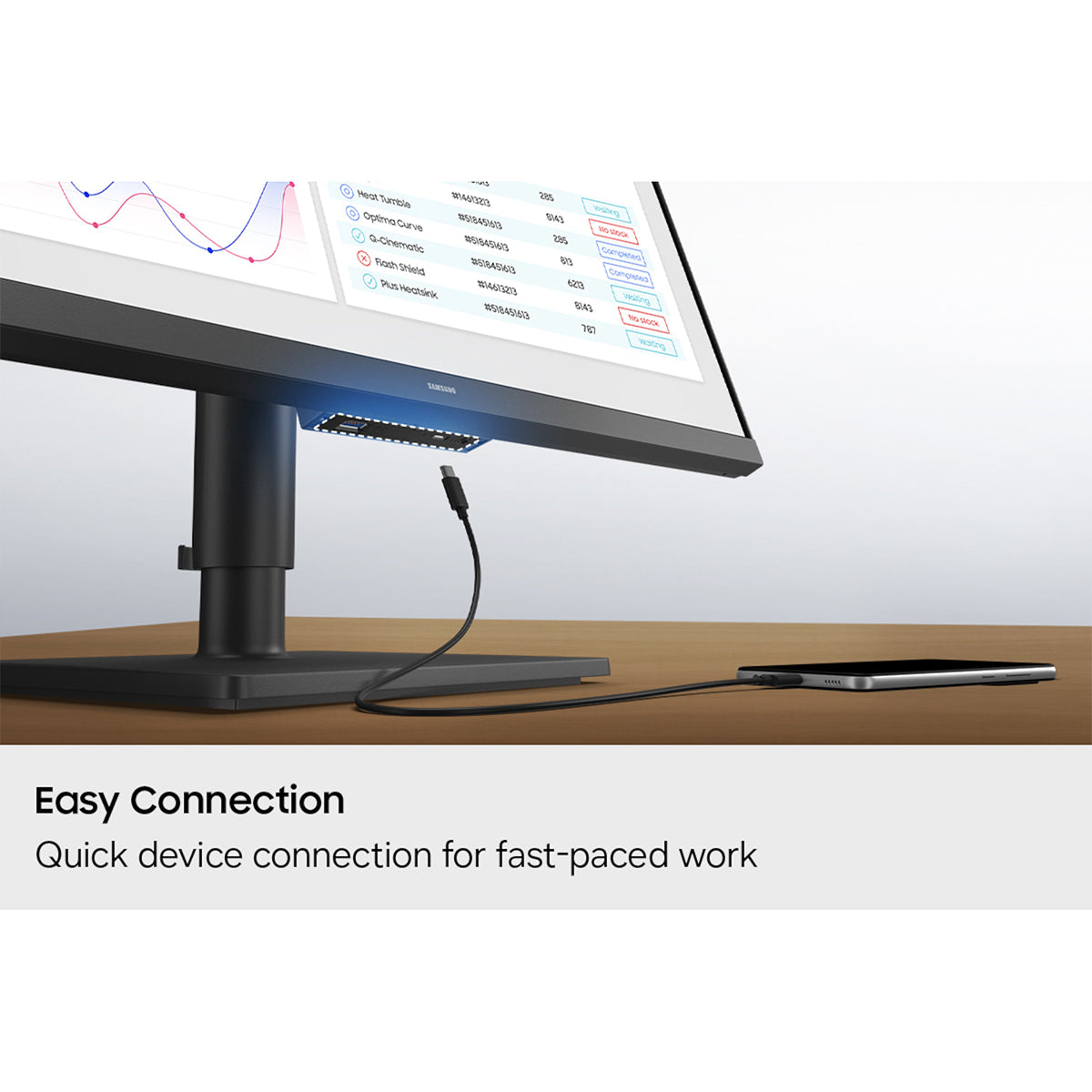
Quick device connection for fast-paced work

Easy Connection

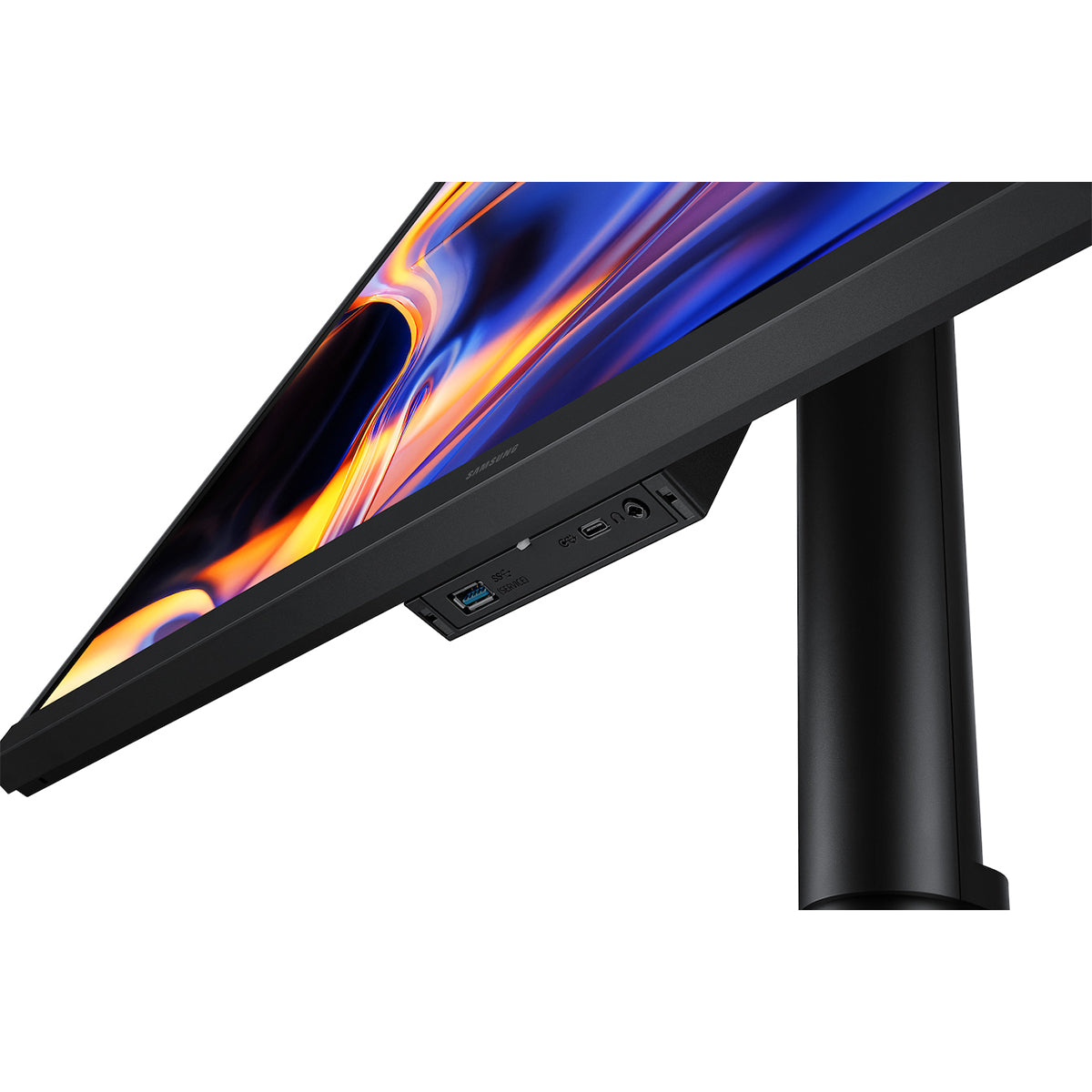
Easy Connection keeps frequently used ports within reach, so you can connect devices without fumbling for hard-to-reach ports. It’s designed to keep fast‑paced work running smoothly on your monitor for a more efficient workspace.

A port at the bottom of the monitor is highlighted, and a charging cable is shown attempting to connect to it.


Control multiple sources in harmony 

Built-in KVM

Switch The built-in KVM switch lets you connect and control two sources at once with just one keyboard and mouse. Now you can avoid multi-device hassle and multitask seamlessly with easy input switching on the ViewFinity S8 580HF.


Efficient multitasking on one screen

Picture-in-Picture & Picture-by-Picture

Stay focused without switching screens or missing important updates on your monitor. Picture-in-Picture allows you to effortlessly view documents, chat windows or entertainment alongside your main content with a secondary sub-screen. And Picture-by-Picture helps you work across devices by splitting the screen in half and using two inputs at their native resolution.


Convenience and Comfort for All-Day Use

View with enhanced versatility

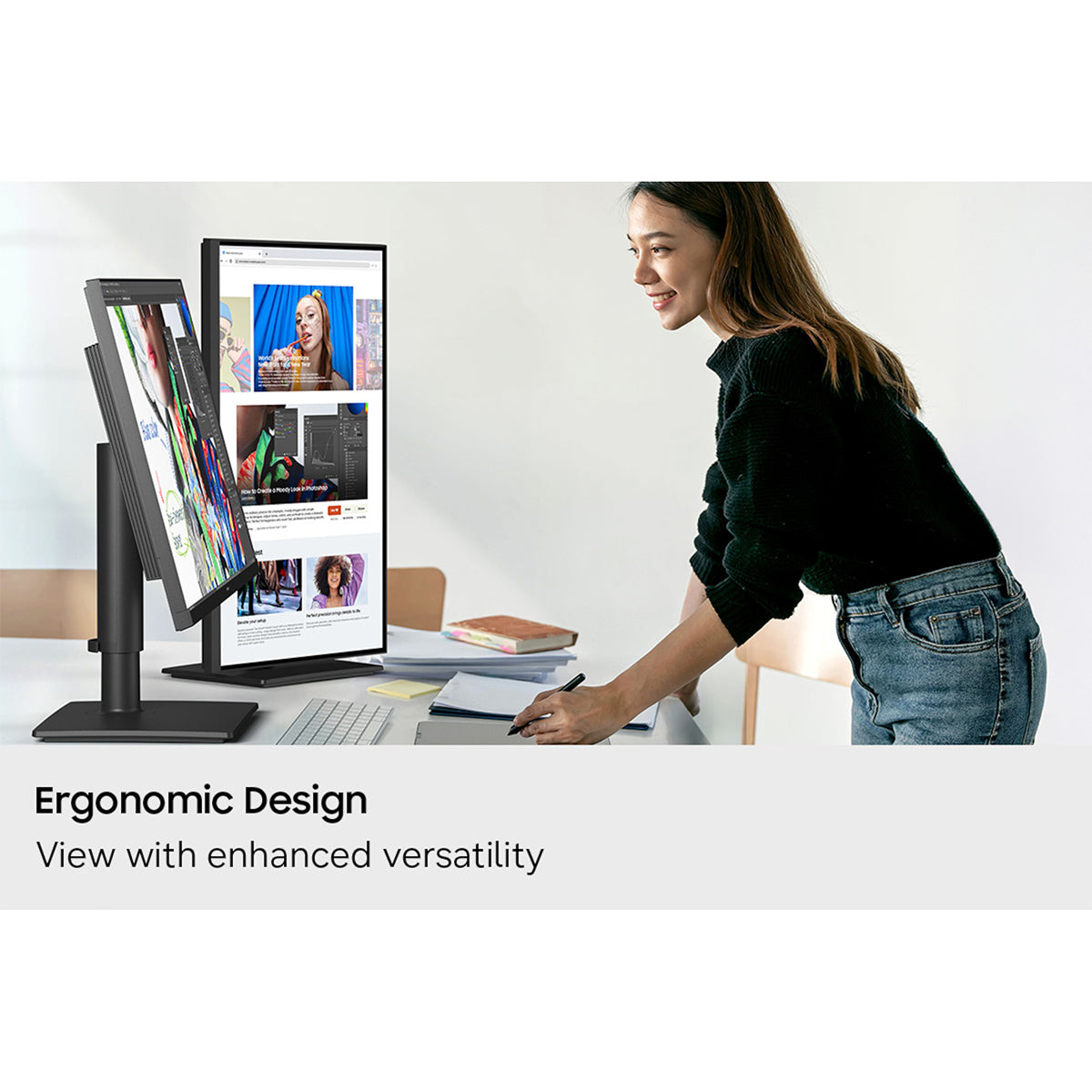
Ergonomic Design

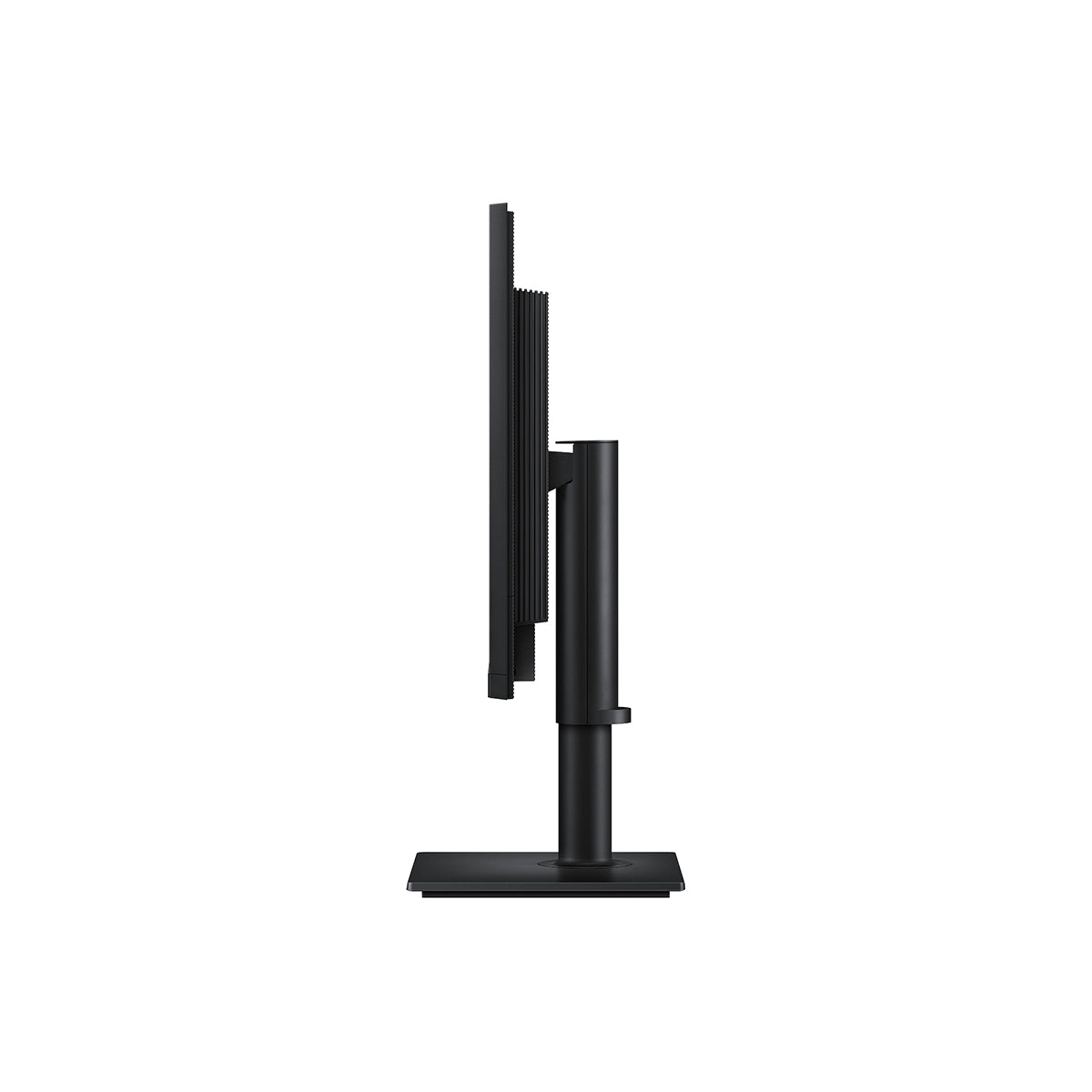
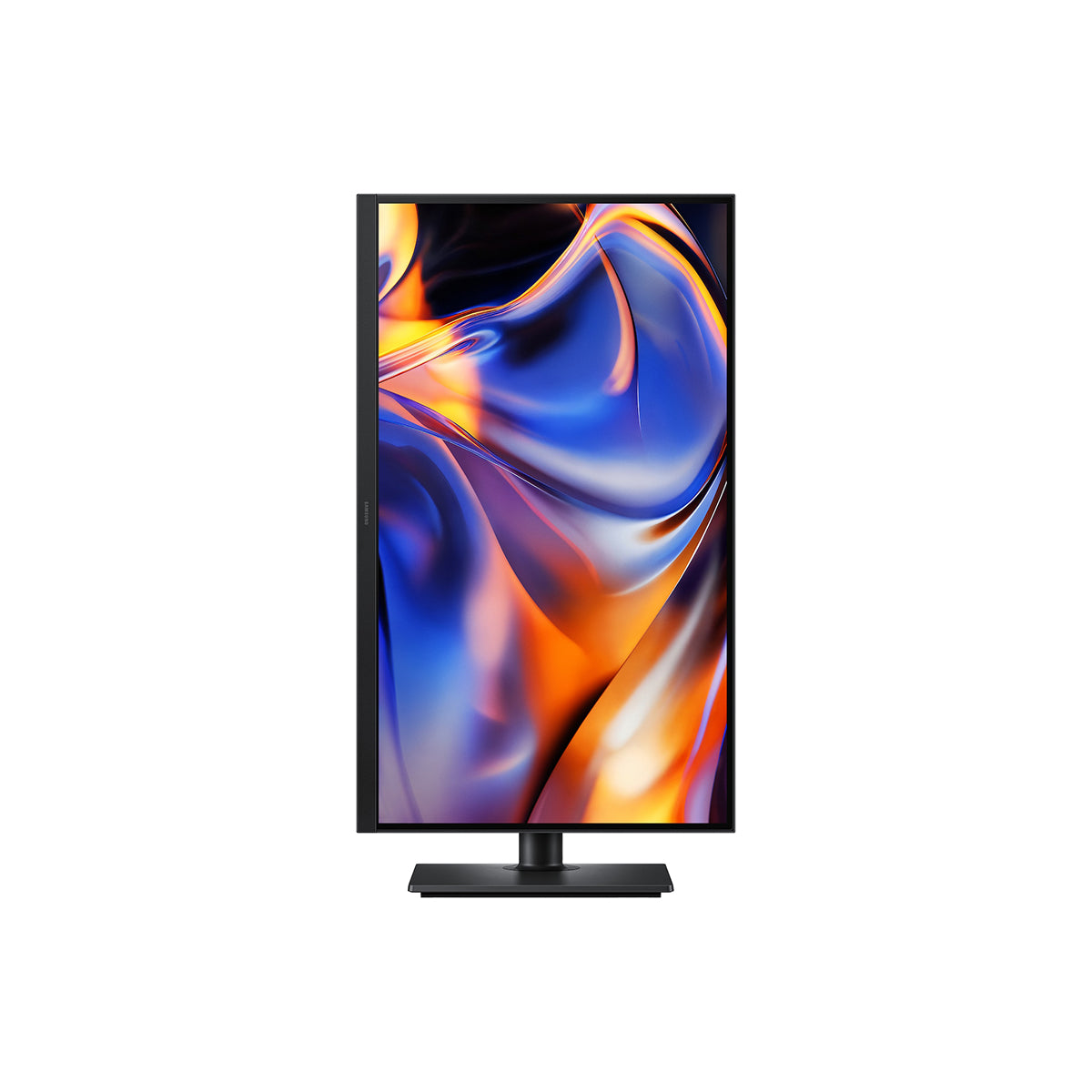
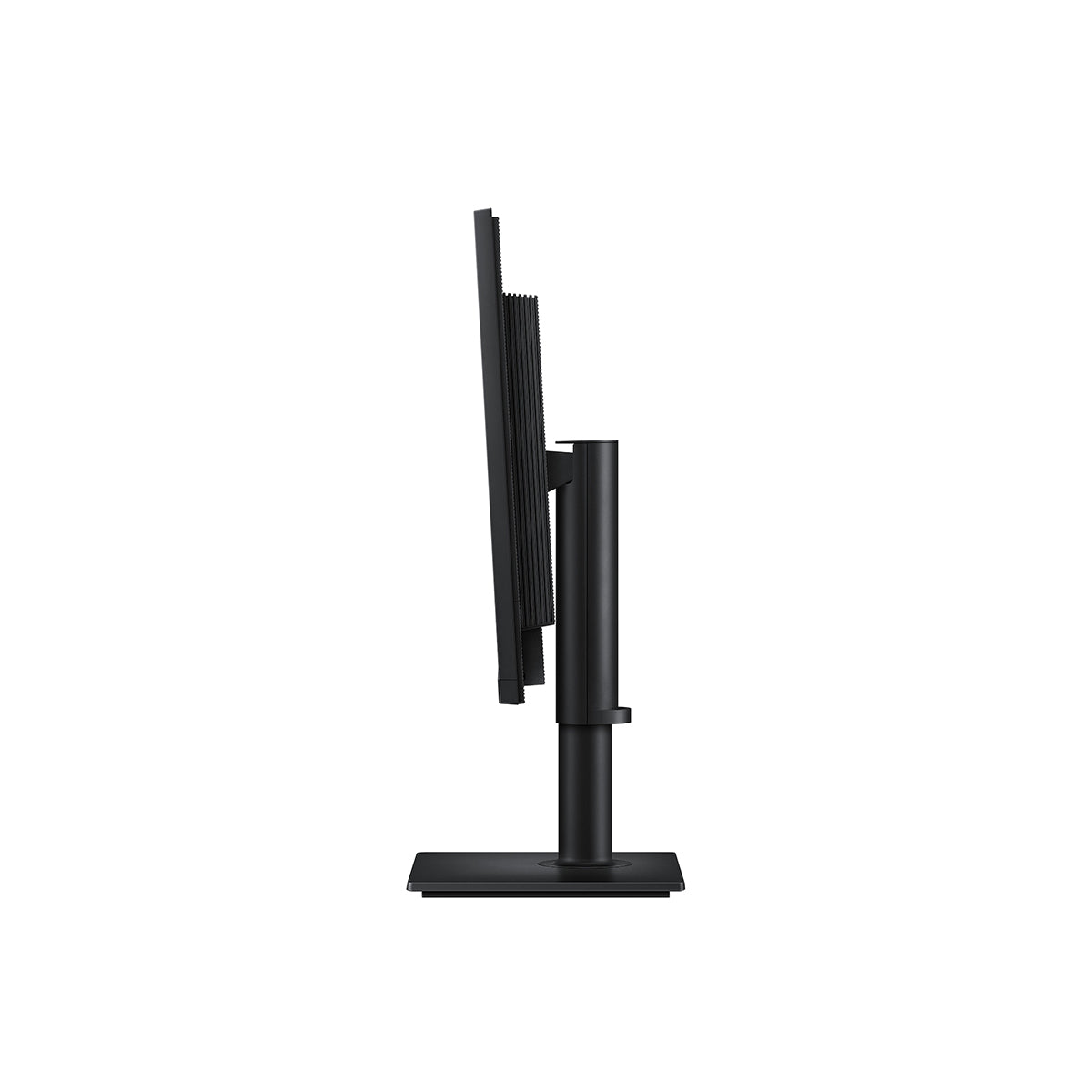
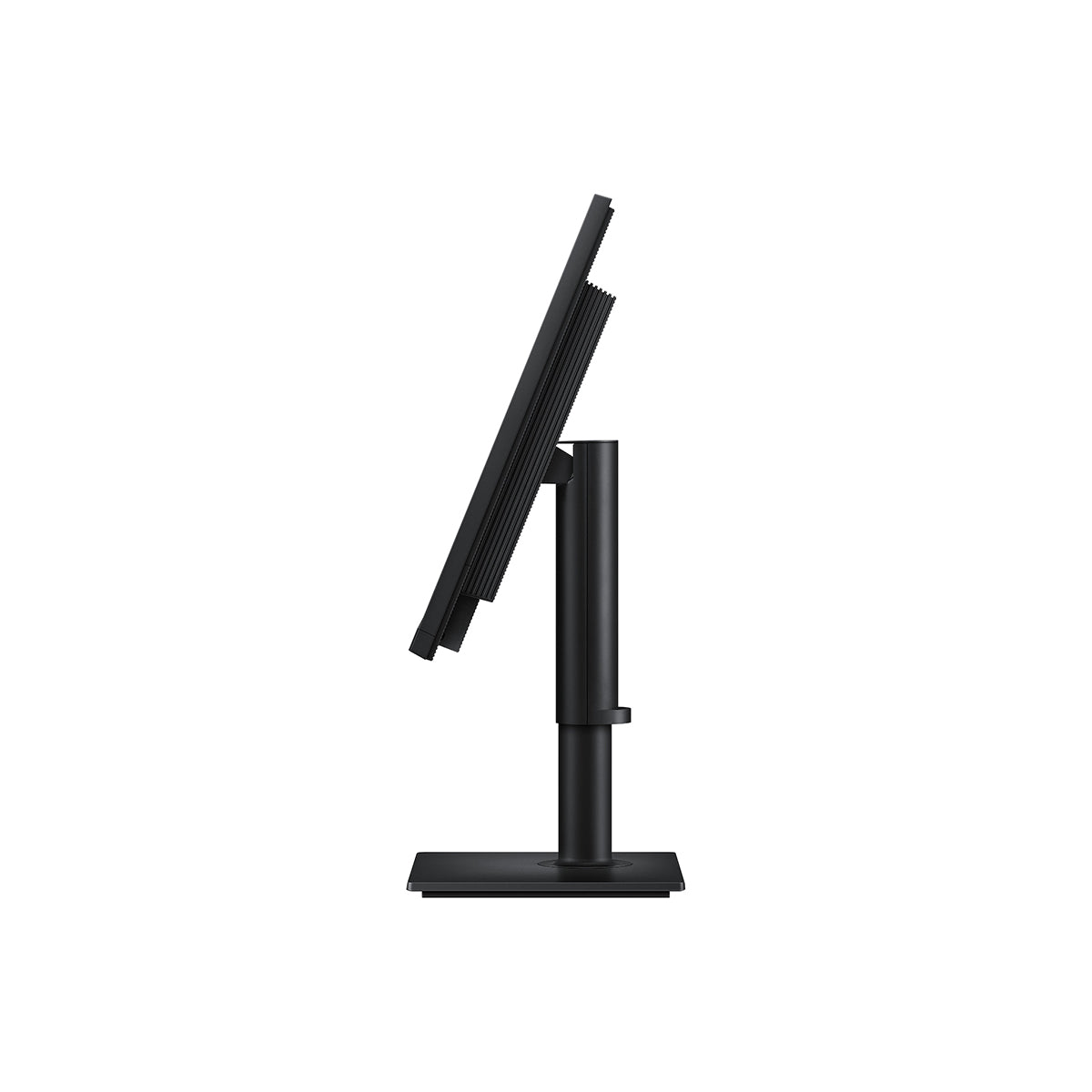
Find the angle that keeps you comfortable thanks to this monitor's Ergonomic Design. Simply tilt, swivel and adjust the height of your screen for the best position and ultimate utility. And this monitor can pivot the screen 90 degrees so you can view long documents with less scrolling.

Easy on the eyes

Eye Saver Mode & Less Screen Flickering

Protect your vision with advanced eye comfort technology, certified by TÜV. Eye Saver Mode reduces eye strain by minimizing blue light, and Less Screen Flickering helps prevent irritating screen flicker, so you can stay comfortable while using your monitor — even during long sessions.

A split screen displays two documents. With Eye Saver Mode OFF, the screen flickers. With Eye Saver Mode ON and Less Screen Flickering ON, the screen is clear. TÜVRheinland® Certified Flicker Free Low Blue Light (Software Solution) www.tuv.com logo.

A comprehensive, all-in-one control hub

Samsung Display Manager

Samsung Display Manager helps you easily access features like split-screen setup, brightness adjustment, KVM, PIP/PBP and precise color calibration. Just click on the floating menu on your desktop and enjoy advanced screen controls at your fingertips. For business users, the MAPT (Mac Address Pass Through) feature allows asset managers to reliably identify and track connected devices on their network.

Includes:

  • Samsung Soundbar HW-B400F/XP 2.1ch Subwoofer


Specification Details
Resolution 5K (5120 x 2880)
Aspect Ratio 16:9
Brightness (Typical) 350cd/㎡
Contrast Ratio Static 1,000:1
Response Time 5 (GTG)
Refresh Rate Max 60 Hz
Viewing Angle (H/V) 178 / 178
Screen Size (Class) 27
Flat / Curved Flat
Active Display Size (HxV) (mm) 596.7 x 335.7 mm
Panel Type IPS
Brightness (Min) 280 cd/㎡
HDR(High Dynamic Range) HDR10
Color Support Max 1.07B
sRGB Coverage 99 %
Energy Saving Solution Yes
Eye Saver Mode Yes
Flicker Free Yes
Picture-In-Picture Yes
Picture-By-Picture Yes
Image Size Yes
Windows Certification Windows11
Off Timer Plus Yes
Auto Source Switch Auto Source Switch+
KVM Switch Yes
Display Port 1 EA
Display Port Version 1.4
HDCP Version (DP) 2.2
HDMI 1 EA
HDMI Version 2.1
HDCP Version (HDMI) 2.2
Headphone 1
USB-C 1 EA
USB-C Charging Power 90 W
USB-B Upstream Port 1
USB Type-A Downstream Port 3 EA
USB Type-A Downstream Version 3.2 Gen1
USB Type-C Downstream Port 1
HDCP Version (USB-C) 2.2
Ethernet (LAN) 1 EA
Speaker No
Temperature 10 ~ 40 ℃
Humidity 10 ~ 80 (Non-Condensing)
Factory Tunning Yes
Front Color Black
Rear Color Black
Stand Color Black
Stand Type HAS Pivot
HAS(Height Adjustable Stand) 120.0(±5.0)
Tilt -3˚(±2˚) ~ 25˚(±2˚)
Swivel -45˚(±3˚) ~ 45˚(±3˚)
Pivot -92˚(±2˚) ~ 92˚(±2˚)
Wall Mount 100.0 x 100.0 mm
Recycled Plastic 15 %
Power Supply AC 100 - 240 V
Power Consumption (Max) 190 W
Type Internal Power
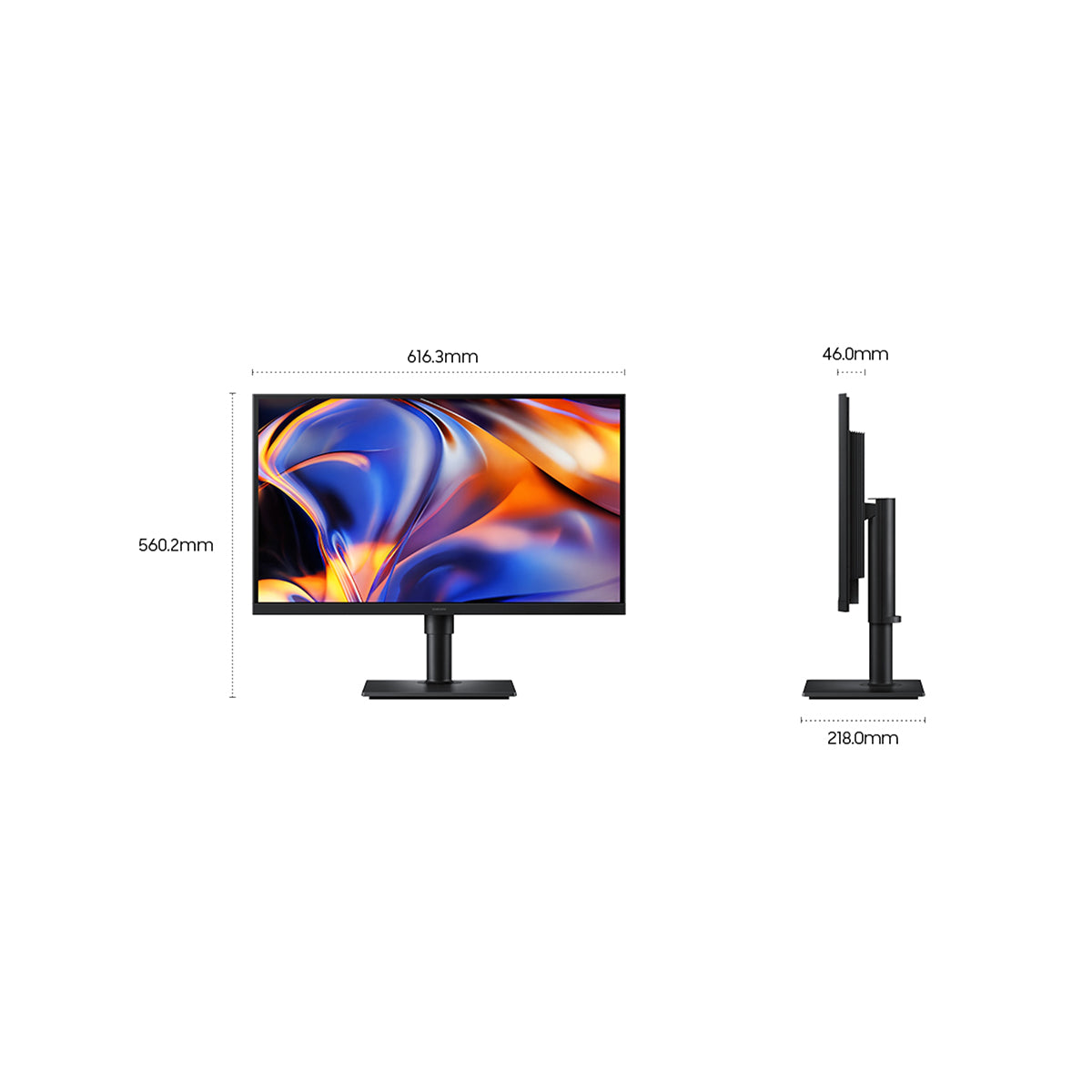
Set Dimension with Stand (WxHxD) 616.3 x 560.2 x 218.0 mm
Set Dimension without Stand (WxHxD) 616.3 x 366.5 x 46.0 mm
Package Dimension (WxHxD) 565.0 x 119.0 x 490.0 mm
Set Weight with Stand 5.4 kg
Set Weight without Stand 4.0 kg
Package Weight 7.0 kg

Customer Reviews

Be the first to write a review

You may also like

Recently viewed