


Description
The Xencelabs Quick Keys enables artists to incorporate shortcut keys into their regular workflow through an easy-to-use interface. The Quick Keys’s OLED display and physical dial allow you to create up to 40 shortcuts per application and group sets of related functions like sketching, coloring, and editing. Artists who previously found shortcut keys cumbersome to use can now benefit from a powerful efficiency booster.

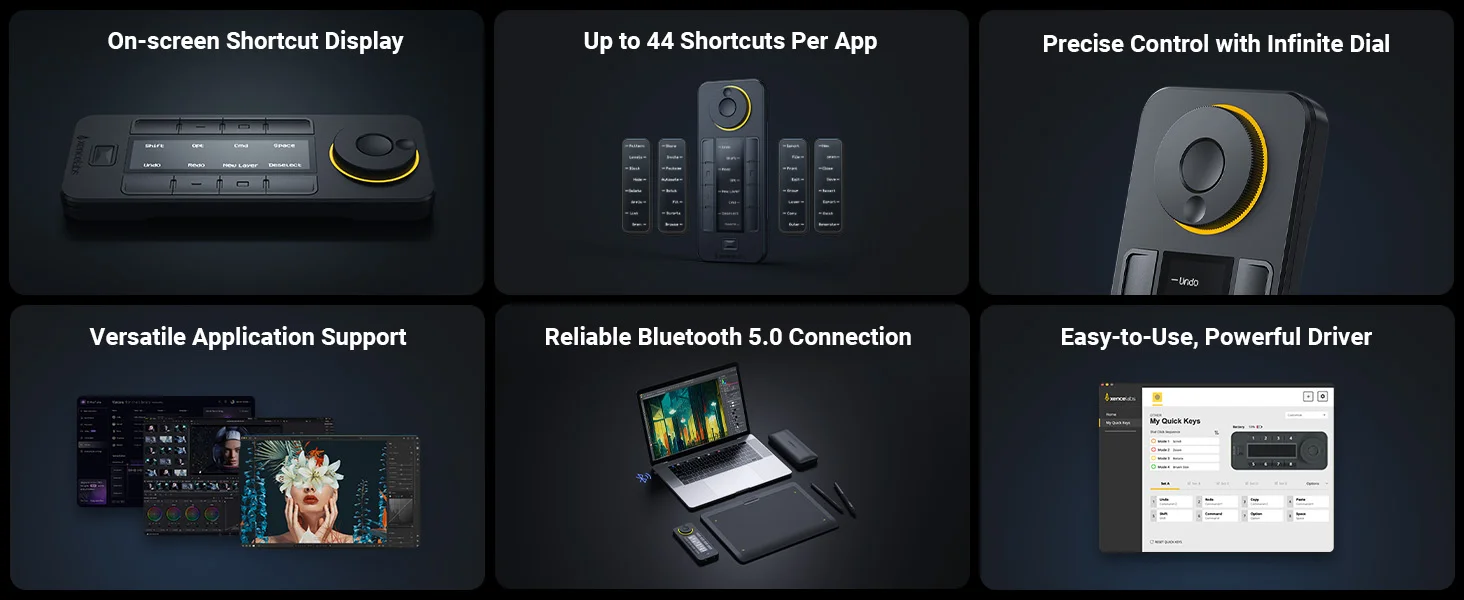
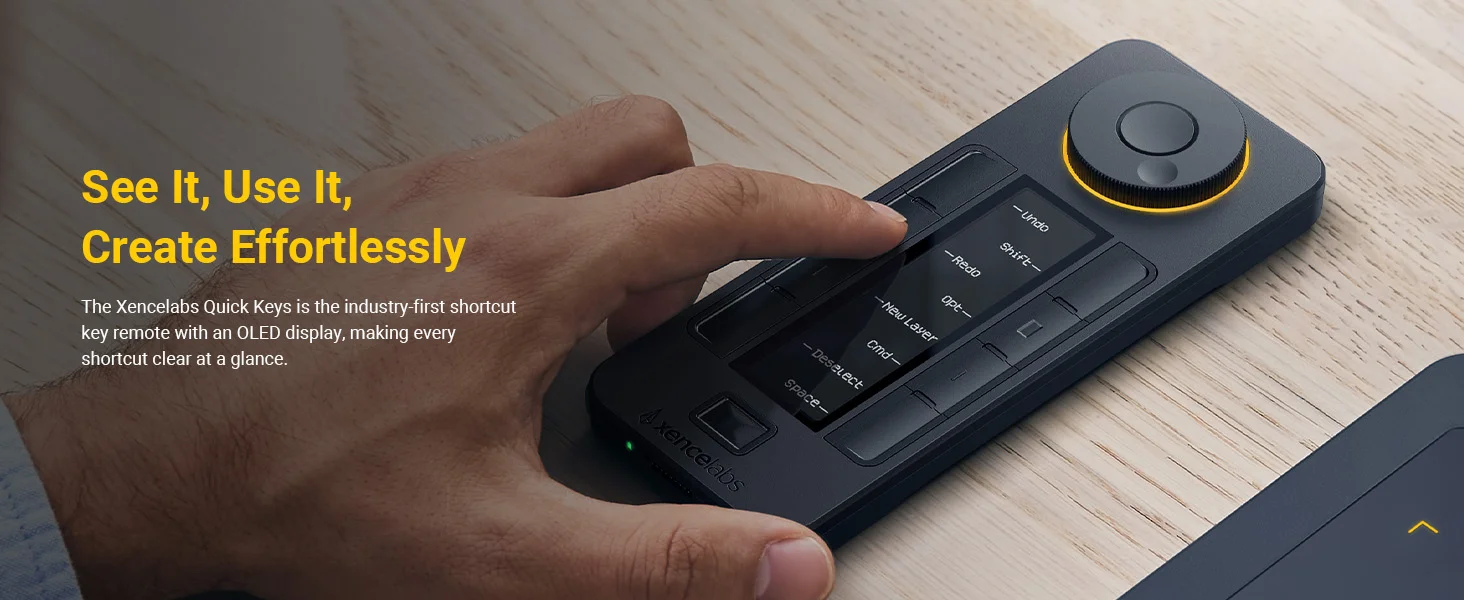
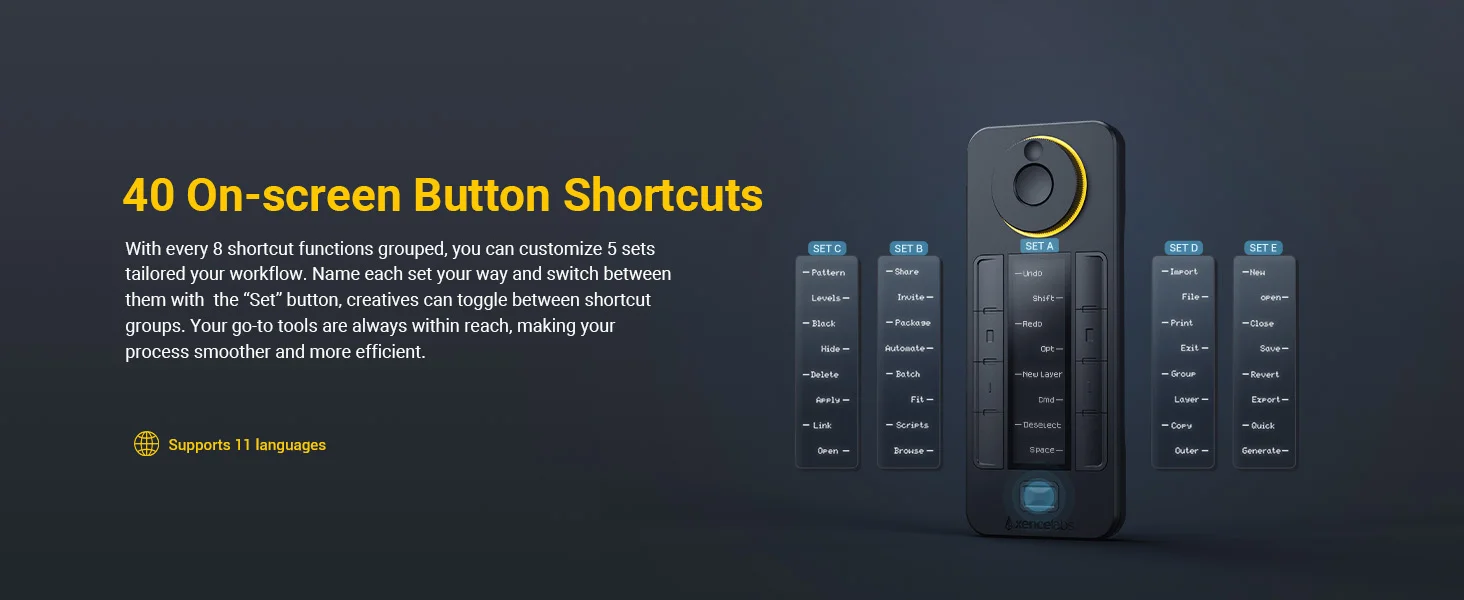
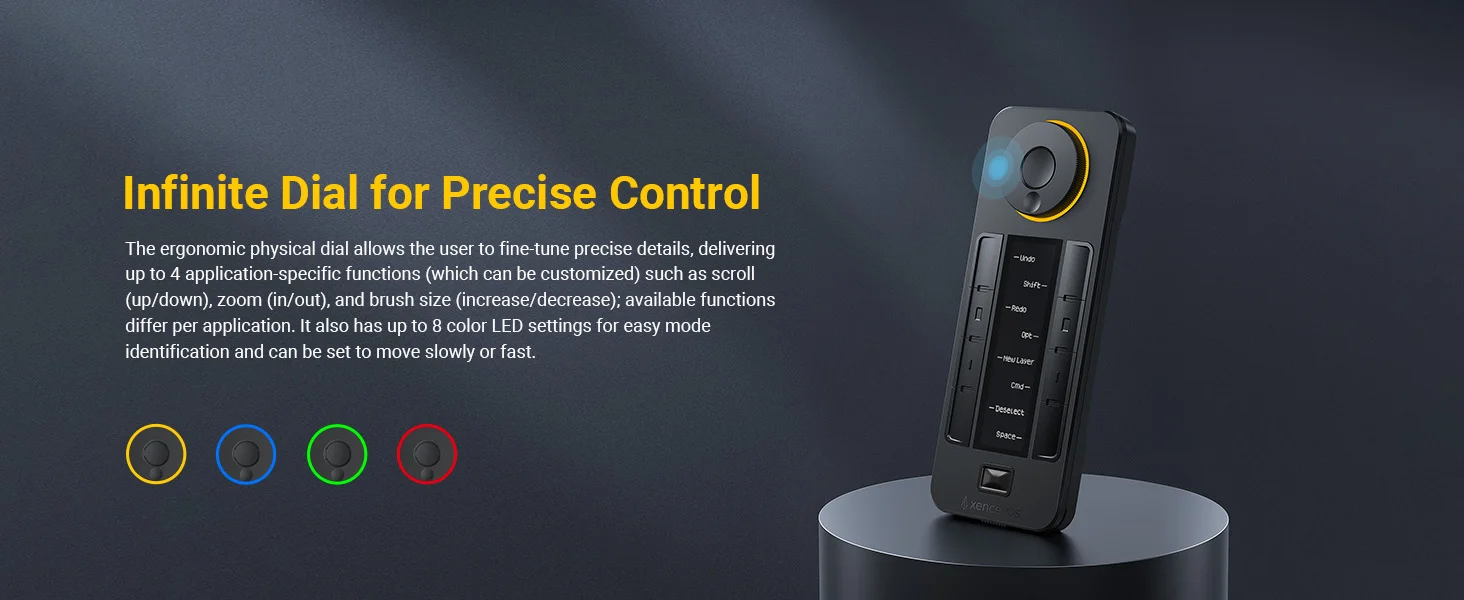
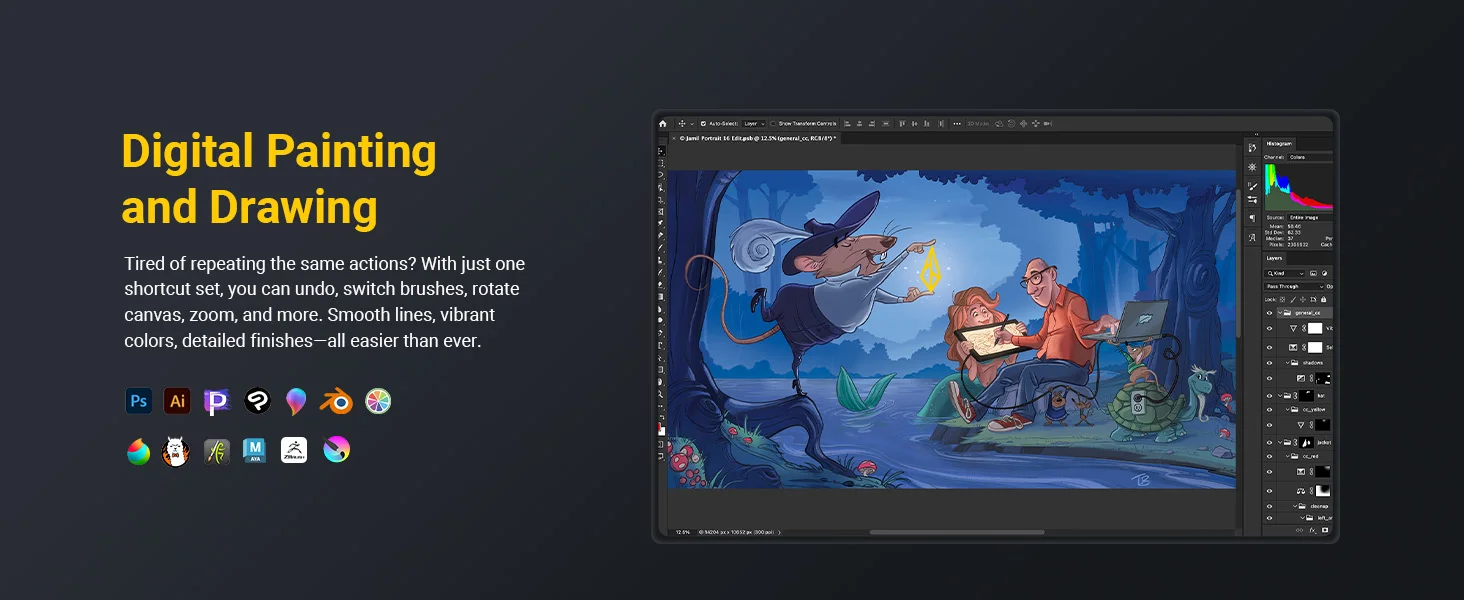
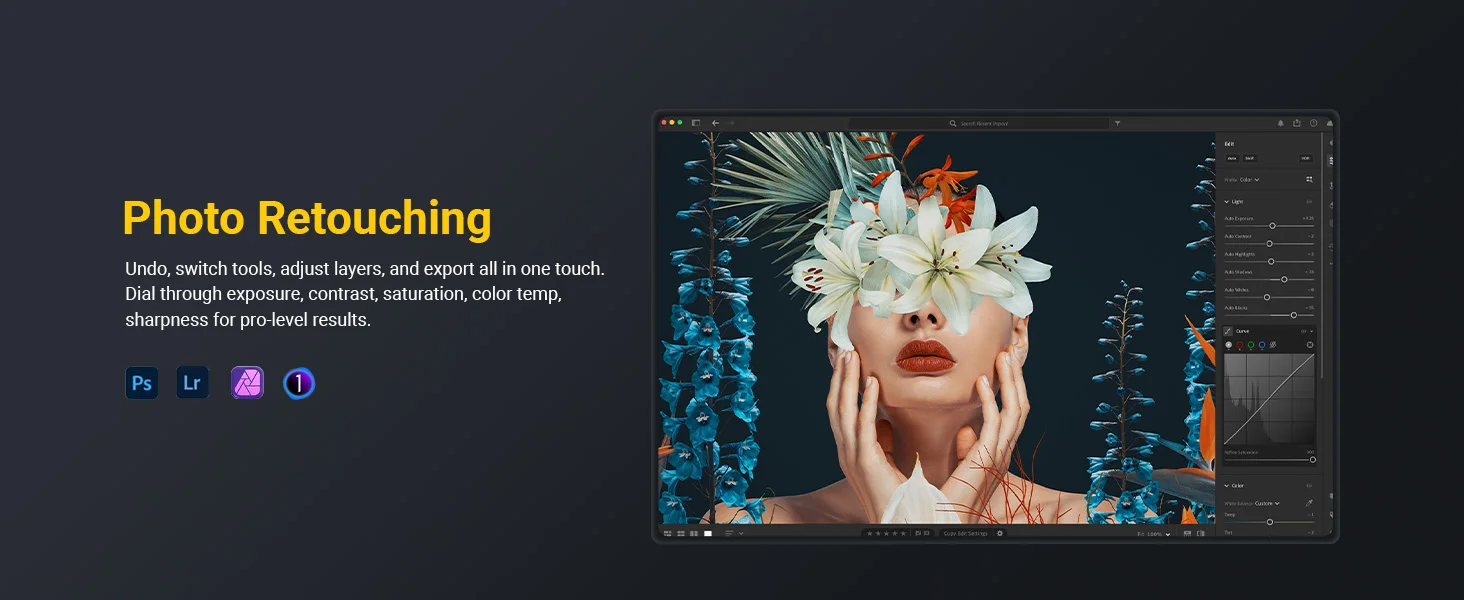
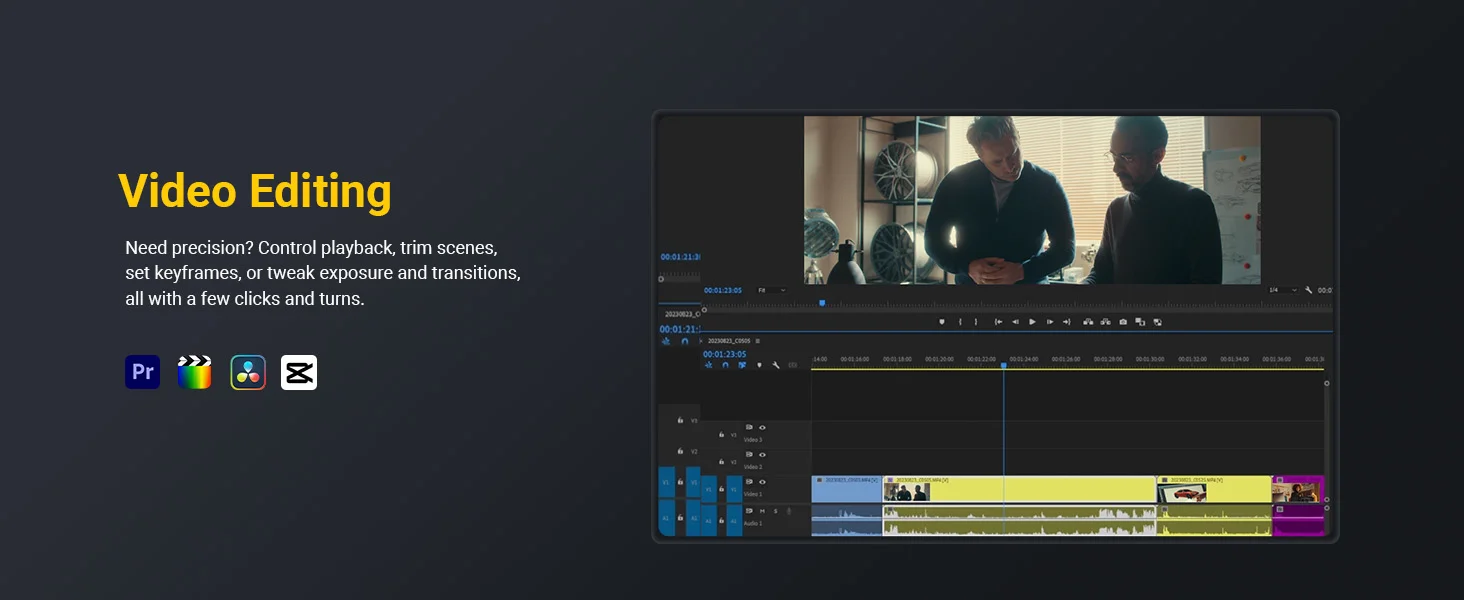
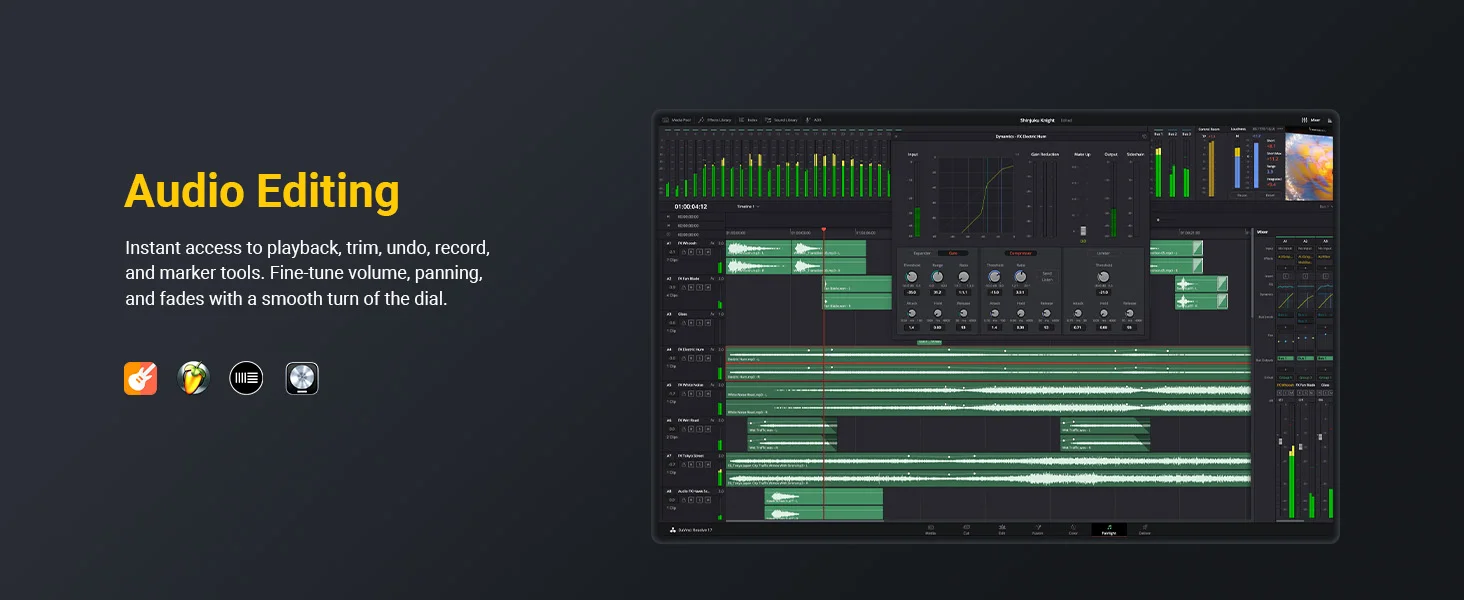
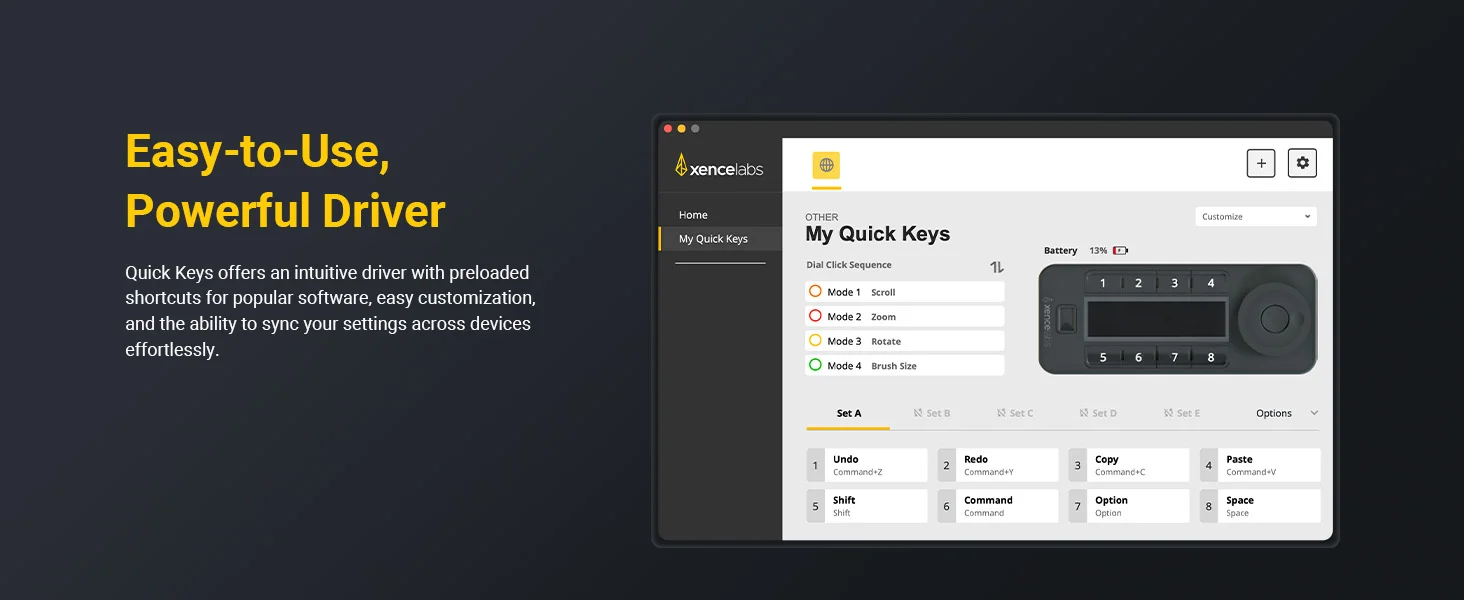
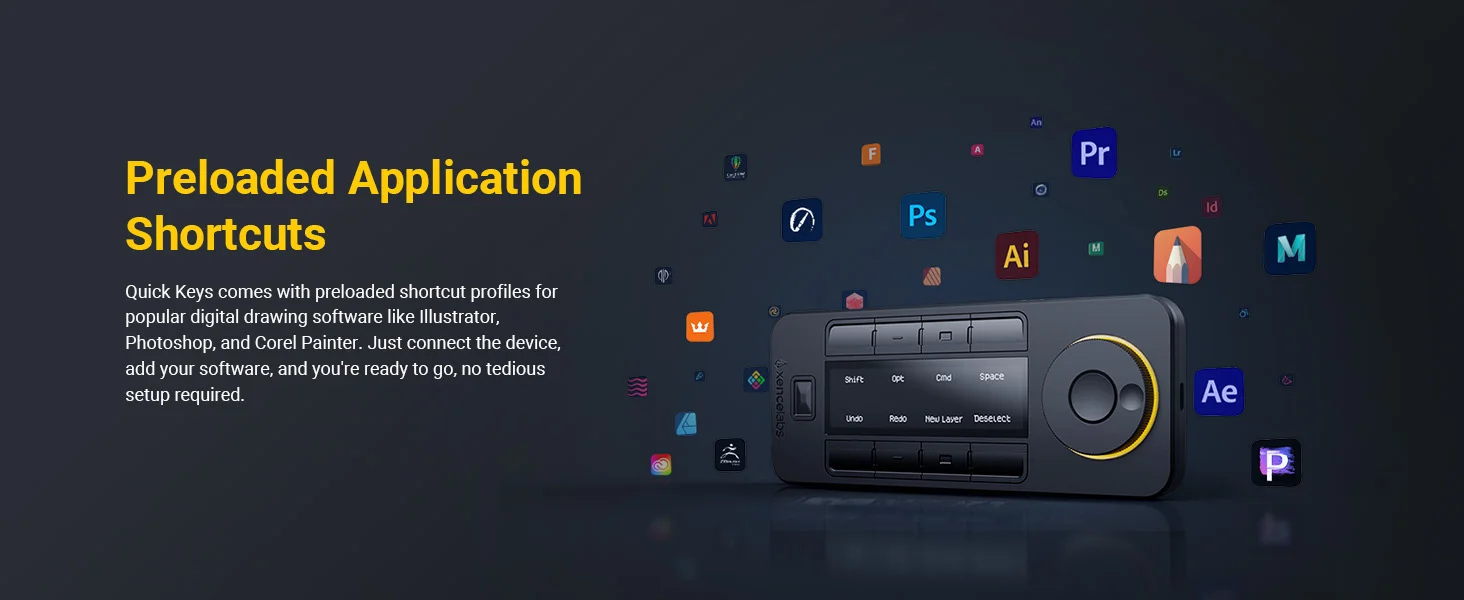
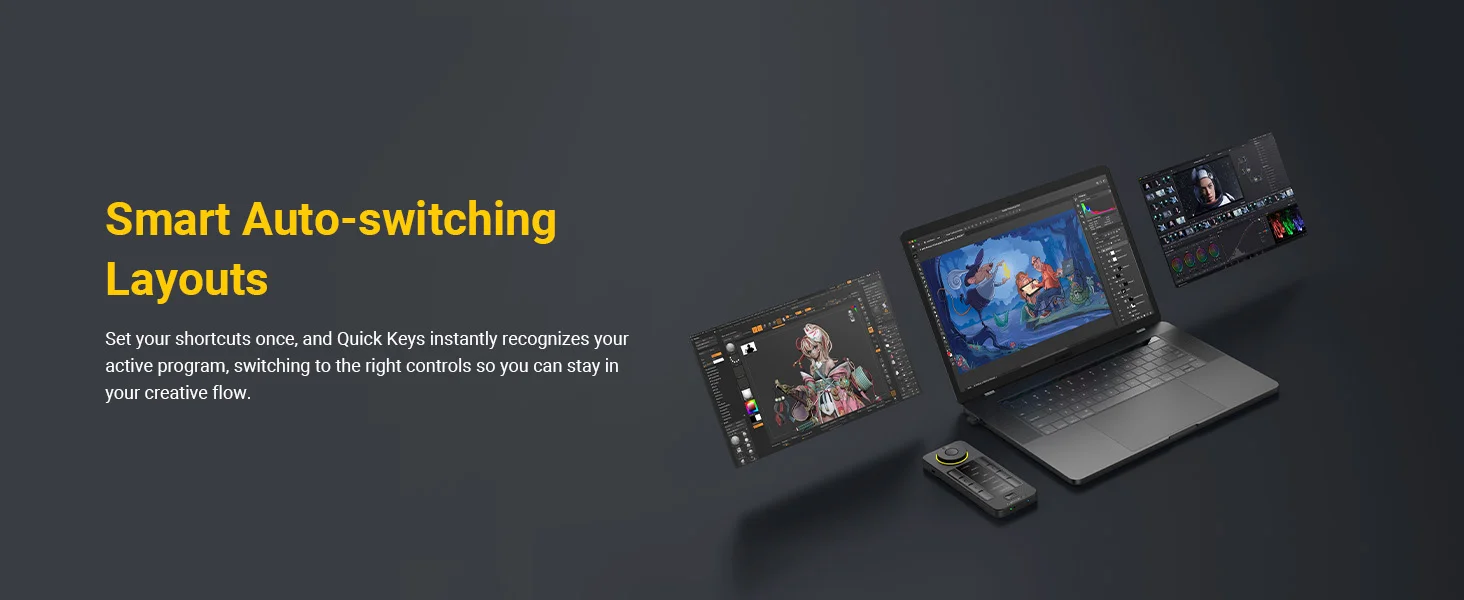
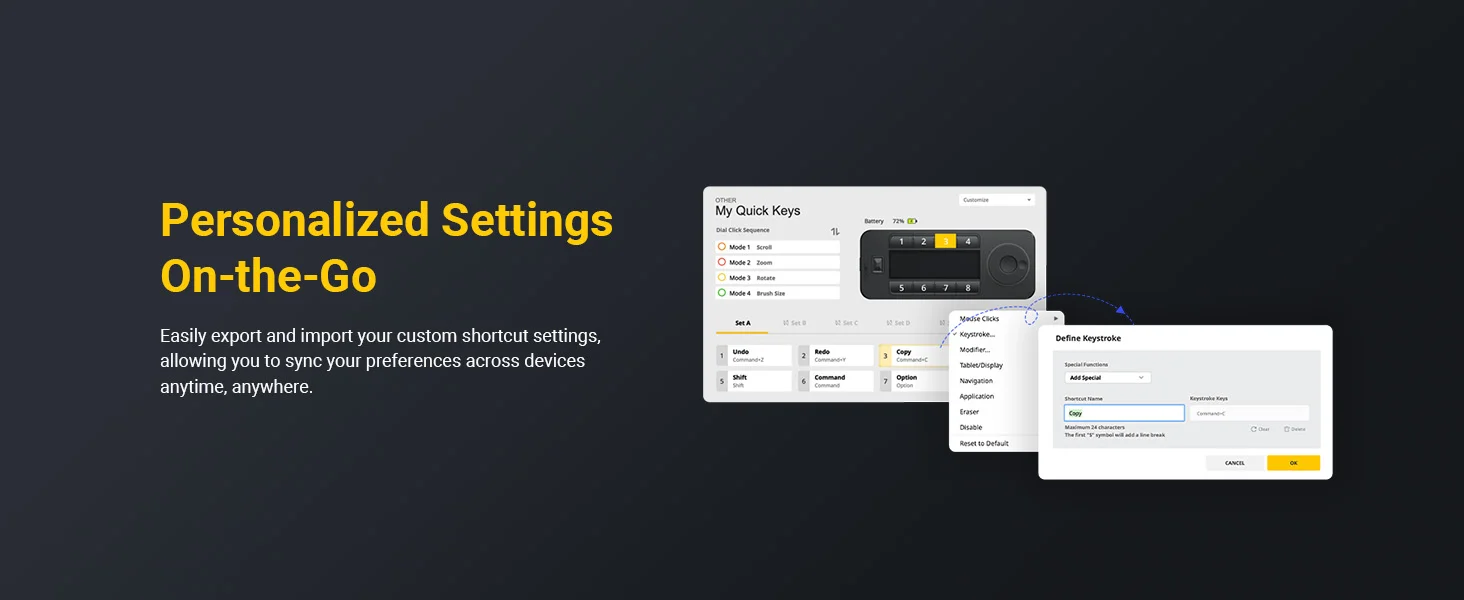
The programmable physical dial scrolls through up to 40 shortcuts per application with specific functions like zoom, brush size, layers, etc. You can also quickly switch between key groups within an application (like sketching, coloring, and editing) by keying the Quick Keys’s “Set” button. The Quick Keys’s OLED display makes it easy to remember which keys are assigned to which shortcut and the programmable color ring indicates which function you’re currently using. The adjustable sleep timer ensures your Quick Keys will remain on while you work.
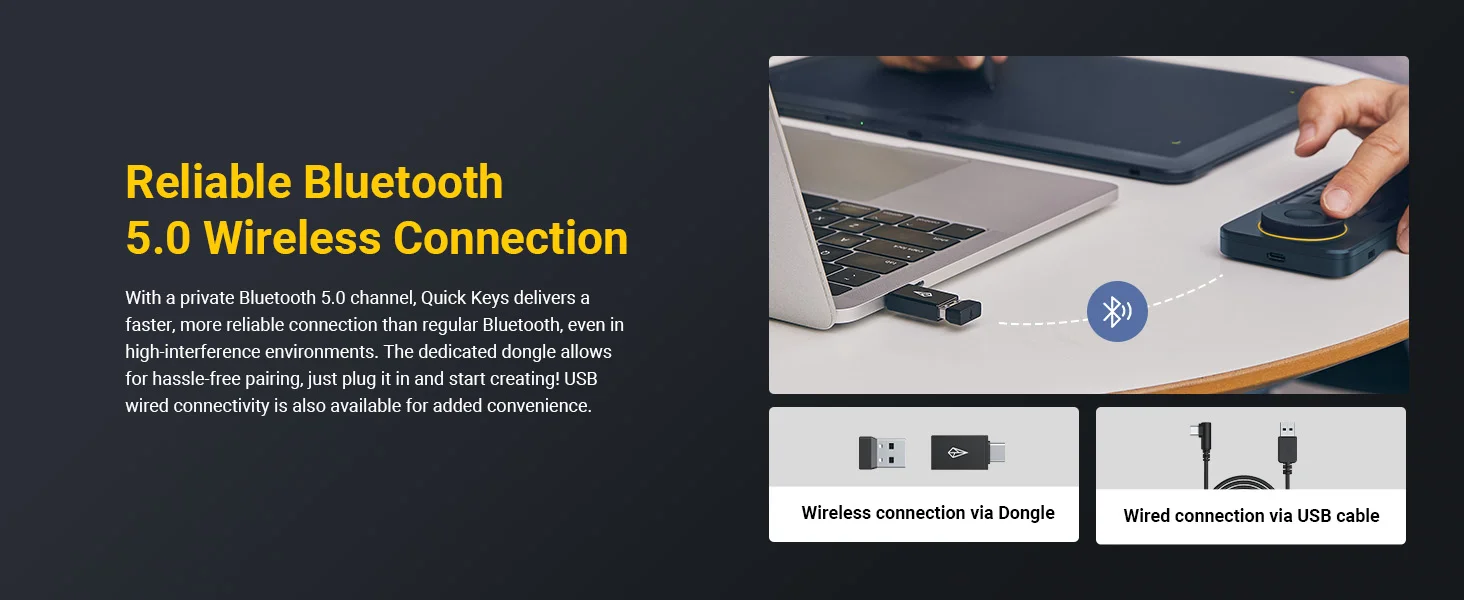
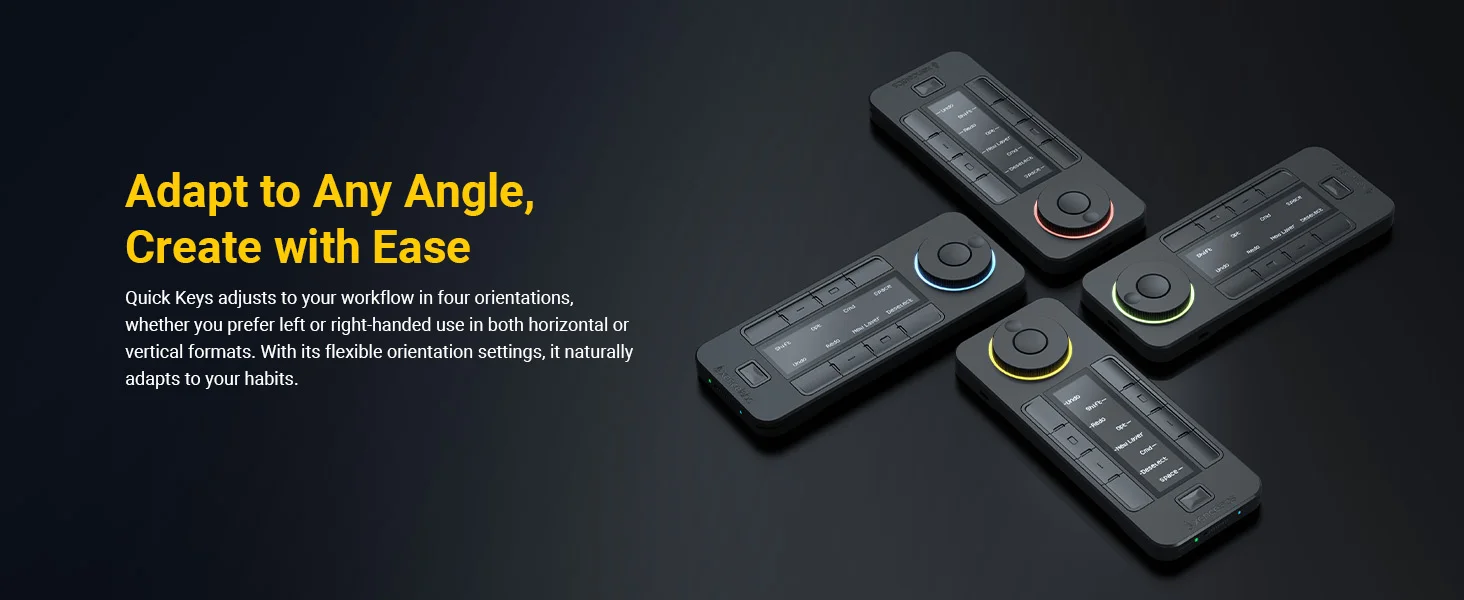
The Quick Keys was designed for comfort which the wireless connection allows by giving the artist freedom to position the controller in four different orientations to best fit your preferences. ; Left-handed or right-handed, wireless or wired, with 5 sets of 8 keys, that allows up to 40 programmable functions per application, the Quick Keys will optimize your workflow.
What is not compatible and not supported with the Quick Keys and Xencelabs driver: Raspberry PI (all versions), Android operating systems, iOS (Apple iPad, iPhone) operating systems, Stream Deck, Sony PlayStation, Windows Xbox.
Notes:
-
Not supported on iOS or Android; cannot run on tablets such as iPads.
-
Does not support macro commands, script automation, third-party plugin integration, or multitasking automation.
Specification:
| Model Number | K02-A |
| Product SKU | XMCQKFRES |
| Color | Carbon Black |
| Product dimensions (W x H x D) | 6.2 x 2.46 x 0.47 in / 157.6 x 62.5 x 12 mm |
| Product weight | 142g / 0.31lbs |
| Display | Text and symbols can be read horizontal or vertical |
| Time before device sleeps from no activity | Set by user |
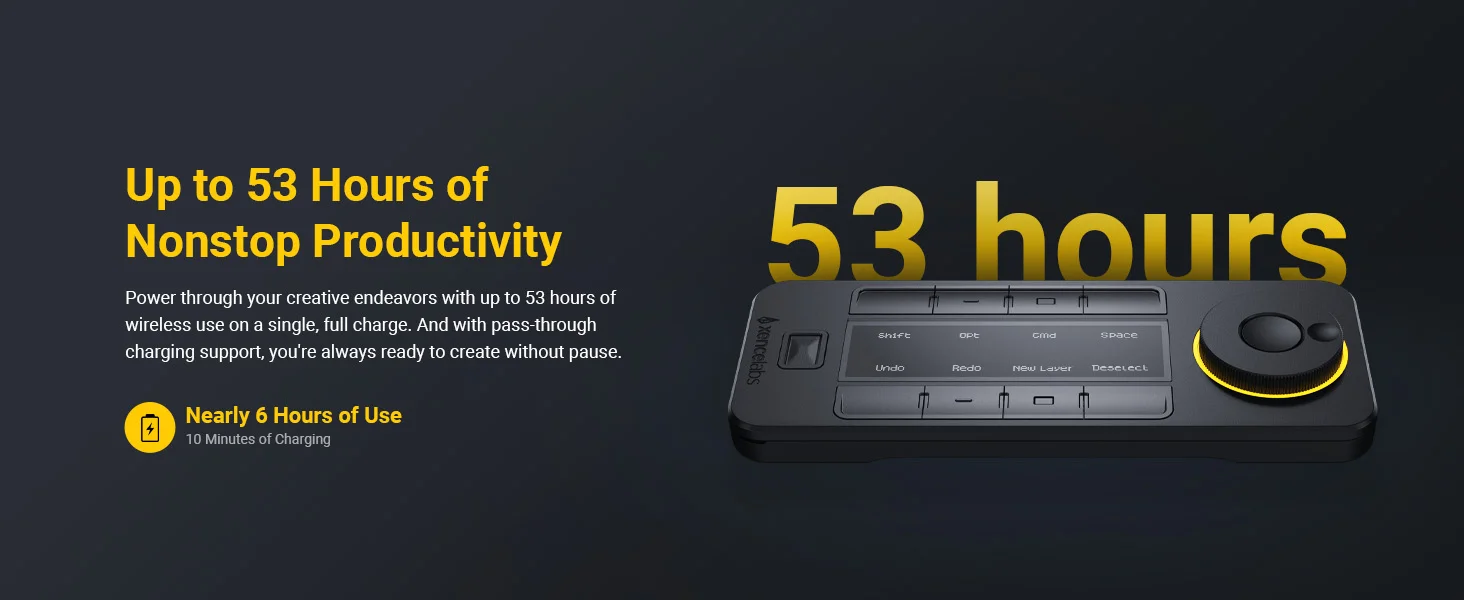
| Quick Keys hours per charge | 25-53 hours (1.5 hours charging time) |
| Quick Keys Cable L included | USB-A to USB-C RKensington NANO Lockt Angle 90º Wireless via USB/USB-C connection |
| Custom shortcut | 8 programmable keys, with 5 key sets, for up to 40 unique short-cut keys |
| Dial | Up to 4 (user can define) |
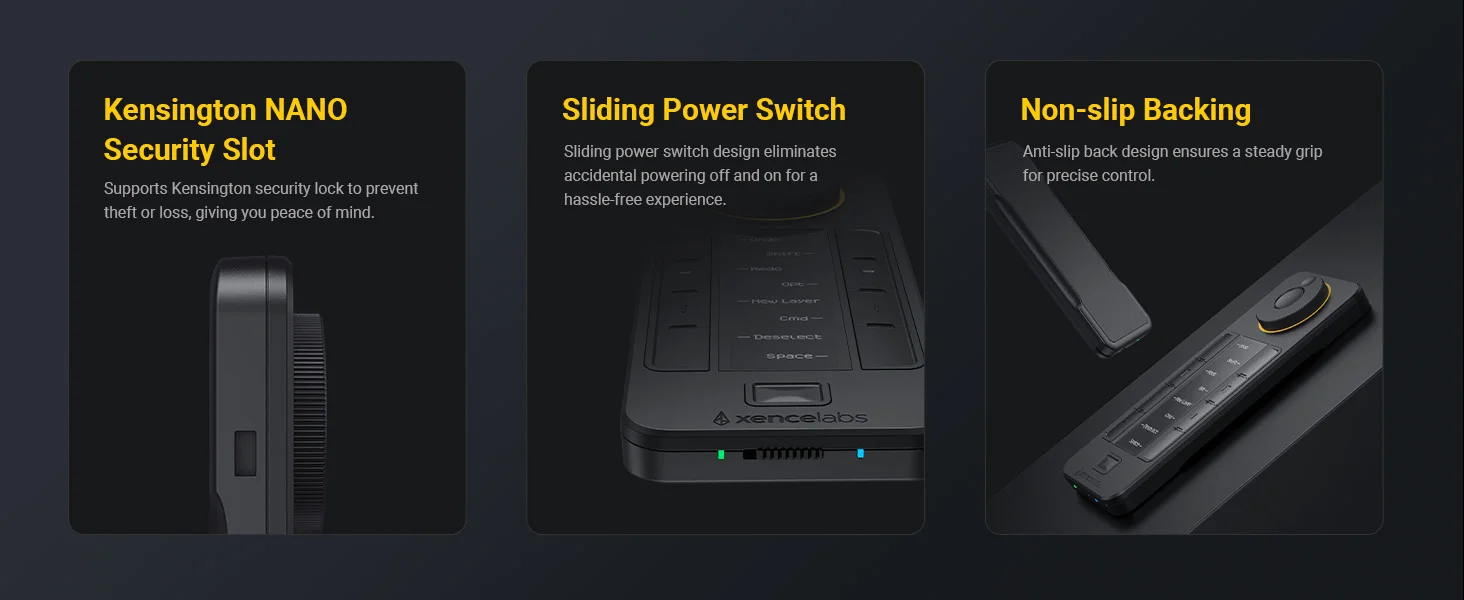
| Security | Kensington Nano Security Slot |
| Connectivity | Wireless or USB |
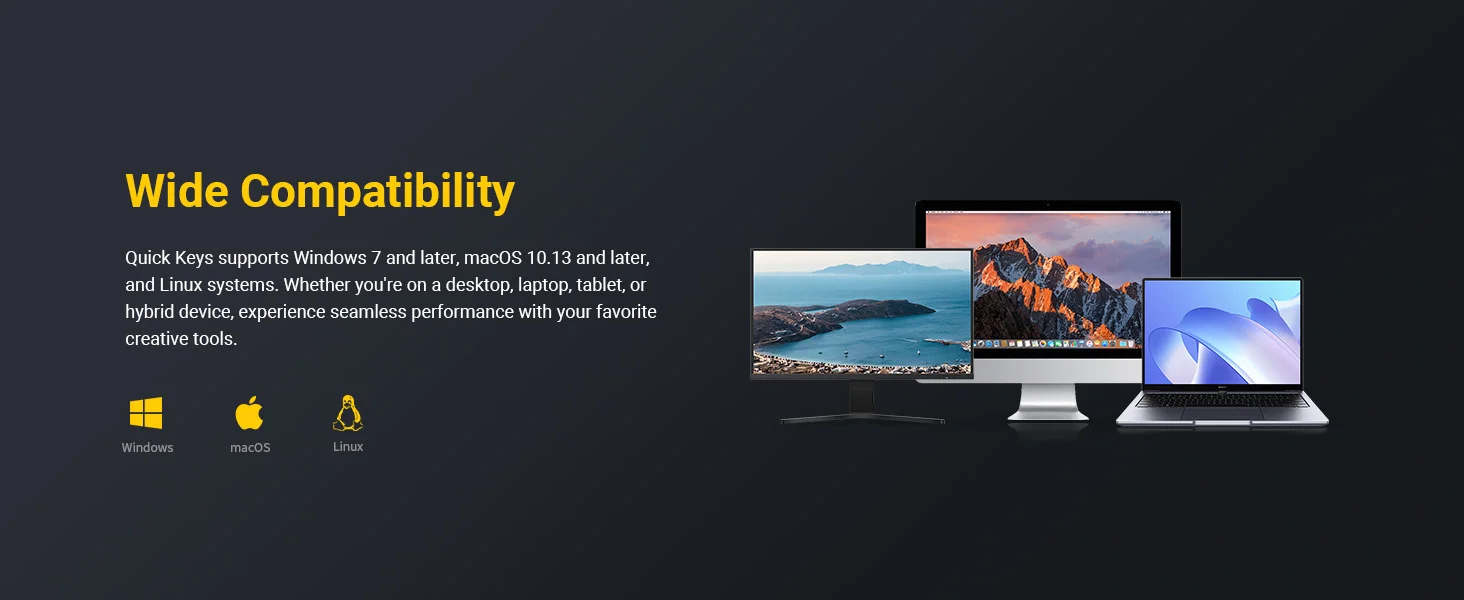
| System requirements | Windows 7 or later (latest service pack/build, including Windows 11 ARM64), Mac OS X 10.13 or later, Linux version; wireless or cable connection requires USB Type-A port (includes Type-C adapter), internet access to download driver. |
| Certifications | CE/WEEE/FCC/KC/TELEC/EAC/RCM/RoHS/UKCA/WERCS/NOM/CA PROP65 |
Customer Reviews
